Math Notebook

Math Notebook


Free

1.21.1for iPhone, iPad
Age Rating
4+
Apps in this category do not contain restricted content.
9+
Apps in this category may contain mild or occasional cartoon, fantasy or real-life violence, as well as occasional or mild adult, sexually suggestive or horrifying content and may not be suitable for children under 9 years of age.
12+
Apps in this category may contain occasional mild indecent language, frequent or intense cartoon or real-life violence, minor or occasional adult or sexually suggestive material, and simulated gambling, and may be for children under 12 years of age.
17+
You must be at least 17 years old to access this App.
Apps in this category may contain frequent and intense offensive language; Frequent and intense cartoon, fantasy or realistic violence: frequent and intense adult, scary and sexually suggestive subjects: as well as sexual content, nudity, tobacco, alcohol and drugs, may not be suitable for children under 17 years of age.
Math Notebook Screenshots
Math Notebook posterMath Notebook posterMath Notebook posterMath Notebook posterMath Notebook posterMath Notebook posterMath Notebook poster
Math Notebook posterMath Notebook posterMath Notebook posterMath Notebook posterMath Notebook posterMath Notebook posterMath Notebook posterMath Notebook poster

About Math Notebook

NOTEBOOK FEATURES
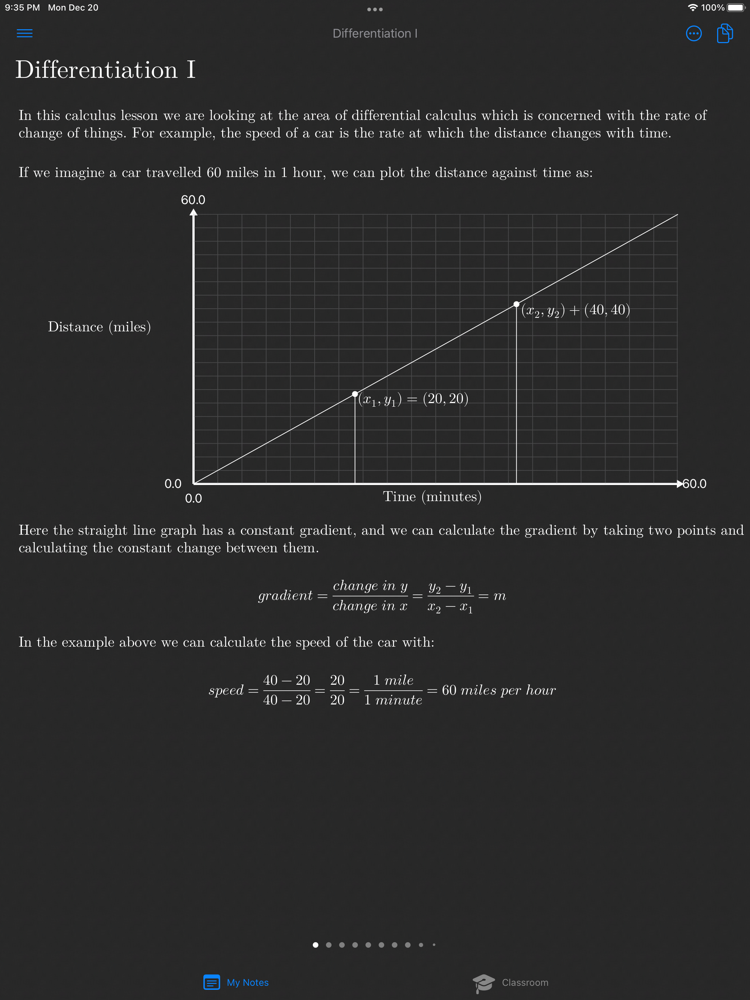
• Collect your math knowledge by writing gorgeous math notes.
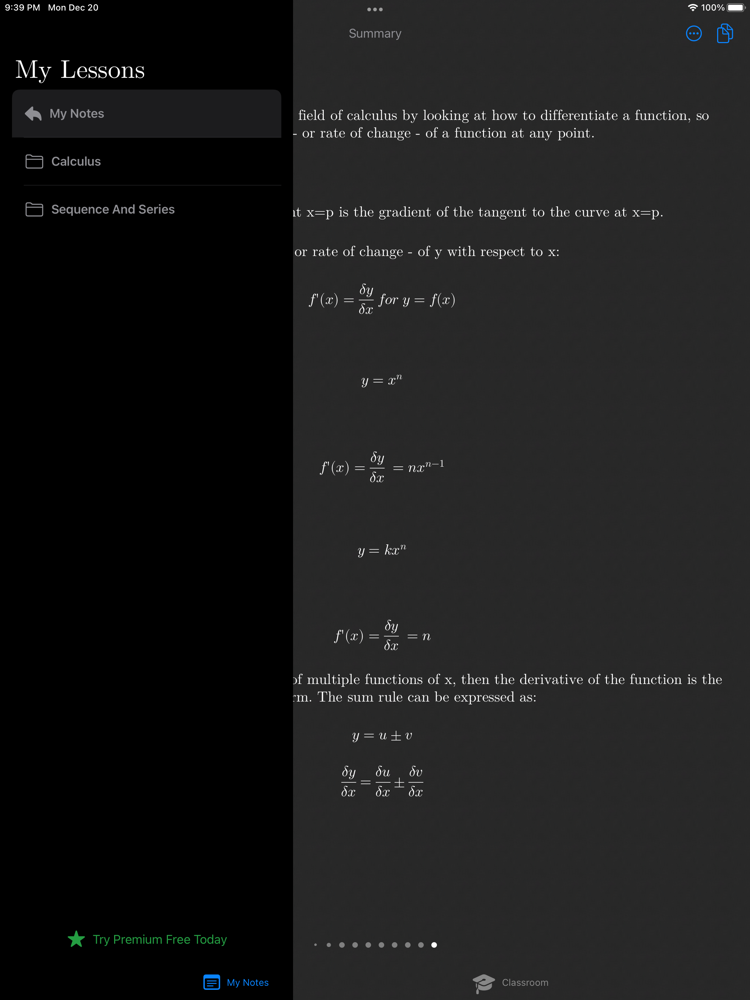
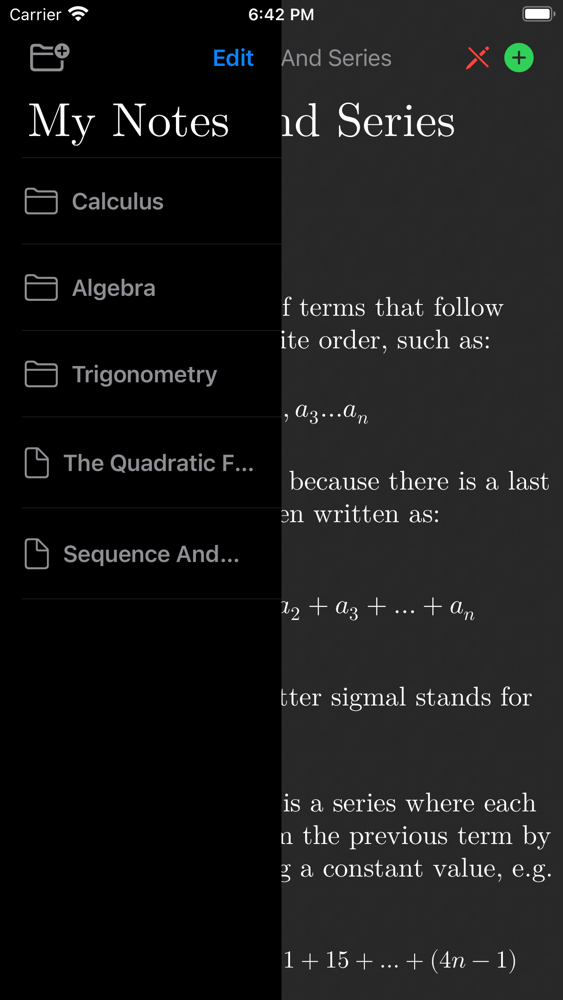
• Master math topics by organizing your notes into folders.
• Beautiful equation typesetting for clear and easy reading.
• Sync notes automatically between your devices with iCloud.
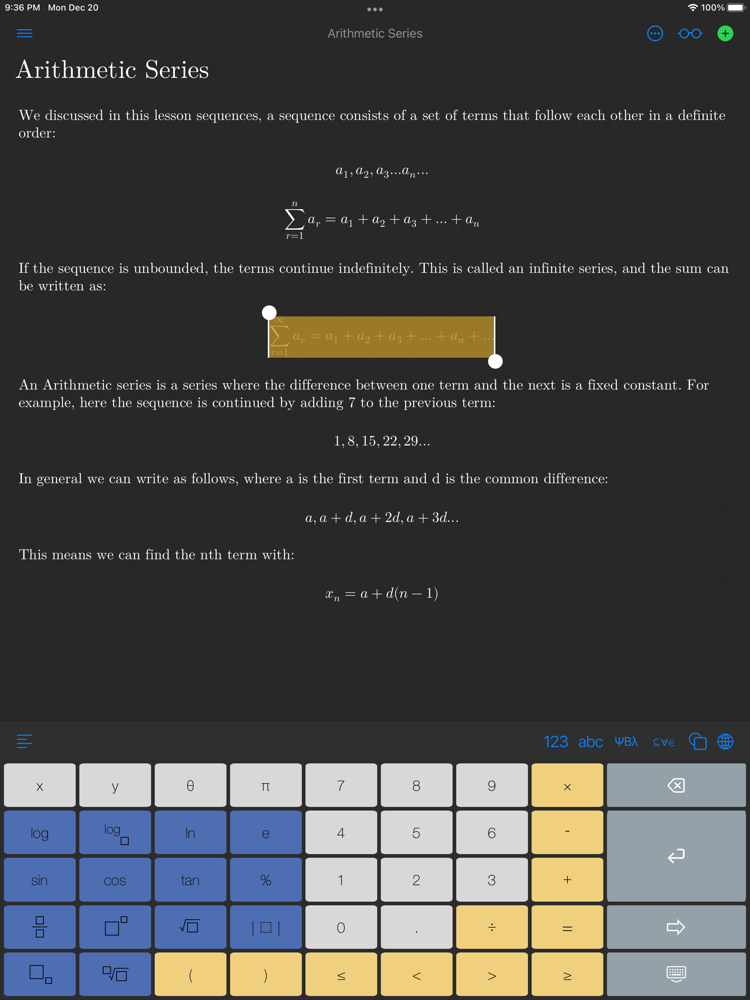
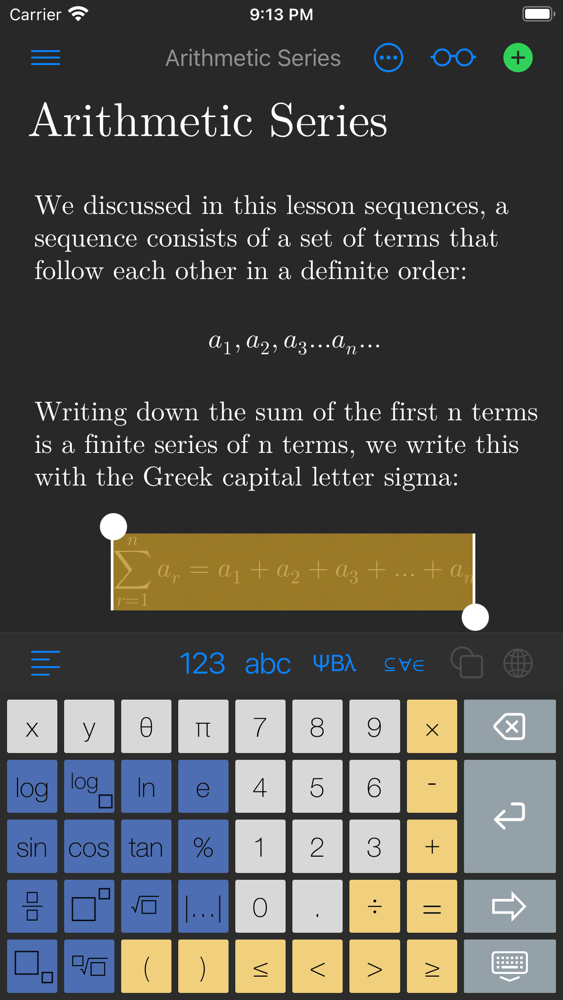
• Auto-suggest calculator to assist you, just swipe right to complete the equation.
• Elegant keyboards with symbols for arithmetic, algebra, inequalities, calculus, Greek alphabet, matrices, set and number theory.
• Switch to standard keyboard for writing standard multilingual text notes.
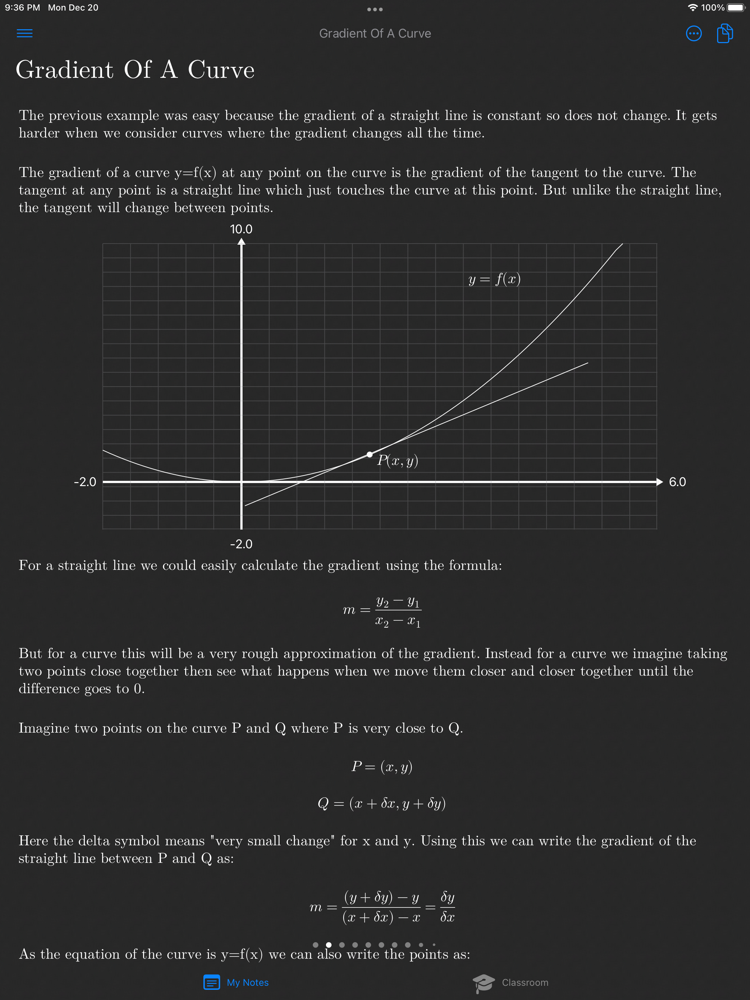
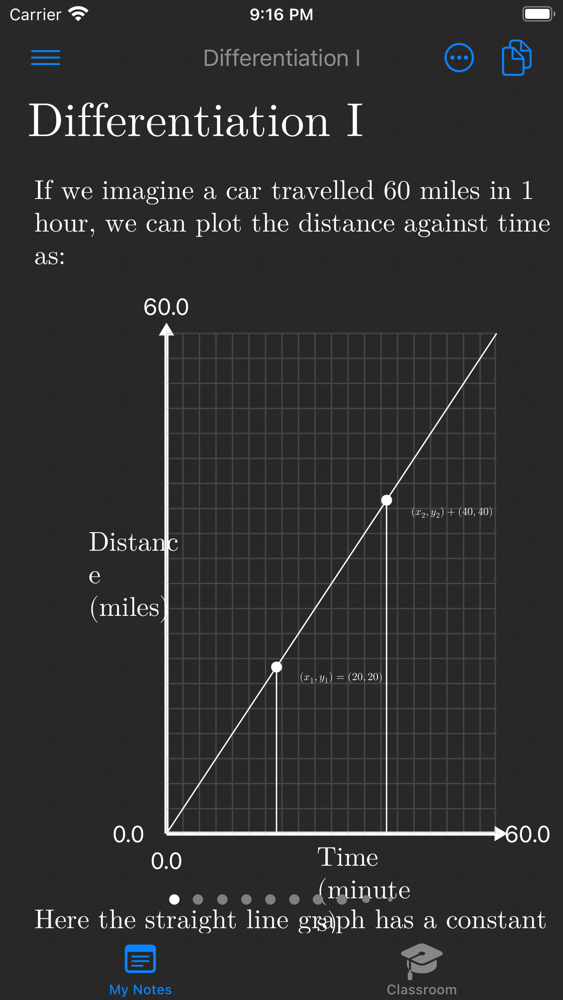
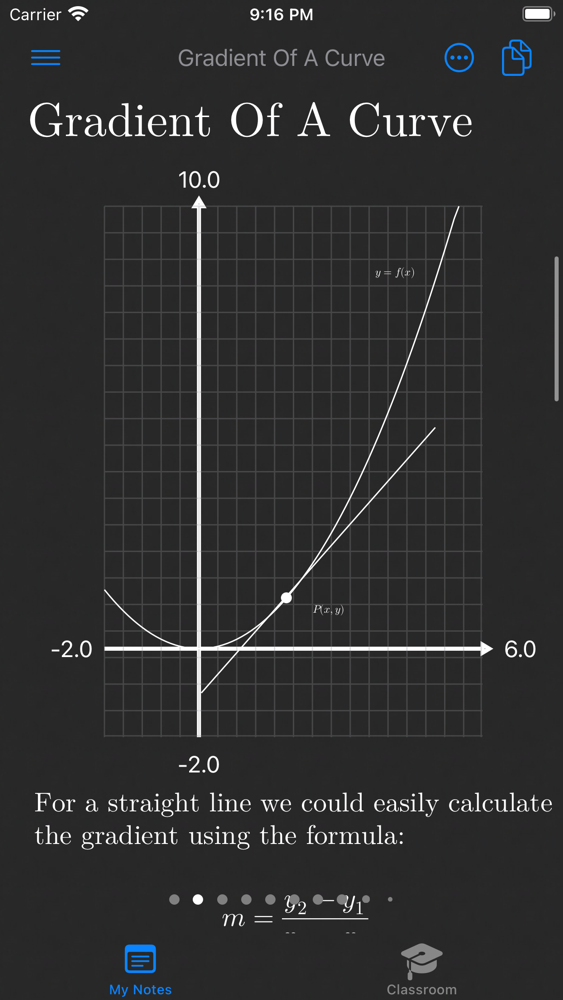
• Chart graphs on x-y coordinate plane.
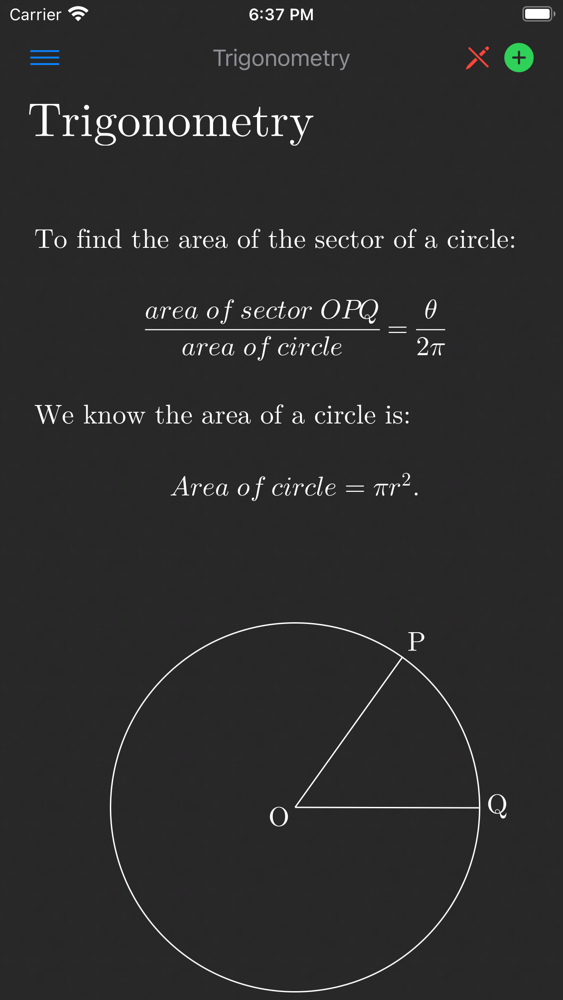
• Draw shapes, lines, curves, circles, triangles and more for trigonometry and geometry.
• Highlight equations, cut, copy and paste equations between notes and external apps.
• LaTeX compatible: copy and paste standard LaTeX from the Internet or external apps to render beautifully in your notes.
• Light & dark mode.
• Read mode to scan notes without editing.

FREE
• Math Notebook is free to download and use.
• The FREE version is limited to 15 notes.
• Added cloud storage can be purchased with the PREMIUM In-App Purchase.

CLASSROOM AREA (new!)
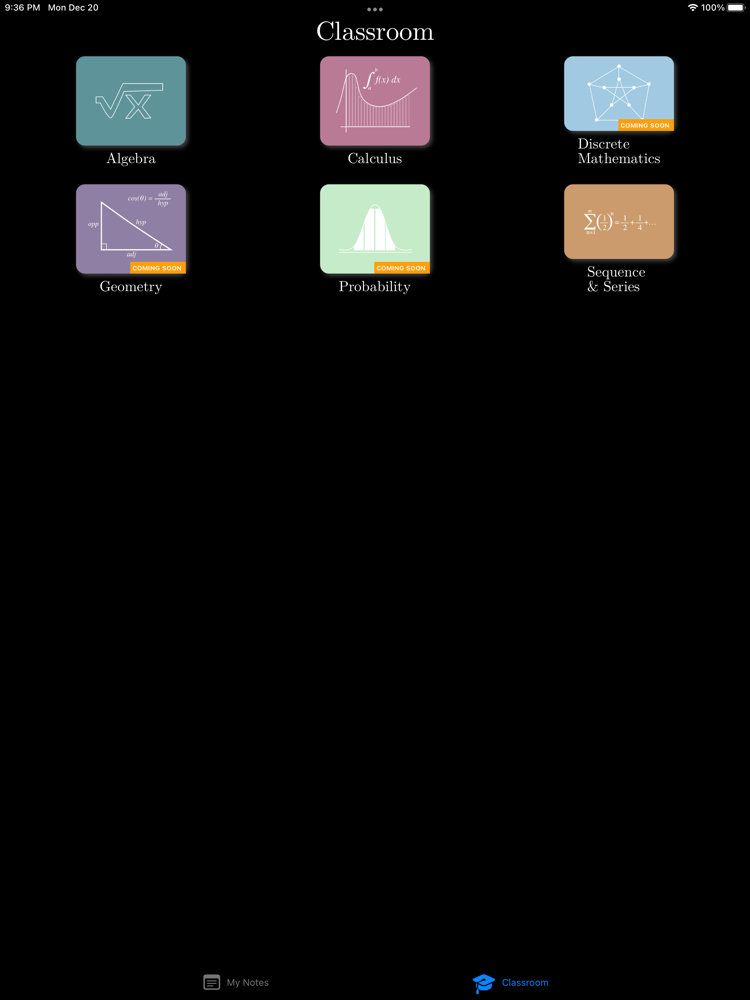
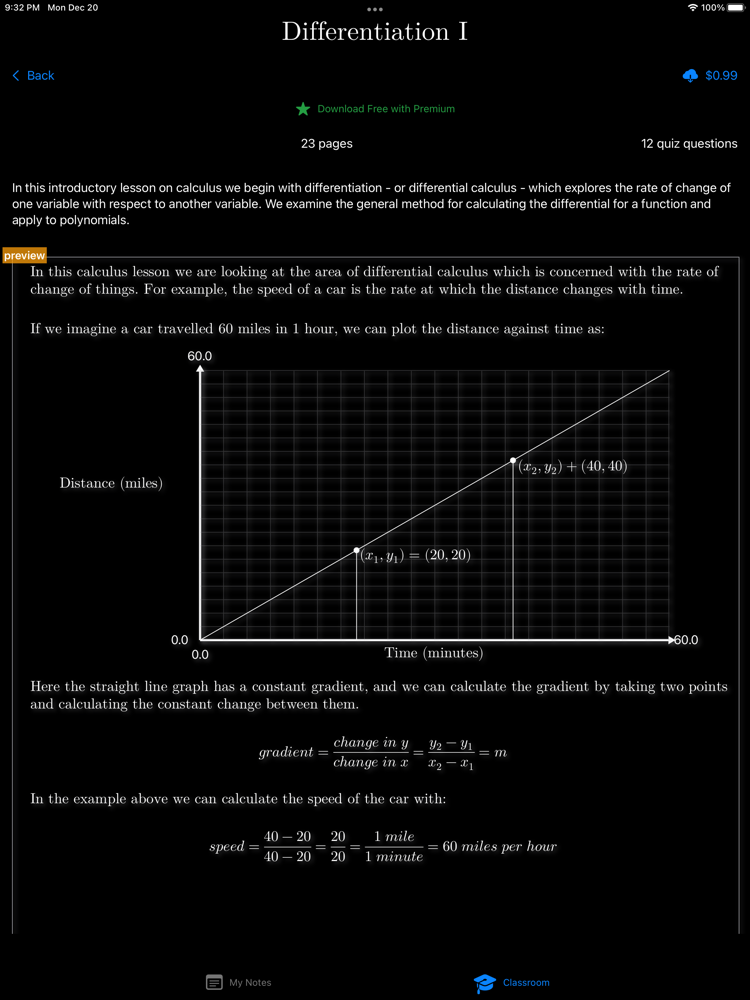
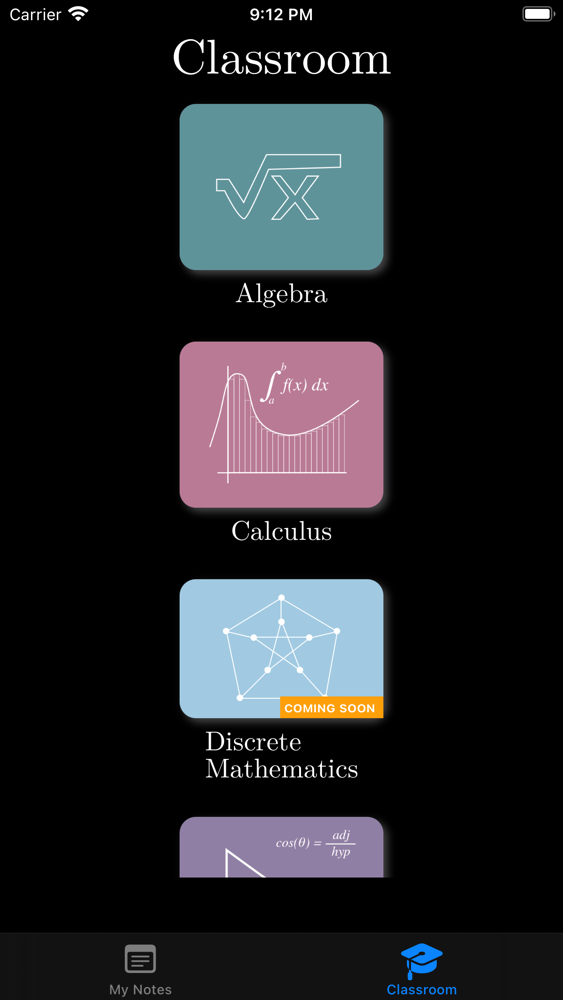
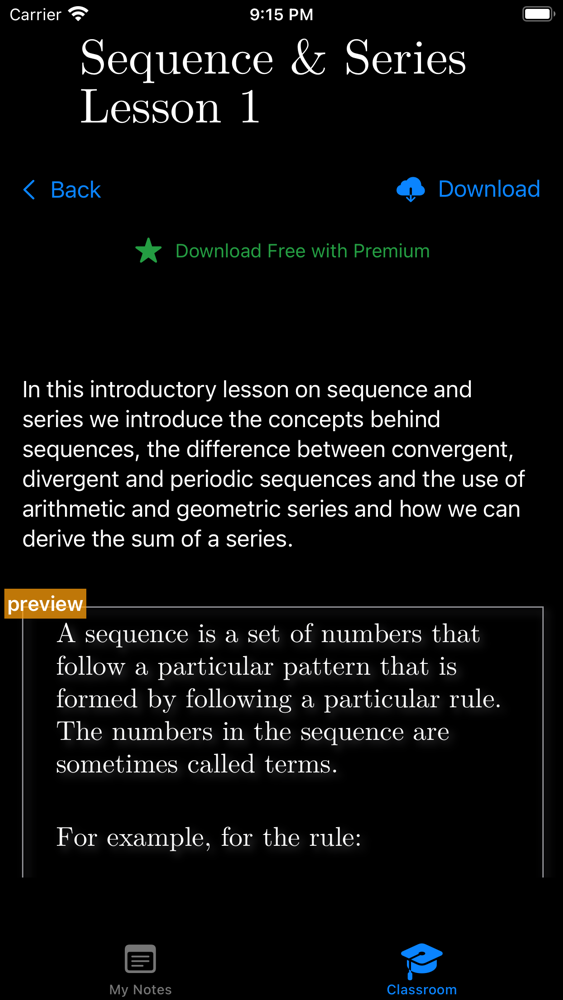
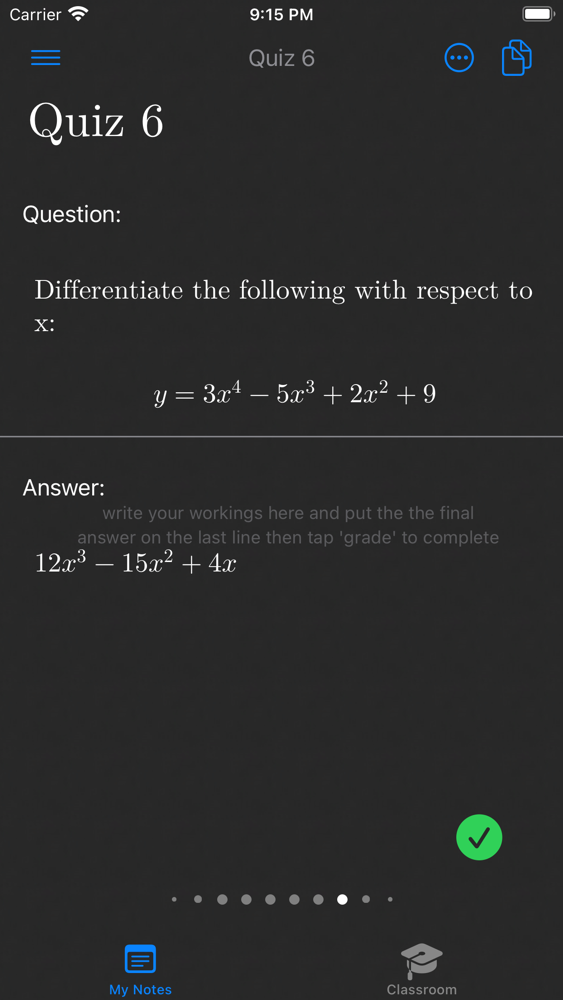
• Download math lessons from the Classroom area from a range of topics: algebra, calculus, geometry, sequence and series and more.
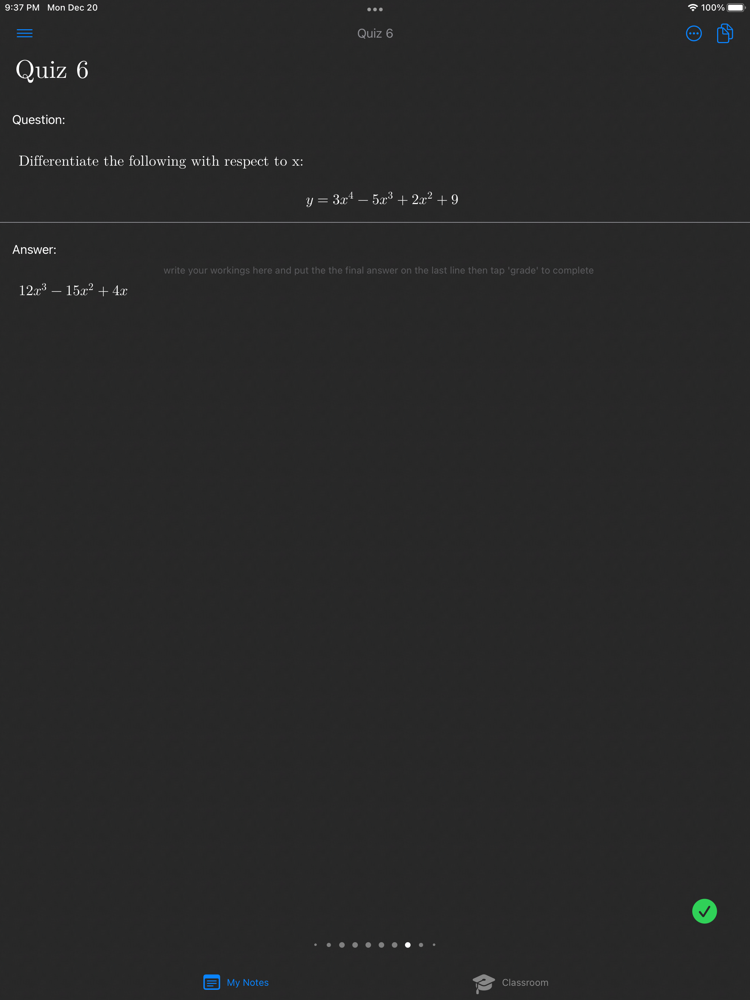
• Master a particular math topic and complete the quiz questions to hone your knowledge.
• $0.99/lesson or 4 free lessons/month as a PREMIUM subscriber.
• Copy lesson content to your notes to edit and update for your own classes.

PREMIUM SUBSCRIPTION
You may purchase an auto-renewing subscription through an In-App Purchase.
• Auto-renewable subscription.
• $1.99/month for 1 year.
• 4 free math lessons per month downloadable from the Classroom area.
• Your subscription will be charged to your iTunes account at confirmation of purchase and will automatically renew (at the duration selected) unless auto-renew is turned off at least 24 hours before the end of the current period.
• Current subscription may not be cancelled during the active subscription period; however, you can manage your subscription and/or turn off auto-renewal by visiting your iTunes Account Settings after purchase.

• Privacy policy: http://phron.io/privacy.html.
• Terms of Use: http://phron.io/terms.html.

Show More

What's New in the Latest Version 1.21.1

Last updated on Jan 7, 2022
Old Versions
Various fixes:
- prevent swipe page transition from occurring as user navigates the sidebar.
- fix TextLabel to allow user to select and insert at the end of the line.
- fix graph setting dialog so it doesn't close when keyboard is dismissed
- fix crash caused by Simultaneous accesses error when user backspaces to line above.
Show More
Version History
1.21.1
Jan 7, 2022
Various fixes:
- prevent swipe page transition from occurring as user navigates the sidebar.
- fix TextLabel to allow user to select and insert at the end of the line.
- fix graph setting dialog so it doesn't close when keyboard is dismissed
- fix crash caused by Simultaneous accesses error when user backspaces to line above.
1.10.2
Sep 29, 2021
Drawing area bug fixes:
- Allow user to edit math and text labels
- Prevent duplicating drawing area on return/enter pressed in keyboard

Math Notebook FAQ

Click here to learn how to download Math Notebook in restricted country or region.
Check the following list to see the minimum requirements of Math Notebook.
iPhone
iPad
Math Notebook supports English

Math Notebook Alternative

You May Also Like

Get more from Johanna Arias