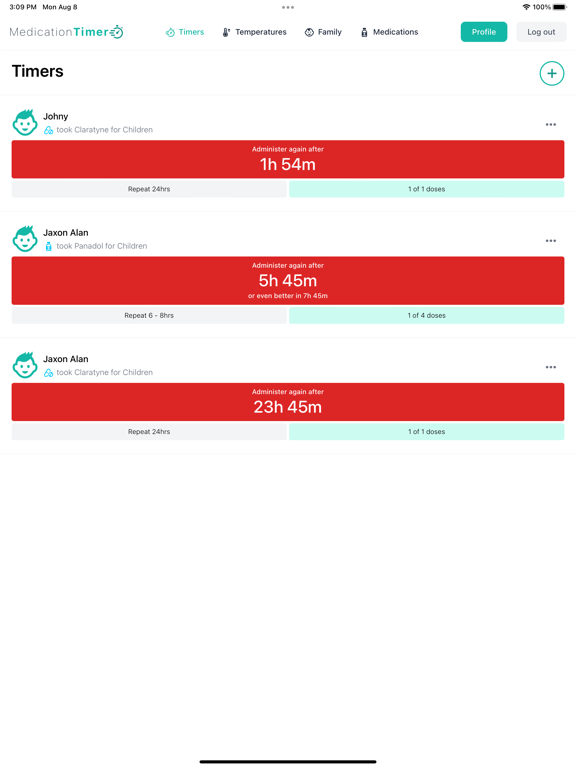
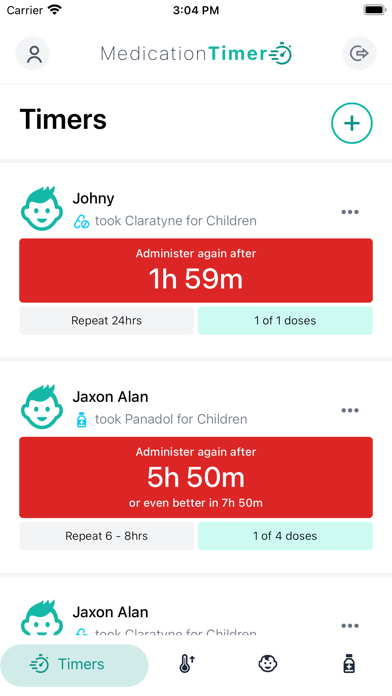
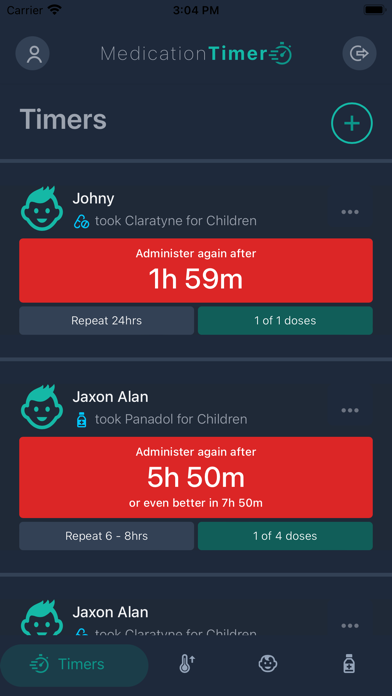
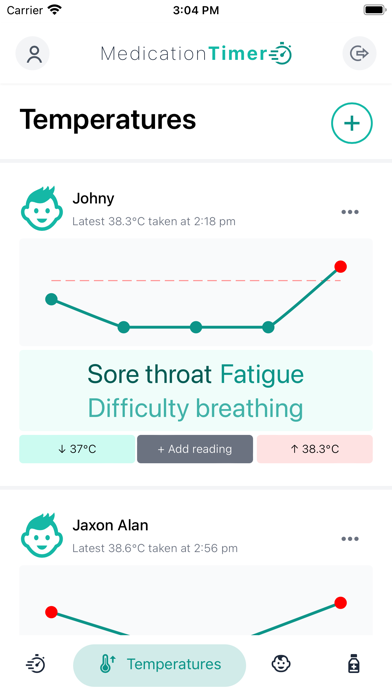
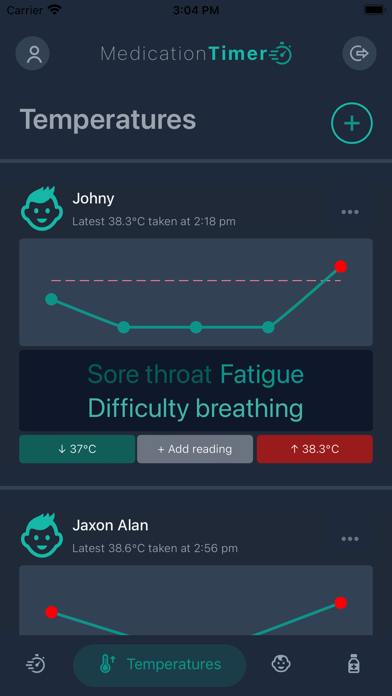
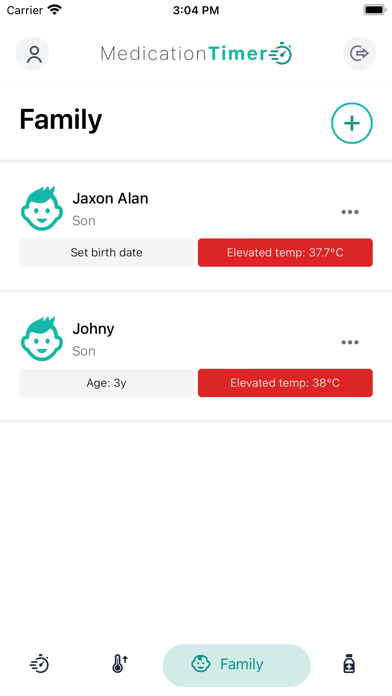
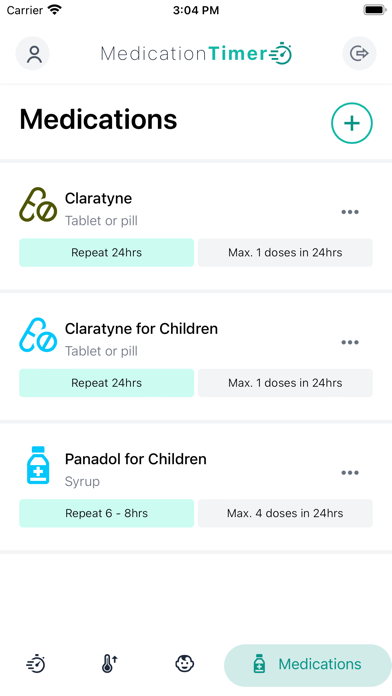
“When did I last give them medicine?” “What was their temperature an hour ago?” Many of us started from a middle-of-the-night fever, but households also need everyday schedules and vitals in one trusted place. Medication Timer helps you coordinate scheduled medication routines, as-needed medication timers, temperature history, and health readings (blood pressure, glucose, SpO₂, INR, and more), with optional Family sharing so every caregiver sees the same picture.
What you can do
- Family profiles: Track multiple family members in one place.
- Scheduled dose routines: Add clock-based routines (daily / weekly / hourly patterns) so planned doses appear on Today and can surface reminders on mobile, alongside everything else happening that day.
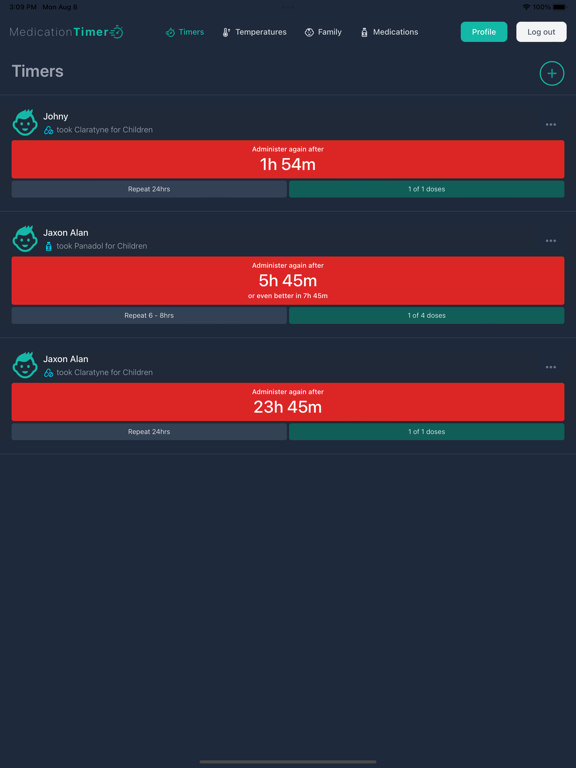
- As-needed medication timers: Space “as needed” medicines (for example paracetamol or ibuprofen) so you are confident you are not under- or overdosing between doses.
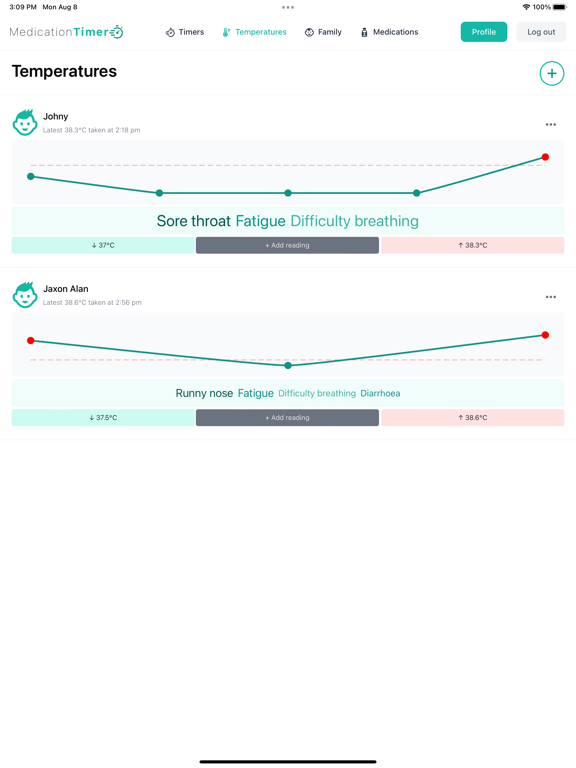
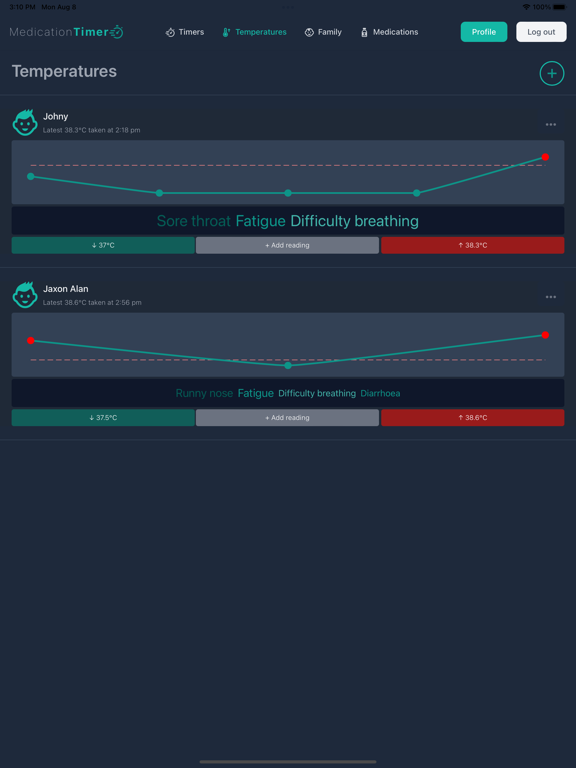
- Temperature & symptoms: Log readings and context for 24hr visibility. Family: report on full temperature history.
- Health readings / vitals: Track readings such as INR, blood pressure, resting heart rate, SpO₂, respiratory rate, weight, and blood glucose (mg/dL or mmol/L), set targets, optionally attach reminders on mobile, and view them on Today (Family plan adds long-range trends, reports, and deeper sharing workflows).
- Today hub: One daily view that combines routines, PRN timers, temperatures, and vitals per family member instead of switching between siloed screens (free: last three calendar days in full detail on the strip; Family: unlimited history and subscriber extras).
- Quick actions (Family plan): Shortcuts to log routine actions and start flows faster from Today.
- Family reports (Family plan): Summaries over selectable periods for your records or to share with trusted caregivers.
The app is not “only” a generic single-alarm pill tracker. It is built to combine household medication workflows (scheduled + as-needed) with temperature and clinical-style vitals, Today management, and optional multi-caregiver coordination. If you only need one repeating alarm with no family or health context, simpler apps may fit; if you are juggling several people, routines, and readings, Medication Timer is aimed at that job.
Free vs Family plan
- Free keeps a solid core for medications and temperatures with Today for the last three calendar days in full detail, without subscriber-only shared coordination, quick timers, full trend/report tooling, or family reports. Current free capabilities are intended to remain available without charge for the life of the product.
- Family (annual subscription) unlocks shared family coordination across caregivers, unlimited calendar history on Today, quick one-tap actions, health tracking and trends, family reports, and future family features as they ship. Pricing is annual, shown in your local currency at purchase.
Privacy, terms, and subscriptions
Please read our Terms & Conditions (https://launch.medicationtimer.com/terms-conditions) and Privacy Policy (https://launch.medicationtimer.com/privacy-policy).
Subscription billing
Subscriptions renew automatically unless cancelled. To avoid renewal, cancel at least 24 hours before the end of the current period. After cancellation you keep Family features until the period ends. Refunds are handled according to Apple / Google policies. Use Restore purchases on mobile after reinstalling; sign in with the same store account used to subscribe.
Medical disclaimer
This app is not medical advice, diagnosis, or treatment. If someone is unwell or symptoms worsen, seek professional medical attention promptly. Always follow your clinician’s directions and local dosing guidance.