OBDLink
Free
7.3.0for iPhone, iPad
Age Rating
OBDLink Screenshots
About OBDLink
***The OBDLink app exclusively works with OBDLink MX+, OBDLink CX, and OBDLink MX WiFi OBD adapters***
***The app will NOT function with any other brand of OBD adapter.***
***MX+ provides Unlimited Free OEM Add-ons, No in-app fees***
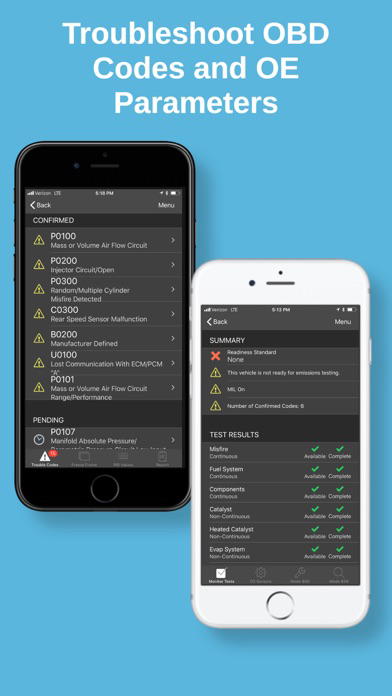
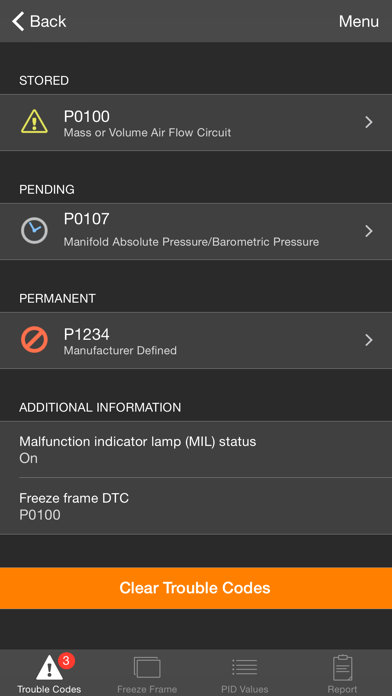
Convert your phone or tablet into a full-fledged diagnostic scan tool: read diagnostic trouble codes, clear the "Check Engine" light, check emissions readiness, estimate fuel economy and much more!
Key features:
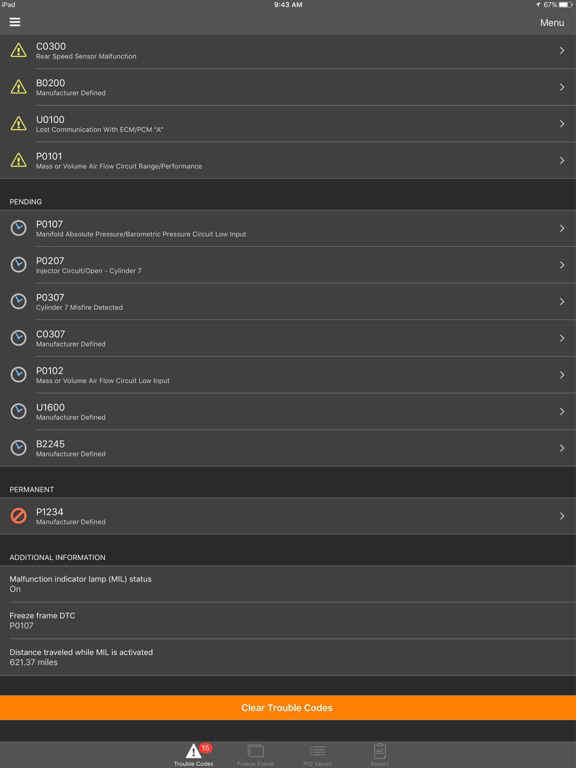
- Check and clear diagnostic trouble codes
- Read freeze frame data
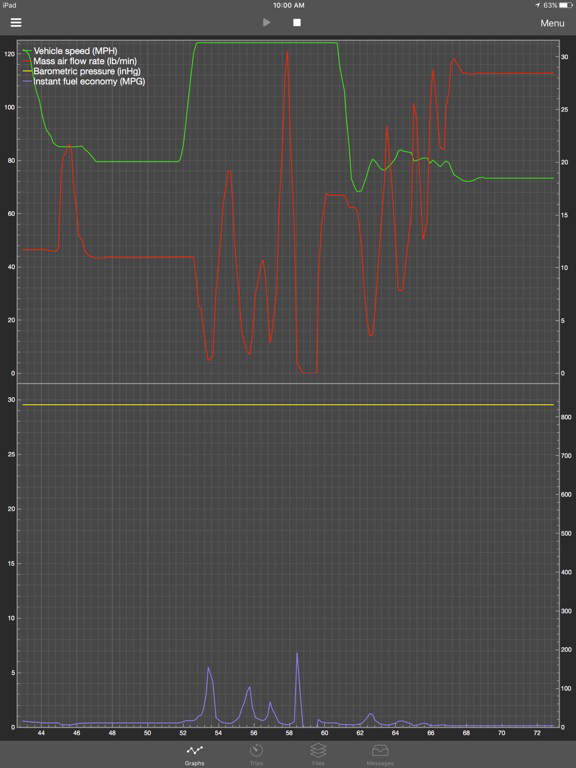
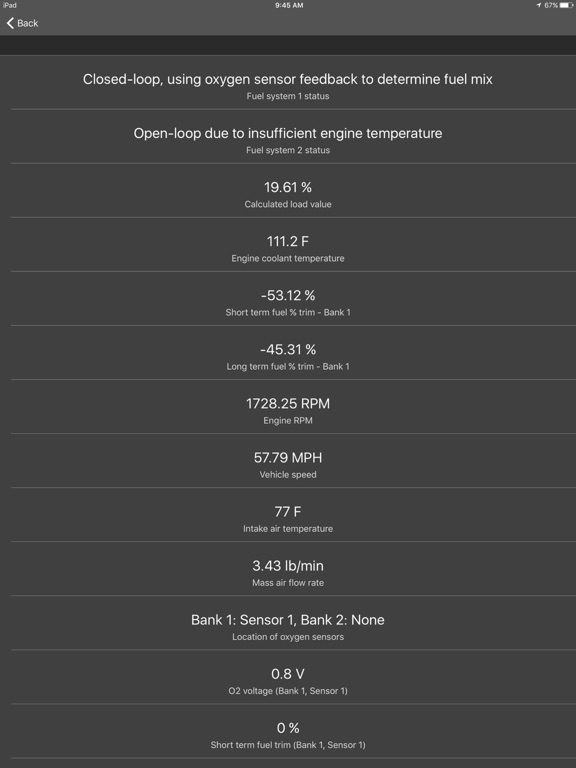
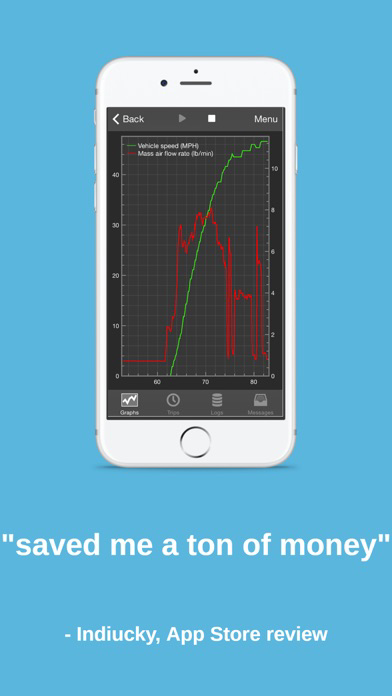
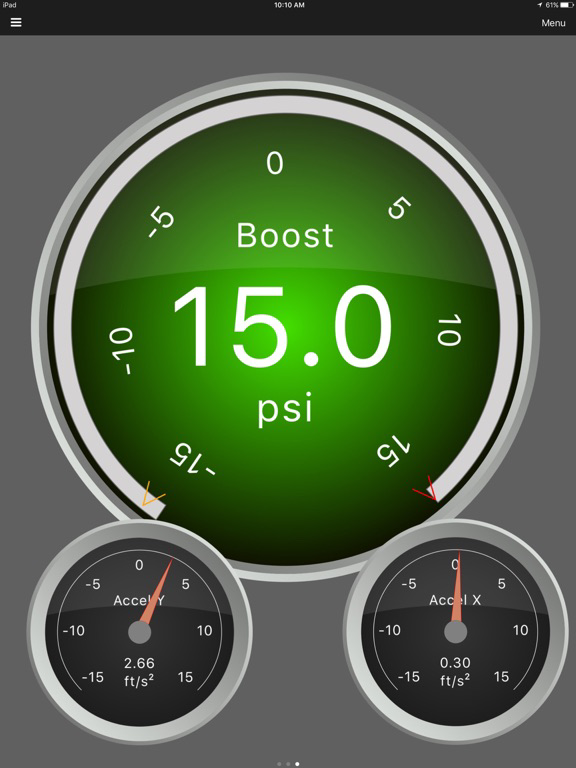
- Display real-time data (over 90 parameters!)
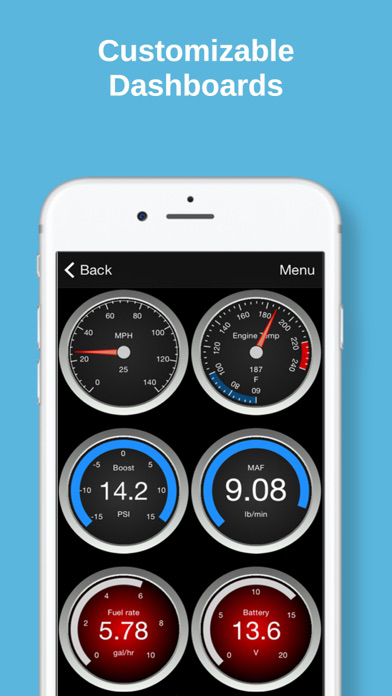
- Customizable dashboards
- Emissions readiness for each US state
- Fuel economy MPG, l/100km or km/l calculation
- Multiple trip meters
- Log data to CSV format (compatible with Excel)
- Retrieve vehicle information including VIN number and calibration ID
- Oxygen Sensor Results (Mode $05)
- On-board Monitoring Tests (Mode $06)
- In-performance Tracking Counters (Mode $09)
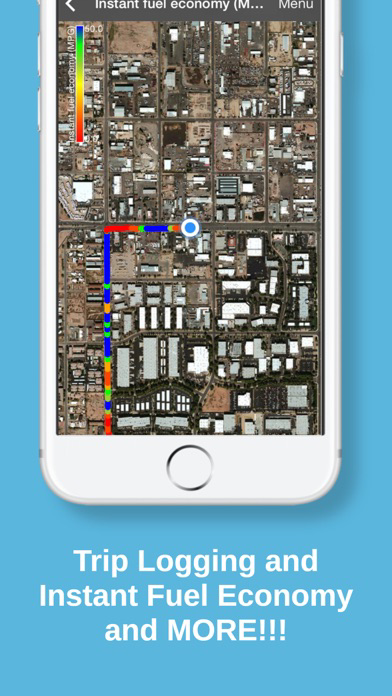
- GPS tracking - plot vehicle parameters on a map in real-time
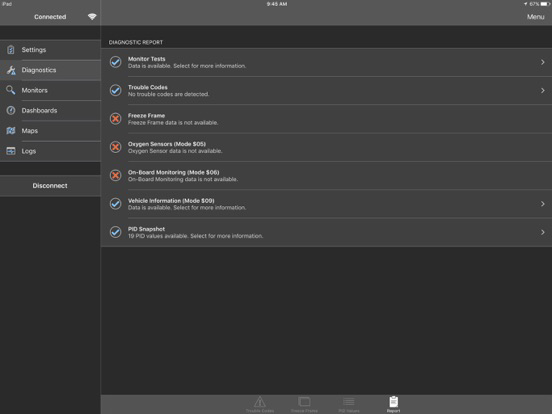
- Full diagnostic report that can be e-mailed or uploaded to Dropbox
- English and Metric units
- Support for English, Spanish, French, Greek, Italian, and Czech languages
- Free unlimited updates
- Ad-free
* Continued use of GPS running in the background can dramatically decrease battery life.

***The app will NOT function with any other brand of OBD adapter.***
***MX+ provides Unlimited Free OEM Add-ons, No in-app fees***
Convert your phone or tablet into a full-fledged diagnostic scan tool: read diagnostic trouble codes, clear the "Check Engine" light, check emissions readiness, estimate fuel economy and much more!
Key features:
- Check and clear diagnostic trouble codes
- Read freeze frame data
- Display real-time data (over 90 parameters!)
- Customizable dashboards
- Emissions readiness for each US state
- Fuel economy MPG, l/100km or km/l calculation
- Multiple trip meters
- Log data to CSV format (compatible with Excel)
- Retrieve vehicle information including VIN number and calibration ID
- Oxygen Sensor Results (Mode $05)
- On-board Monitoring Tests (Mode $06)
- In-performance Tracking Counters (Mode $09)
- GPS tracking - plot vehicle parameters on a map in real-time
- Full diagnostic report that can be e-mailed or uploaded to Dropbox
- English and Metric units
- Support for English, Spanish, French, Greek, Italian, and Czech languages
- Free unlimited updates
- Ad-free
* Continued use of GPS running in the background can dramatically decrease battery life.
Show More
What's New in the Latest Version 7.3.0
Last updated on Jun 1, 2026
Old Versions
• Added support for displaying Info Types on gauges, graphs, etc.
• Added manufacturer PIDs for transmission temperature for some Subaru vehicles.
• Multiple bug fixes and improvements.
• Added manufacturer PIDs for transmission temperature for some Subaru vehicles.
• Multiple bug fixes and improvements.
Show More
Version History
7.3.0
Jun 1, 2026
• Added support for displaying Info Types on gauges, graphs, etc.
• Added manufacturer PIDs for transmission temperature for some Subaru vehicles.
• Multiple bug fixes and improvements.
• Added manufacturer PIDs for transmission temperature for some Subaru vehicles.
• Multiple bug fixes and improvements.
OBDLink FAQ
Click here to learn how to download OBDLink in restricted country or region.
Check the following list to see the minimum requirements of OBDLink.
iPhone
iPad