Age Rating
4+
Apps in this category do not contain restricted content.
9+
Apps in this category may contain mild or occasional cartoon, fantasy or real-life violence, as well as occasional or mild adult, sexually suggestive or horrifying content and may not be suitable for children under 9 years of age.
12+
Apps in this category may contain occasional mild indecent language, frequent or intense cartoon or real-life violence, minor or occasional adult or sexually suggestive material, and simulated gambling, and may be for children under 12 years of age.
17+
You must be at least 17 years old to access this App.
Apps in this category may contain frequent and intense offensive language; Frequent and intense cartoon, fantasy or realistic violence: frequent and intense adult, scary and sexually suggestive subjects: as well as sexual content, nudity, tobacco, alcohol and drugs, may not be suitable for children under 17 years of age.
Pixel Map Screenshots
Pixel Map posterPixel Map posterPixel Map posterPixel Map posterPixel Map posterPixel Map posterPixel Map posterPixel Map poster

About Pixel Map

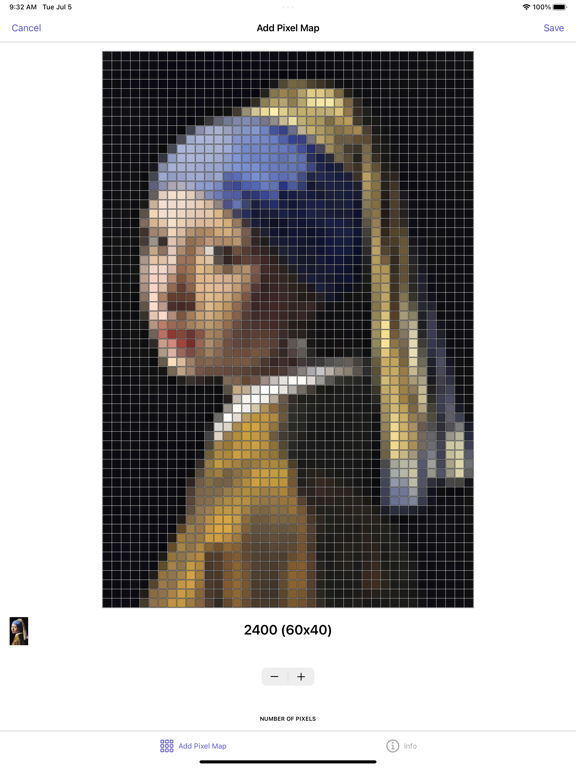
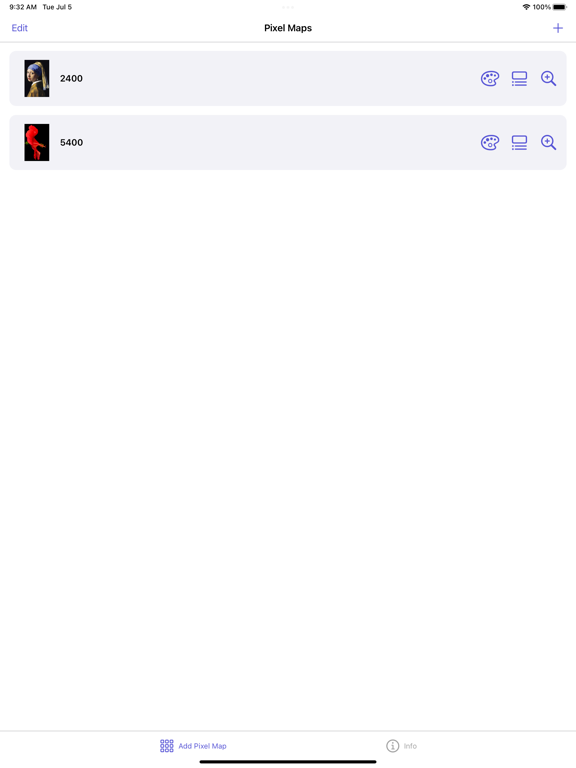
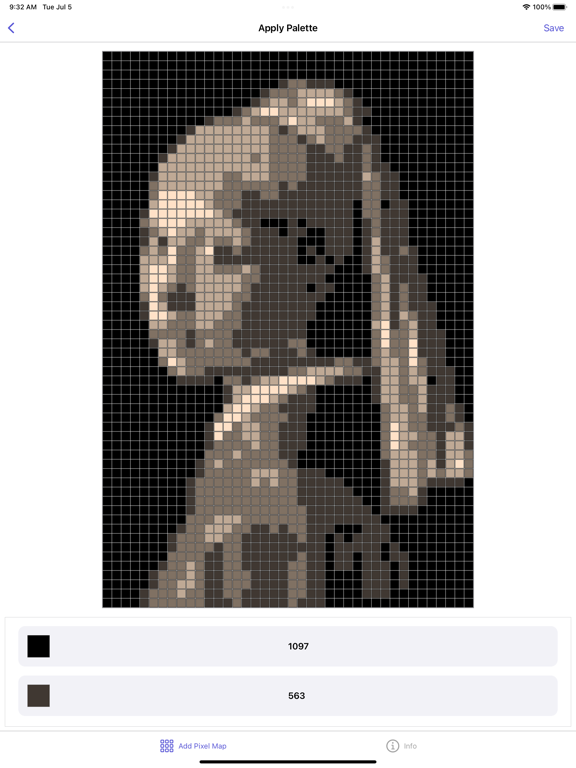
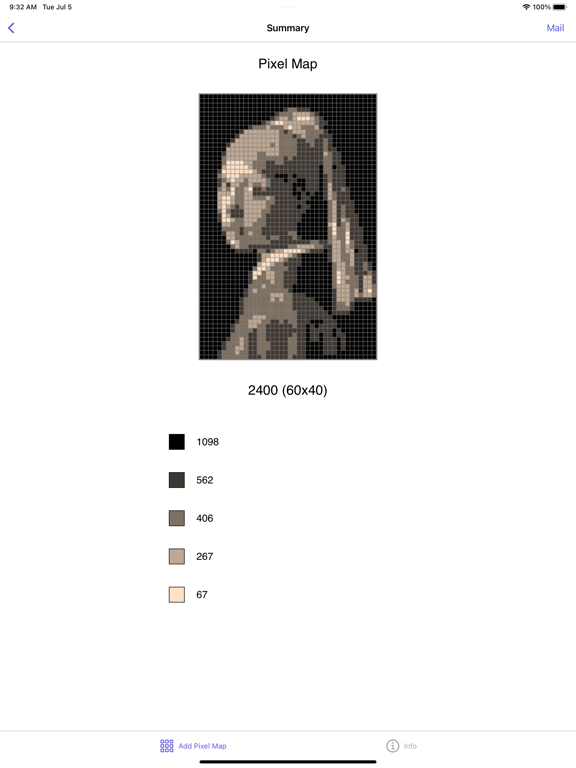
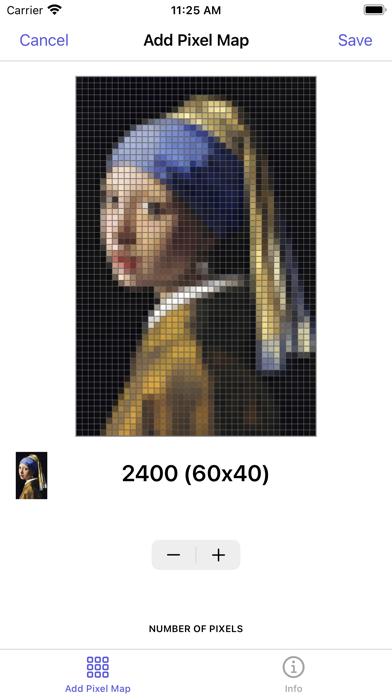
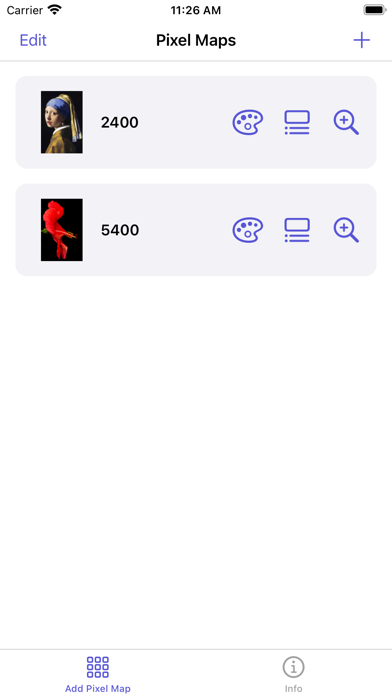
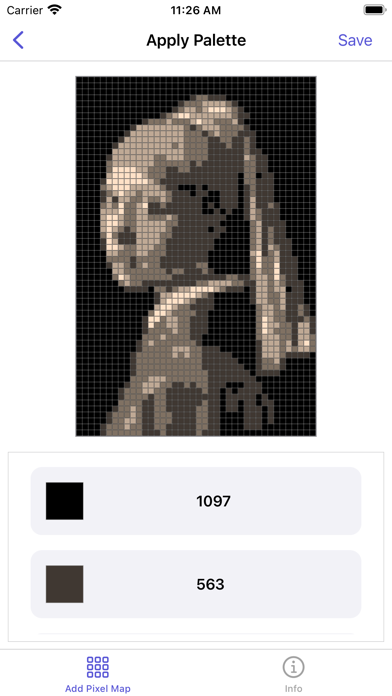
The central idea of Pixel Map is that you can take samples with different pixel sizes from your own photographs, and subsequently that you can compose one or two different color palettes to select which colors are used to recolor your pixel map.

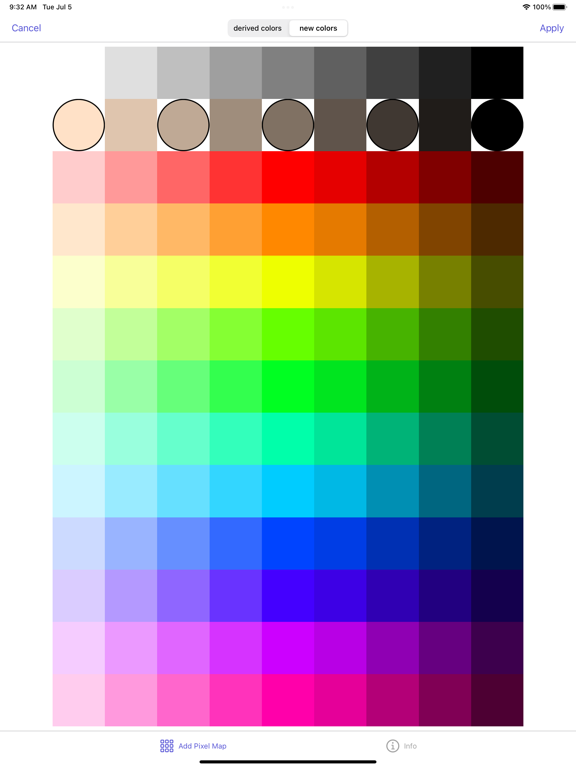
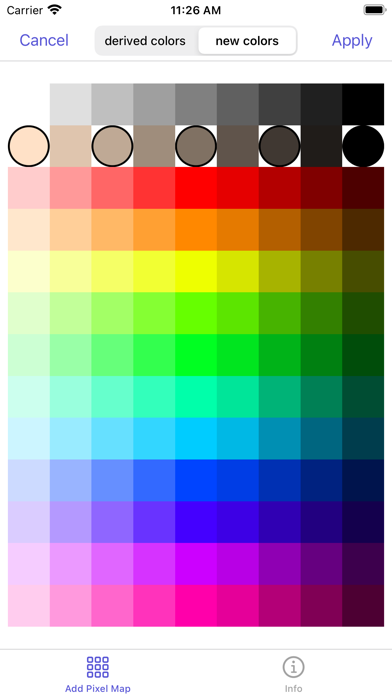
In Pixel Map you can select one of your own photos as the basis for a pixel map. Also, you can select the number of pixels to be used for your Pixel map (the app generates pixel map samples based on the original colors and the aspect ratio of your photo), and you can compose your own palettes by selecting colours from two separate sets of color patches.

You can define your color palettes based either on the colors from your pixel sample, or from a fresh set of color patches. One set of color patches is based on the original pixel sample by employing Artificial Intelligence techniques. The other set of color patches contains a predefined set of several grey values, skin tones and general colors. The proces of recoloring your images also employs Artificial Intelligence techniques.

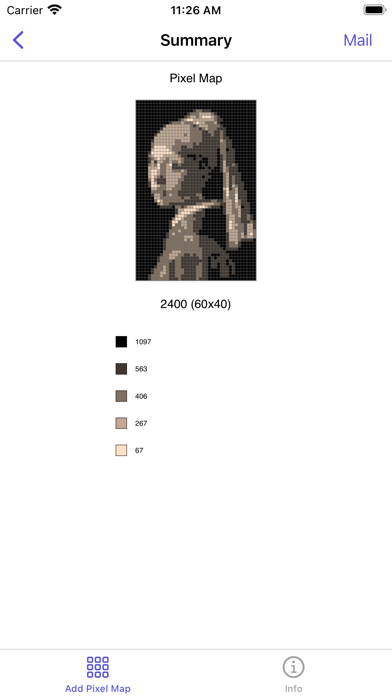
Only a small thumbnail and of course the pixel maps and their palettes are stored locally on your device. The app supports manually copying your pixel map to an external canvas. You can also export your pixel map by email. To ease the process of copying, a detail view can identify each pixel by a row- and column number.

Show More

What's New in the Latest Version 1.0

Last updated on Jul 6, 2022
Version History
1.0
Jul 6, 2022

Pixel Map FAQ

Click here to learn how to download Pixel Map in restricted country or region.
Check the following list to see the minimum requirements of Pixel Map.
iPhone
iPad

Pixel Map Alternative

You May Also Like

Get more from Rob Duell PhD