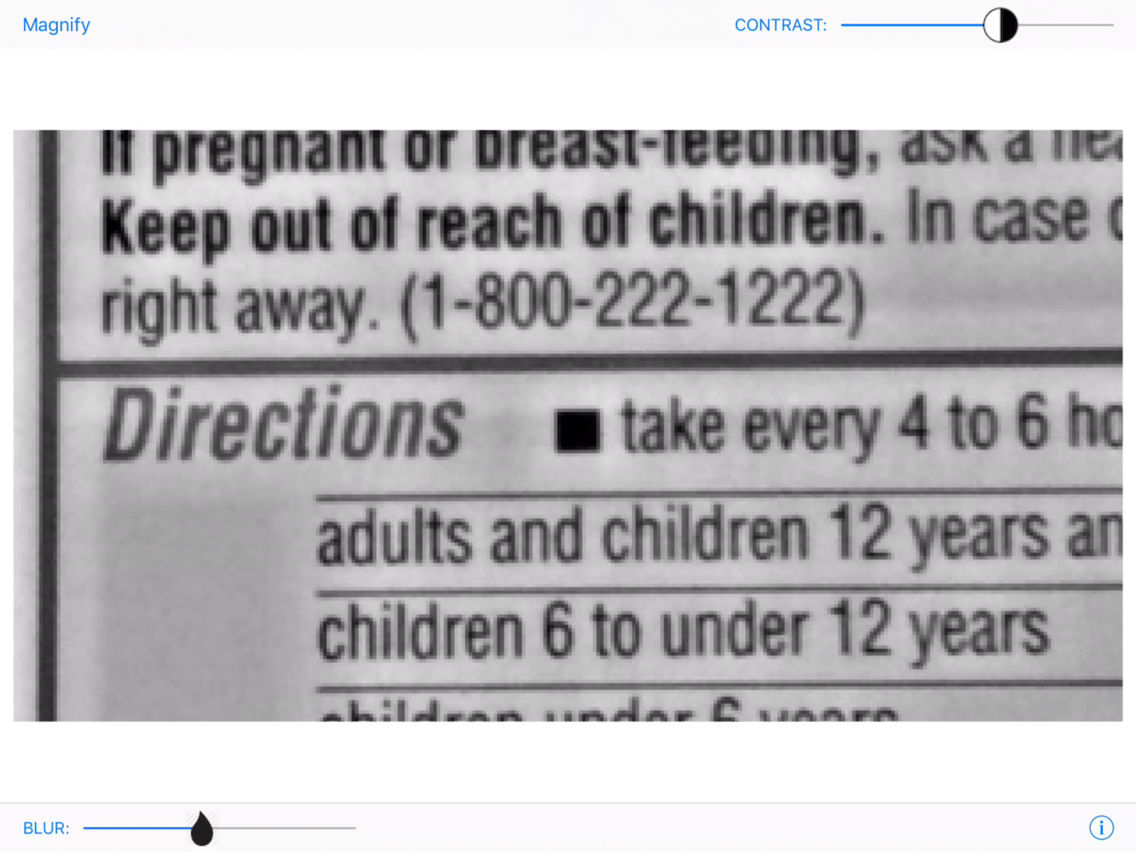
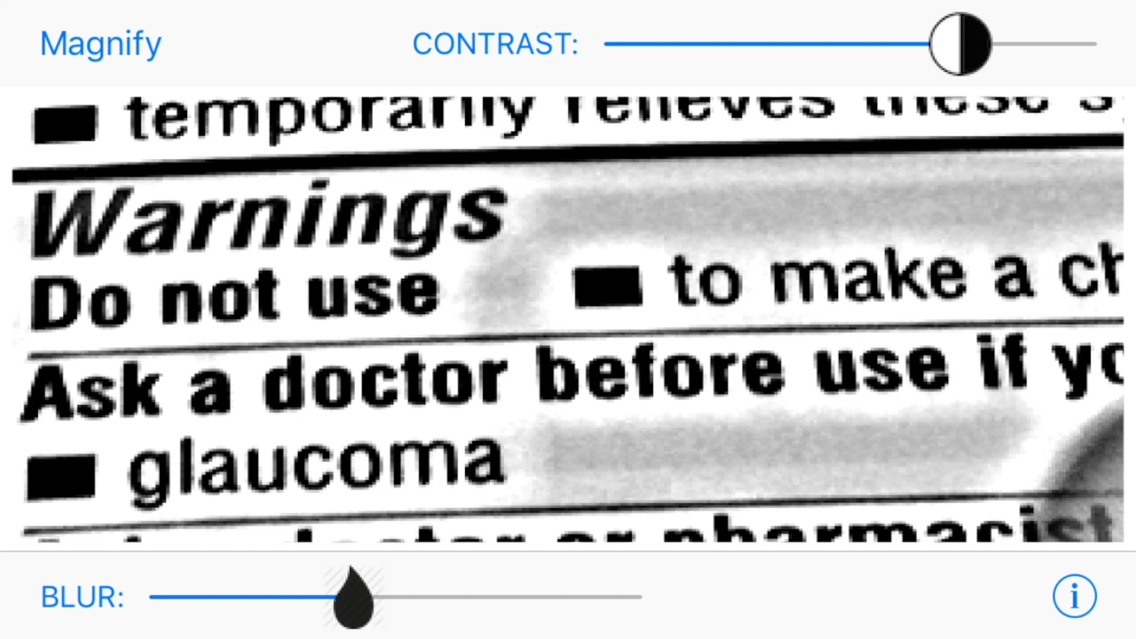
Are you far-sighted and don't have your reading glasses? Readerz uses proven methods to help you see and read in all lighting conditions.
Have you noticed that it is easier to read a newspaper or magazine in bright sunlight? Other reading apps that turn on the torch can be distracting to others in dark places like a restaurant or movie theater, Readerz uses image processing techniques to make the text easier to read in all lighting conditions.
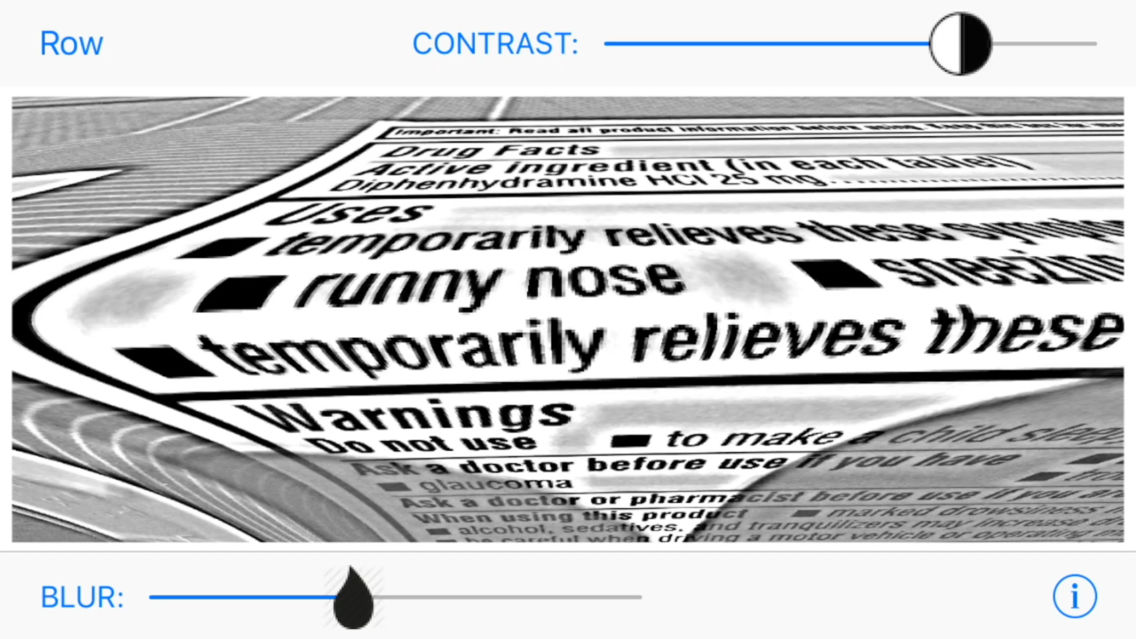
Increasing magnification helps to read a word but at the expense of loosing the context of the surrounding text. Readerz provides space-varying magnification options that reduce the "tunnel vision" effect of other apps that simply magnify the camera image.
Do you find the constant camera refocusing in other apps distracting and even annoying? Readerz focuses the camera only when you change the controls.
HOW TO USE
Readerz is easy to use. There are two controls for contrast enhancement and background removal.
• Contrast Enhancement - Move the top slider to the right for maximum positive contrast (black text on a while background), towards the middle to lower contrast, and to the left for maximum negative contrast (white text on a black background).
• Background Removal - The bottom control reduces lighting variations and shadows that can make it more difficult to see what your are reading.
The upper left button changes the magnification option. There are four options:
1) magnification increases left to right toward the center of the screen
2) magnification increases top to bottom toward the middle of the screen
3) the entire screen is magnified (4X)
4) no magnification
Although Readerz is designed for all iOS devices with a camera it works best on newer iPhones.