Age Rating
4+
Apps in this category do not contain restricted content.
9+
Apps in this category may contain mild or occasional cartoon, fantasy or real-life violence, as well as occasional or mild adult, sexually suggestive or horrifying content and may not be suitable for children under 9 years of age.
12+
Apps in this category may contain occasional mild indecent language, frequent or intense cartoon or real-life violence, minor or occasional adult or sexually suggestive material, and simulated gambling, and may be for children under 12 years of age.
17+
You must be at least 17 years old to access this App.
Apps in this category may contain frequent and intense offensive language; Frequent and intense cartoon, fantasy or realistic violence: frequent and intense adult, scary and sexually suggestive subjects: as well as sexual content, nudity, tobacco, alcohol and drugs, may not be suitable for children under 17 years of age.
StickerPaste Screenshots
StickerPaste posterStickerPaste posterStickerPaste posterStickerPaste posterStickerPaste posterStickerPaste posterStickerPaste posterStickerPaste poster

About StickerPaste

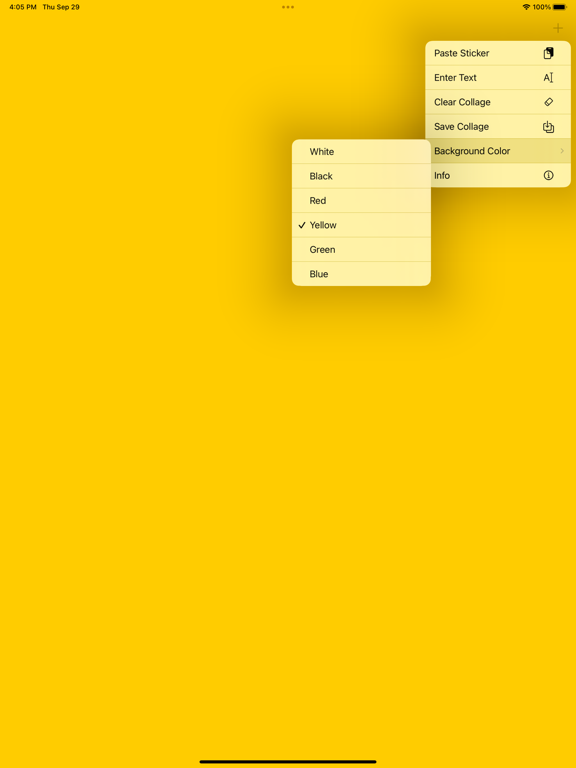
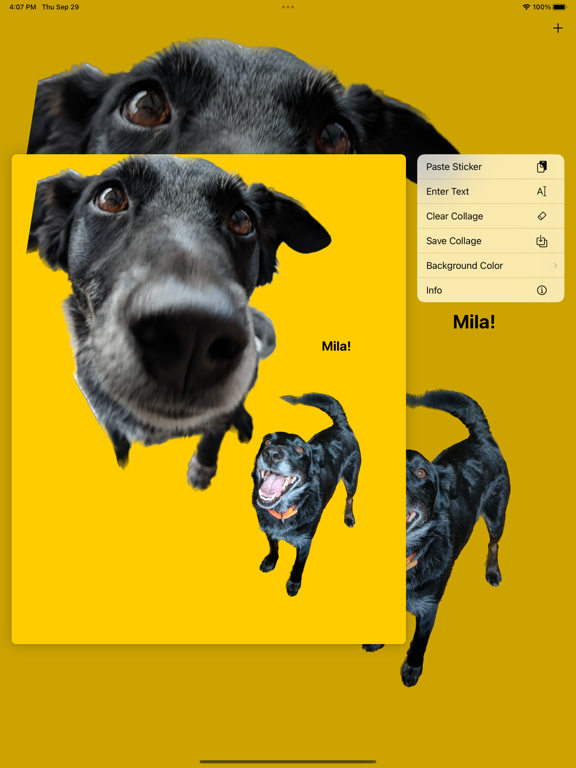
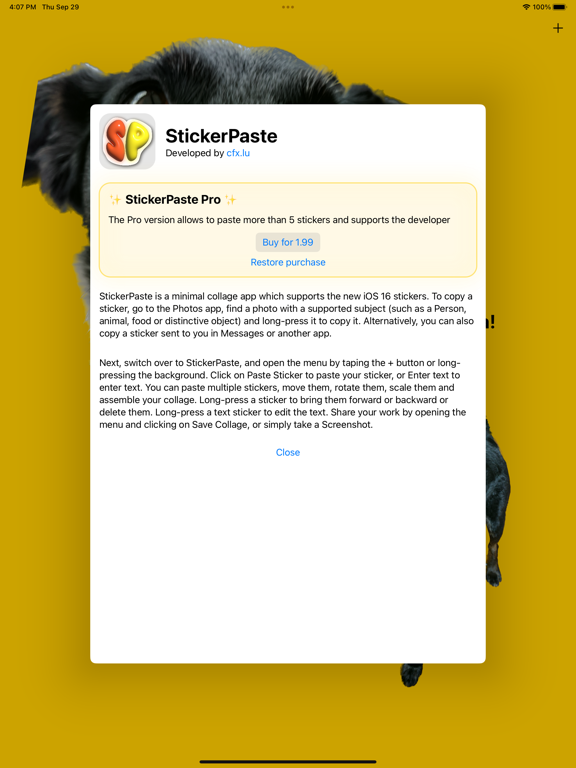
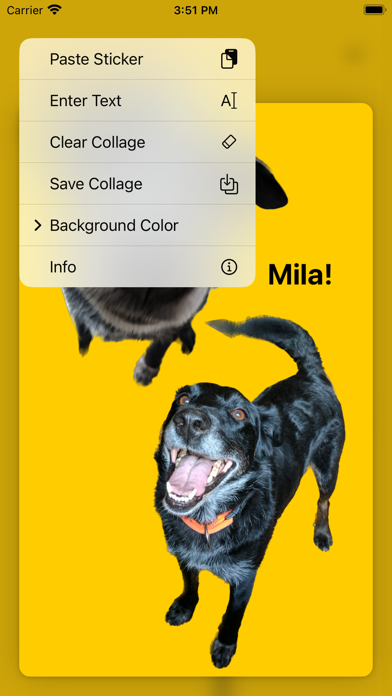
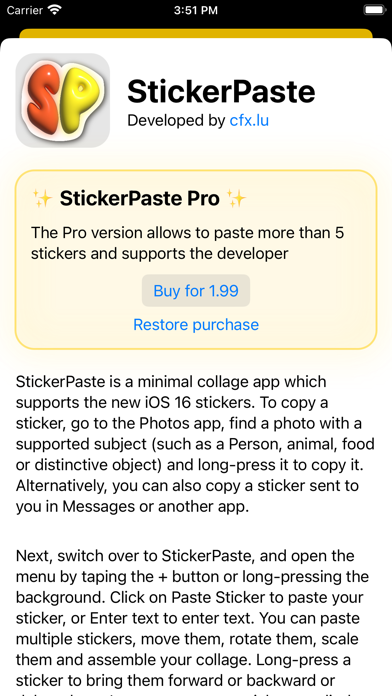
StickerPaste supports the new iOS 16 stickers. To copy a sticker, go to the Photos app, find a photo with a supported subject (such as a Person, animal, food or distinctive object) and long-press it to copy it. Alternatively, you can also copy a sticker sent to you in Messages or another app. Next, switch over to StickerPaste, and open the menu by taping the + button or long-pressing the background. 

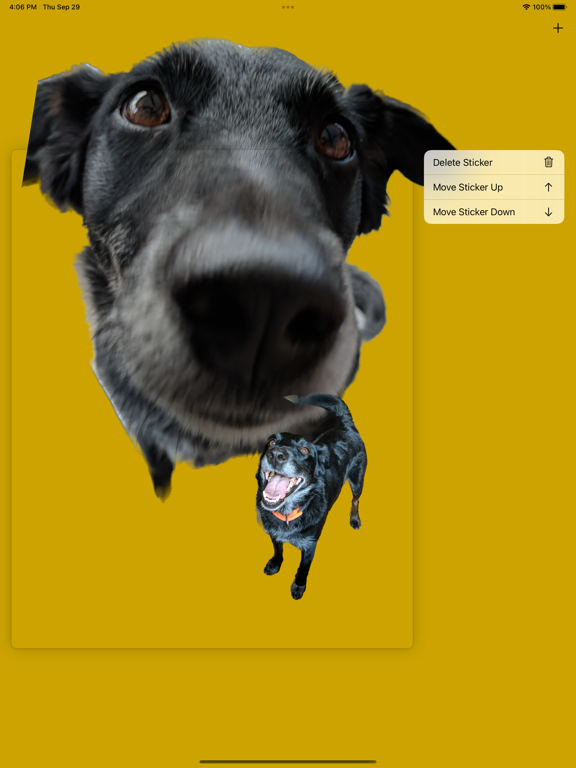
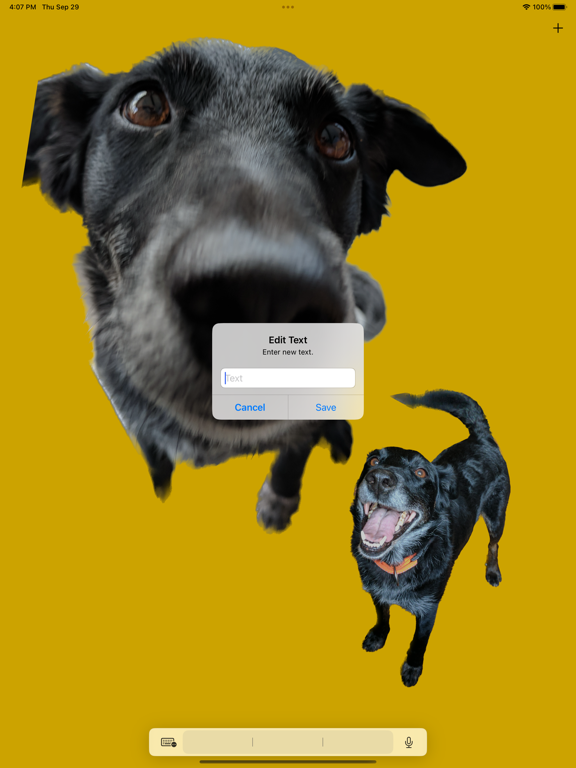
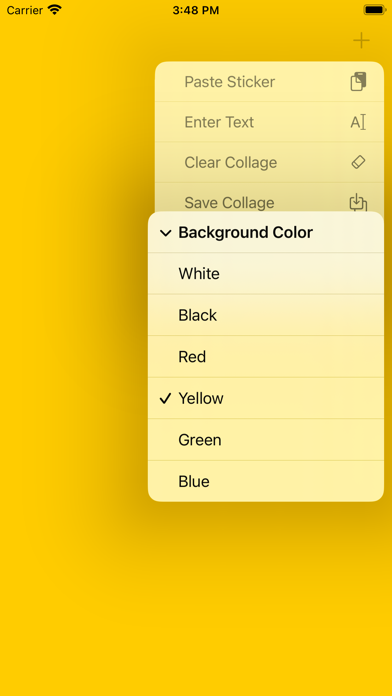
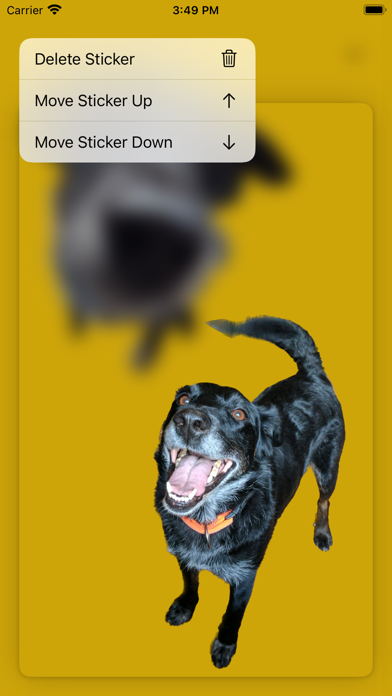
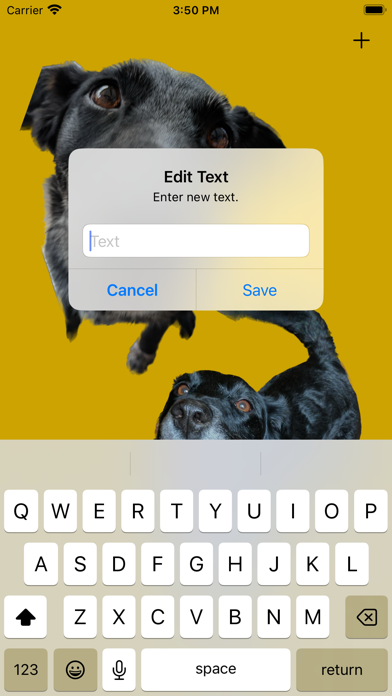
Click on Paste Sticker to paste your sticker, or Enter text to enter text. You can paste multiple stickers, move them, rotate them, scale them and assemble your collage. Long-press a sticker to bring them forward or backward or delete them. Long-press a text sticker to edit the text. Share your work by opening the menu and clicking on Save Collage, or simply take a Screenshot.

Show More

What's New in the Latest Version 1.0

Last updated on Oct 1, 2022
Version History
1.0
Oct 1, 2022

StickerPaste FAQ

Click here to learn how to download StickerPaste in restricted country or region.
Check the following list to see the minimum requirements of StickerPaste.
iPhone
iPad

StickerPaste Alternative

You May Also Like

Get more from Charel Felten