Unmount Disk Screenshots
About Unmount Disk
Every time you physically eject USB Flash drives, Thunderbolt Hard Drives, mobile devices connected as flash drive, without unmounting in OS X, your operation system gets error named "Couldn't unmount disk". Sometimes even OS X Disk Utility couldn't fix this error, and you have to reboot your OS.
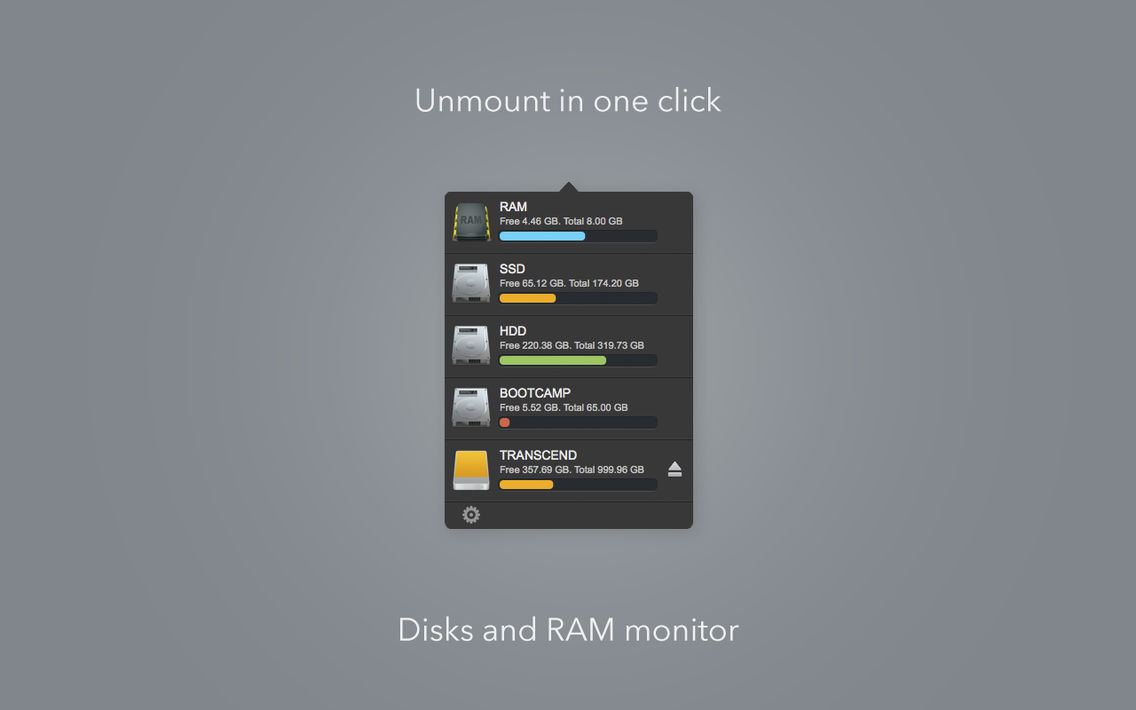
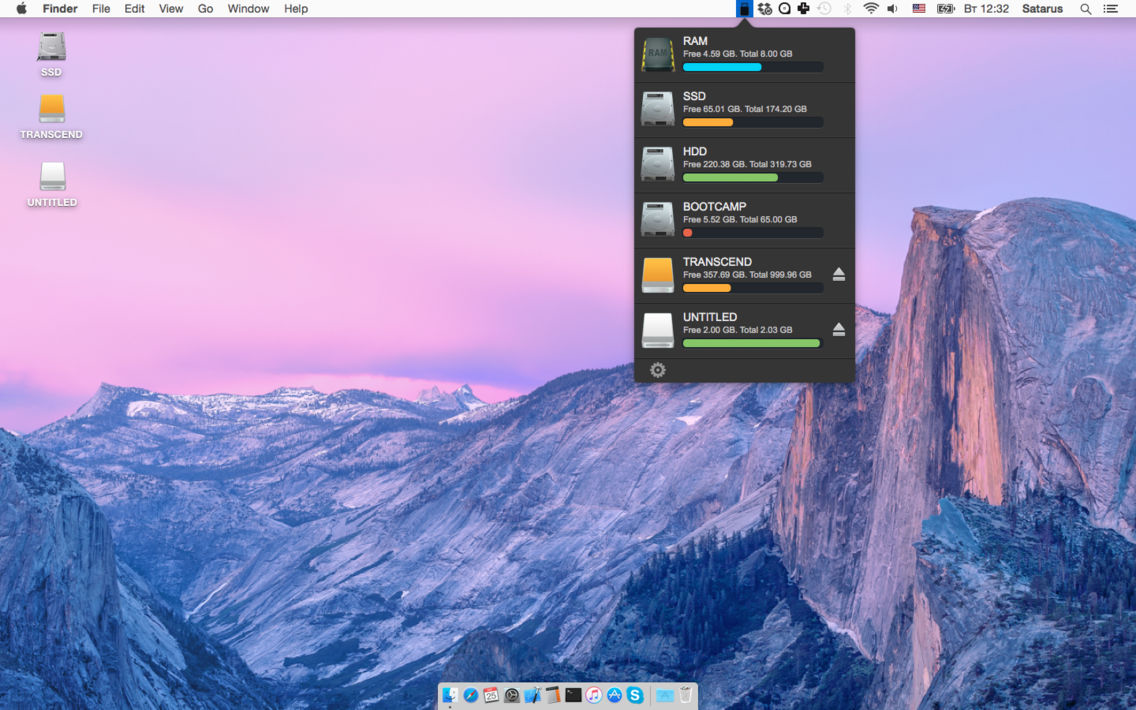
Unmount Disk is a small utility that help you to unmount and eject your Flash and Hard drives in one click. Use it every time before physically ejecting your drives and you never will see "Couldn't unmount disk" error.
[ 1 ] Unmount disk in one click
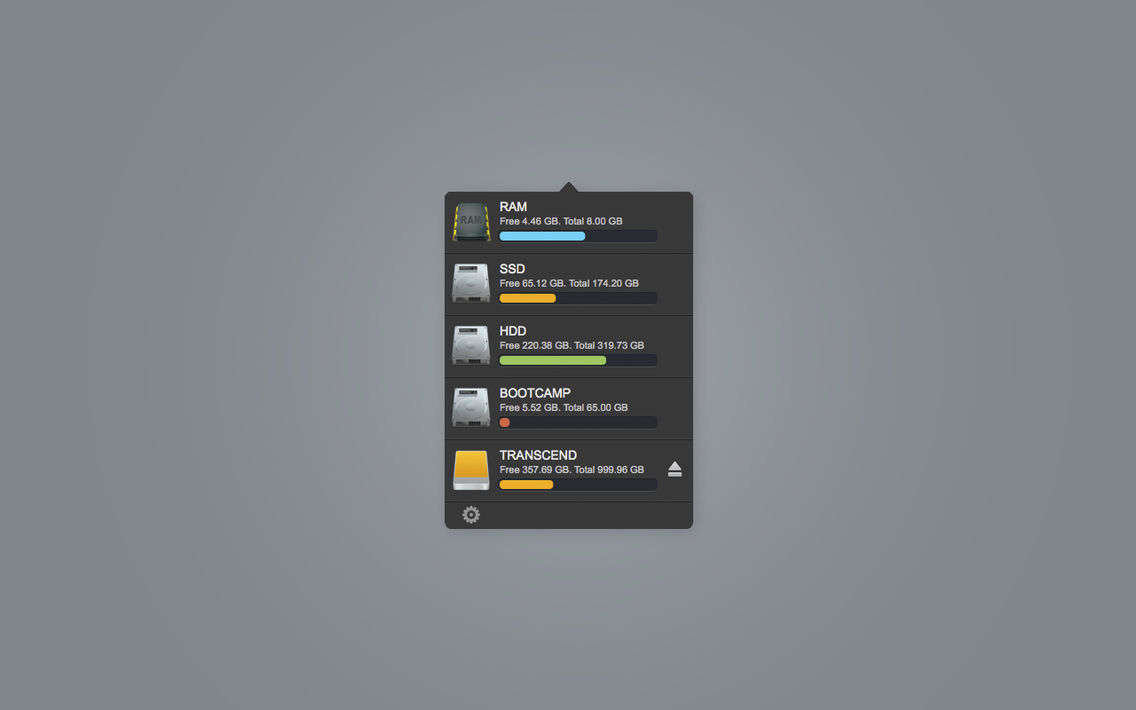
[ 2 ] Disk space monitoring
[ 3 ] RAM monitoring
[ 4 ] RAM cleaning

Unmount Disk is a small utility that help you to unmount and eject your Flash and Hard drives in one click. Use it every time before physically ejecting your drives and you never will see "Couldn't unmount disk" error.
[ 1 ] Unmount disk in one click
[ 2 ] Disk space monitoring
[ 3 ] RAM monitoring
[ 4 ] RAM cleaning
Show More
What's New in the Latest Version 1.2
Last updated on Sep 21, 2015
Old Versions
RAM cleaning
Show More
Version History
1.2
Aug 20, 2015
RAM cleaning
Unmount Disk FAQ
Click here to learn how to download Unmount Disk in restricted country or region.
Check the following list to see the minimum requirements of Unmount Disk.
iPhone
Unmount Disk supports English