لقطات الشاشة لـ Unmount Disk
About Unmount Disk
Every time you physically eject USB Flash drives, Thunderbolt Hard Drives, mobile devices connected as flash drive, without unmounting in OS X, your operation system gets error named "Couldn't unmount disk". Sometimes even OS X Disk Utility couldn't fix this error, and you have to reboot your OS.
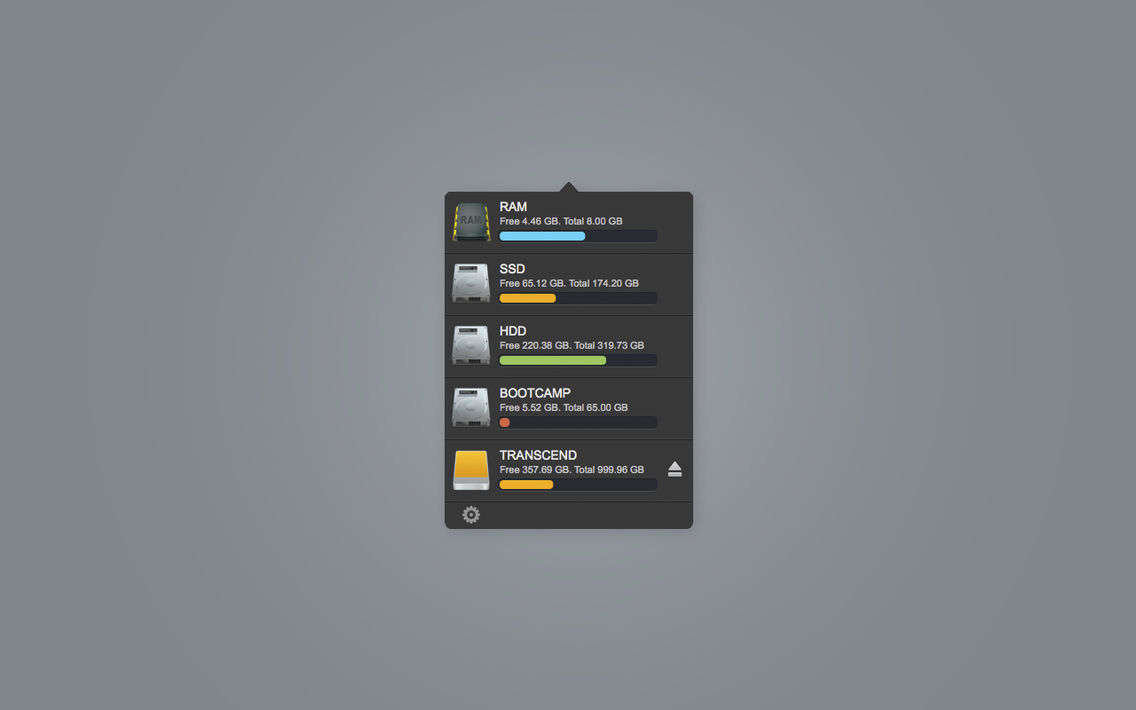
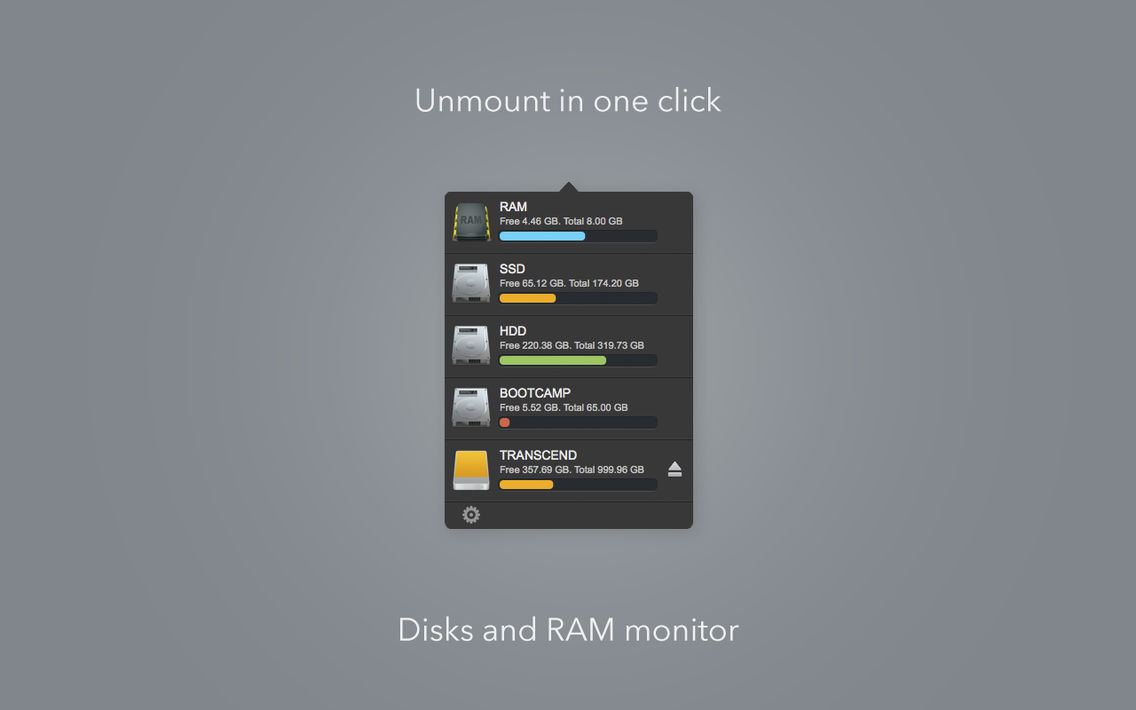
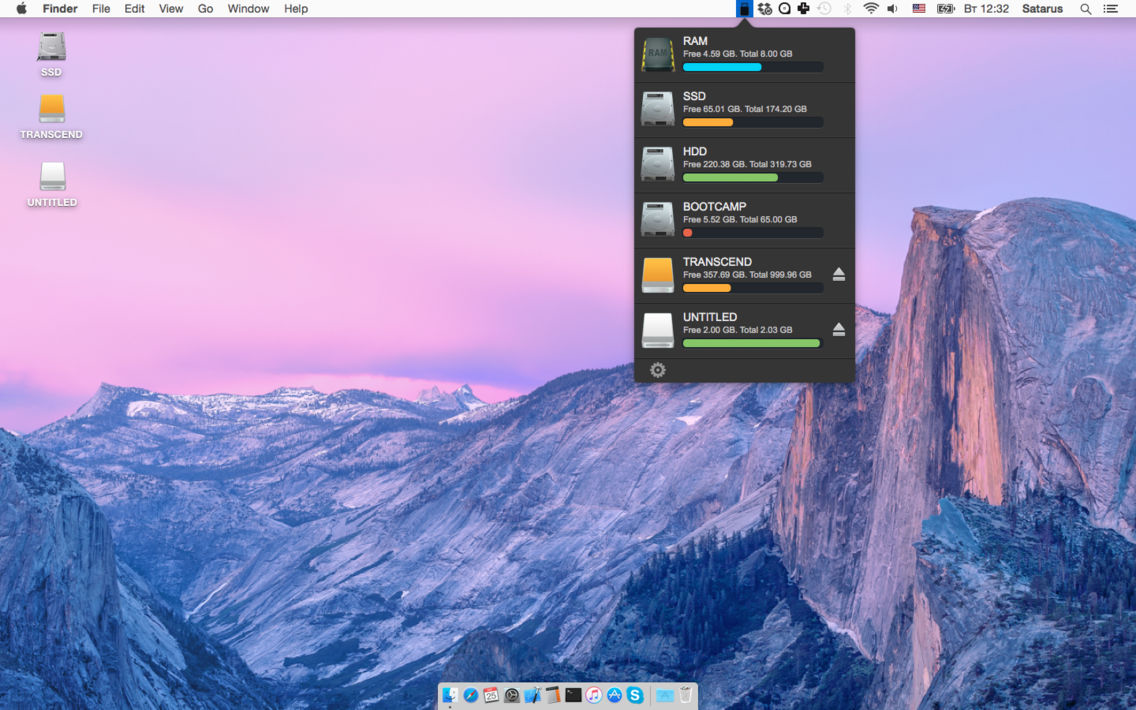
Unmount Disk is a small utility that help you to unmount and eject your Flash and Hard drives in one click. Use it every time before physically ejecting your drives and you never will see "Couldn't unmount disk" error.
[ 1 ] Unmount disk in one click
[ 2 ] Disk space monitoring
[ 3 ] RAM monitoring
[ 4 ] RAM cleaning

Unmount Disk is a small utility that help you to unmount and eject your Flash and Hard drives in one click. Use it every time before physically ejecting your drives and you never will see "Couldn't unmount disk" error.
[ 1 ] Unmount disk in one click
[ 2 ] Disk space monitoring
[ 3 ] RAM monitoring
[ 4 ] RAM cleaning
Show More
تحديث لأحدث إصدار 1.2
Last updated on 21/09/2015
الإصدارات القديمة
RAM cleaning
Show More
Version History
1.2
20/08/2015
RAM cleaning
Unmount Disk FAQ
انقر هنا لمعرفة كيفية تنزيل Unmount Disk في بلد أو منطقة محظورة.
تحقق من القائمة التالية لمعرفة الحد الأدنى من المتطلبات Unmount Disk.
iPhone
Unmount Disk هي مدعومة على اللغات English