Unmount Disk スクリーンショット
About Unmount Disk
Every time you physically eject USB Flash drives, Thunderbolt Hard Drives, mobile devices connected as flash drive, without unmounting in OS X, your operation system gets error named "Couldn't unmount disk". Sometimes even OS X Disk Utility couldn't fix this error, and you have to reboot your OS.
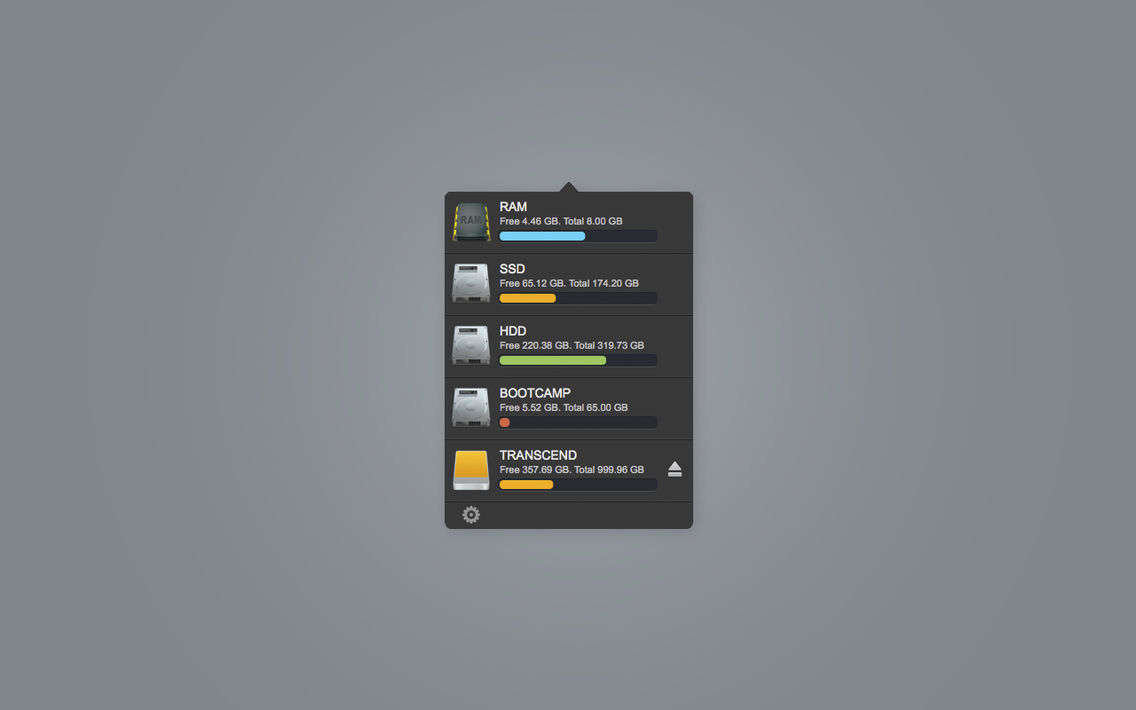
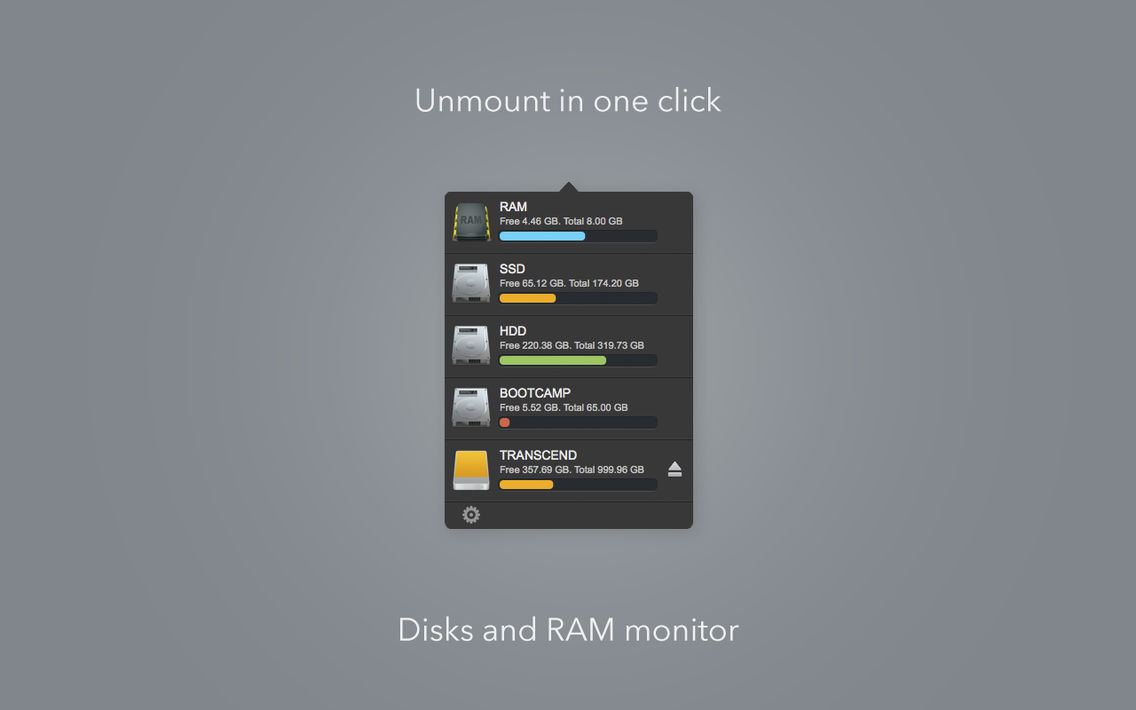
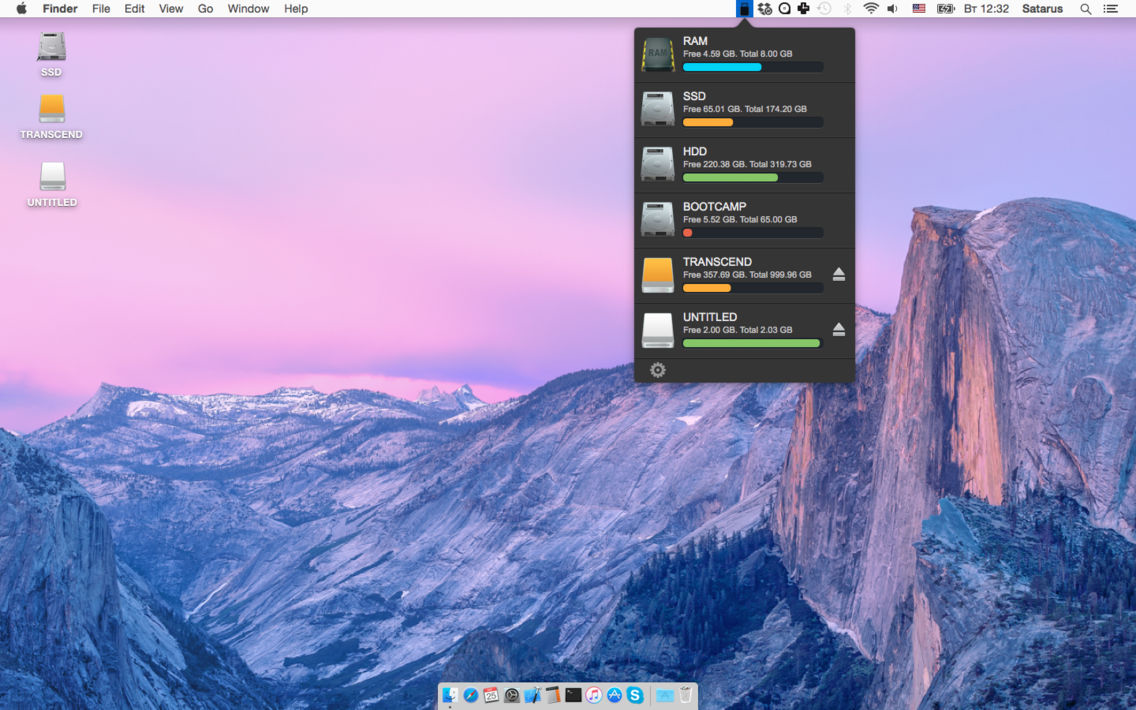
Unmount Disk is a small utility that help you to unmount and eject your Flash and Hard drives in one click. Use it every time before physically ejecting your drives and you never will see "Couldn't unmount disk" error.
[ 1 ] Unmount disk in one click
[ 2 ] Disk space monitoring
[ 3 ] RAM monitoring
[ 4 ] RAM cleaning

Unmount Disk is a small utility that help you to unmount and eject your Flash and Hard drives in one click. Use it every time before physically ejecting your drives and you never will see "Couldn't unmount disk" error.
[ 1 ] Unmount disk in one click
[ 2 ] Disk space monitoring
[ 3 ] RAM monitoring
[ 4 ] RAM cleaning
Show More
最新バージョン 1.2 の更新情報
Last updated on 2015年09月21日
旧バージョン
RAM cleaning
Show More
Version History
1.2
2015年08月20日
RAM cleaning
Unmount Disk FAQ
ここをクリック!地理的に制限されているアプリのダウンロード方法をご参考ください。
次のリストをチェックして、Unmount Diskの最低システム要件をご確認ください。
iPhone
Unmount Diskは次の言語がサポートされています。 English