Unmount Disk 스크린 샷
About Unmount Disk
Every time you physically eject USB Flash drives, Thunderbolt Hard Drives, mobile devices connected as flash drive, without unmounting in OS X, your operation system gets error named "Couldn't unmount disk". Sometimes even OS X Disk Utility couldn't fix this error, and you have to reboot your OS.
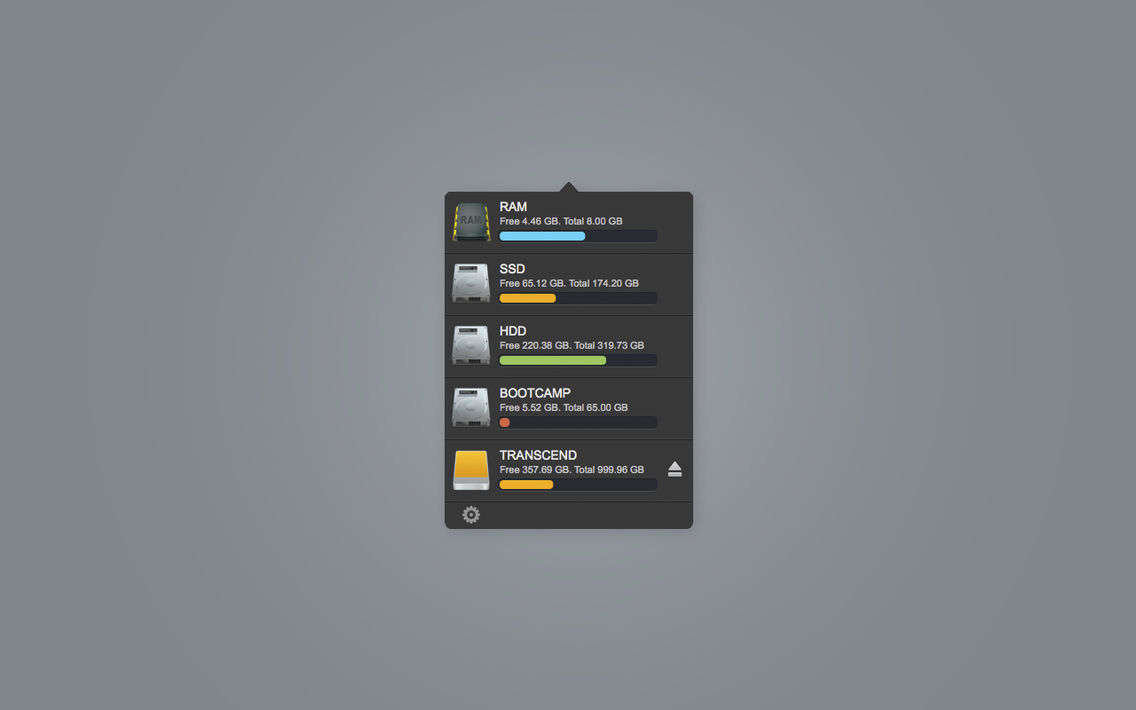
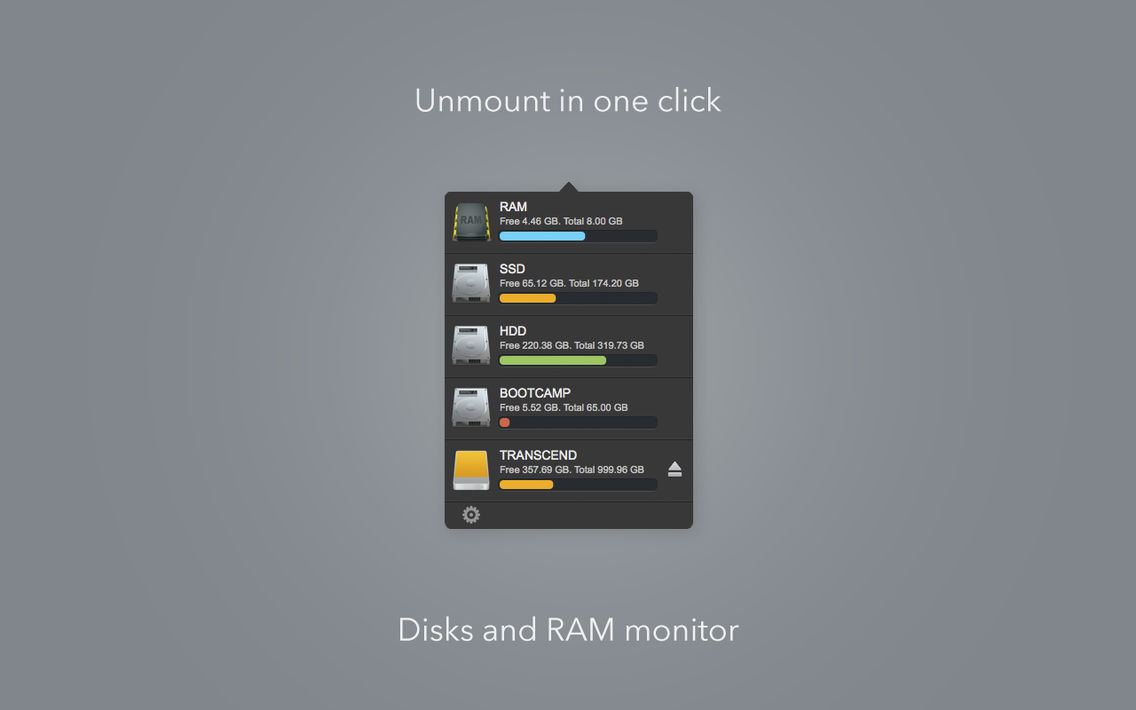
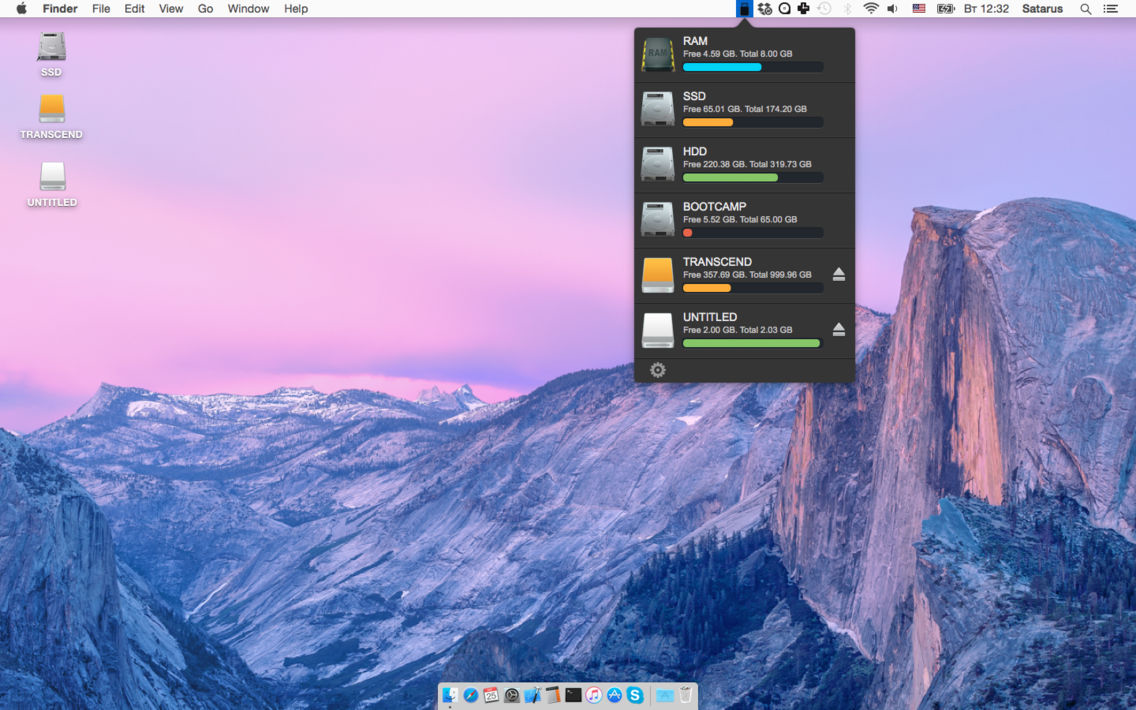
Unmount Disk is a small utility that help you to unmount and eject your Flash and Hard drives in one click. Use it every time before physically ejecting your drives and you never will see "Couldn't unmount disk" error.
[ 1 ] Unmount disk in one click
[ 2 ] Disk space monitoring
[ 3 ] RAM monitoring
[ 4 ] RAM cleaning

Unmount Disk is a small utility that help you to unmount and eject your Flash and Hard drives in one click. Use it every time before physically ejecting your drives and you never will see "Couldn't unmount disk" error.
[ 1 ] Unmount disk in one click
[ 2 ] Disk space monitoring
[ 3 ] RAM monitoring
[ 4 ] RAM cleaning
Show More
최신 버전 1.2의 새로운 기능
Last updated on Sep 21, 2015
오래된 버전
RAM cleaning
Show More
Version History
1.2
Aug 20, 2015
RAM cleaning
Unmount Disk FAQ
제한된 국가 또는 지역에서 Unmount Disk를 다운로드하는 방법을 알아보려면 여기를 클릭하십시오.
Unmount Disk의 최소 요구 사항을 보려면 다음 목록을 확인하십시오.
iPhone
Unmount Disk은 다음 언어를 지원합니다. English