Firmar y Editar Documentos PDF
Gratis
106.26for iPhone, iPad
Age Rating
لقطات الشاشة لـ Firmar y Editar Documentos PDF
About Firmar y Editar Documentos PDF
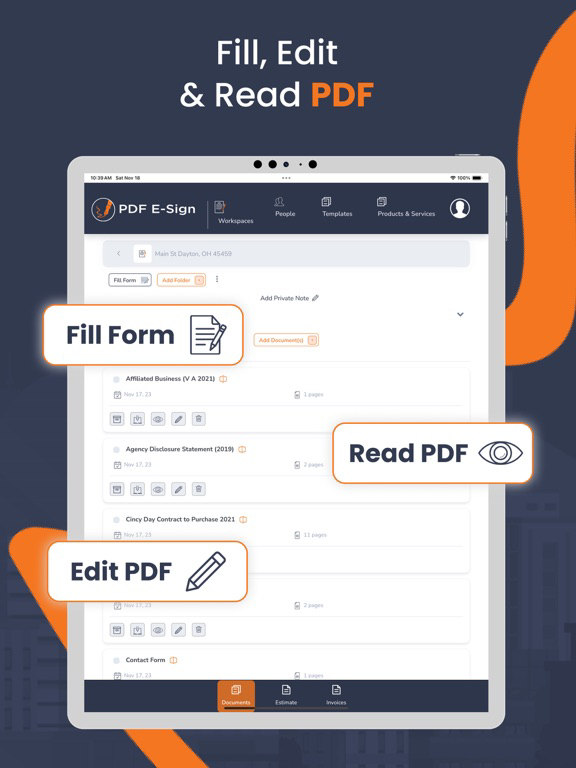
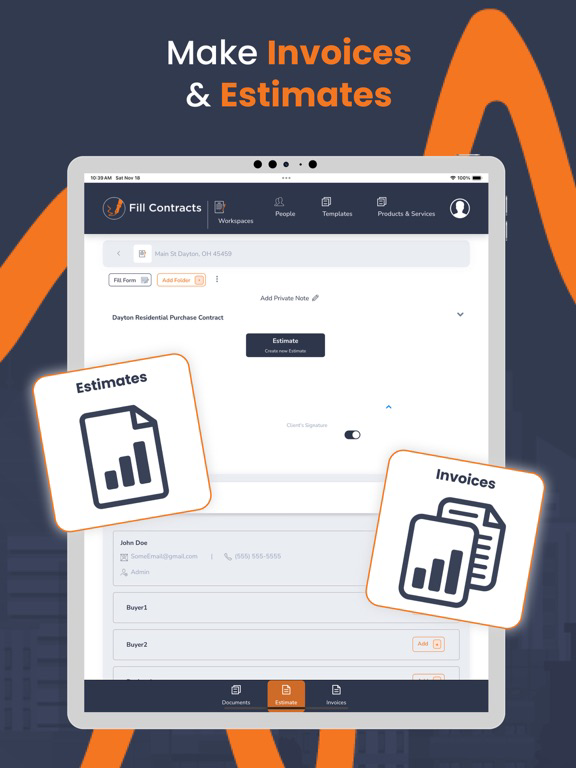
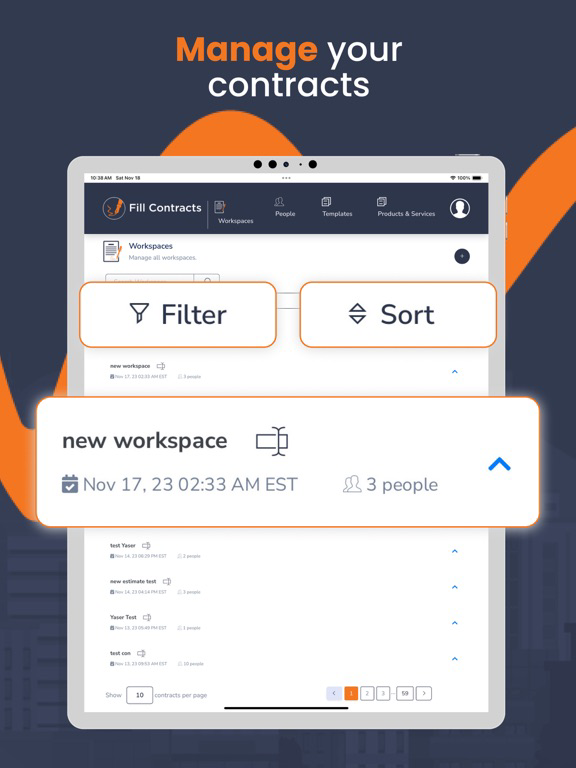
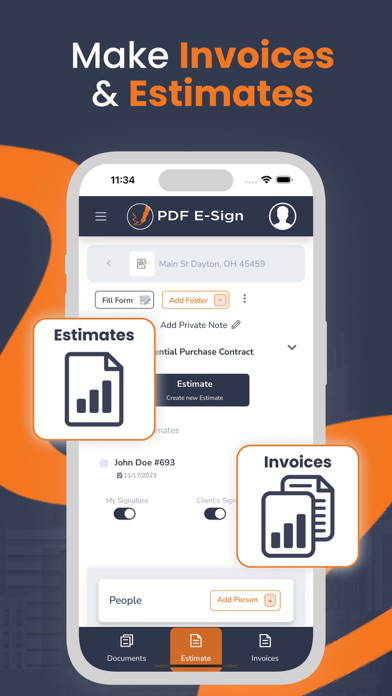
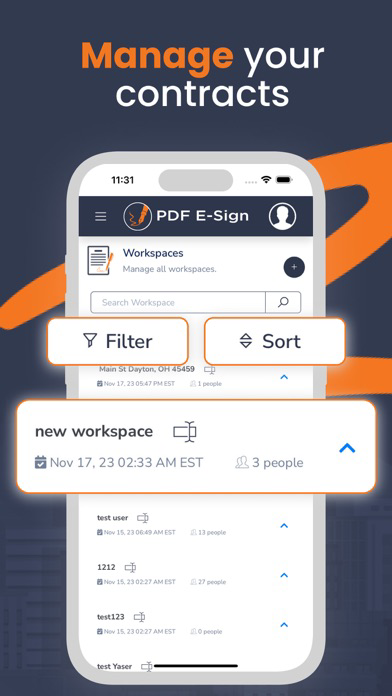
PDF E-Sign contracts, estimates, and invoices. Unlike other e-signing tools, PDF E-Sign allows you to create contract templates, products, and services and then send contracts, estimates, and invoices from your mobile devices with minimal entry. While using PDF E-Sign, you can easily create new contracts, estimates, and invoices or enter changes from previous ones.
There is no need to go to the office or access a computer to create your PDF E-Sign document. With our minimal entry forms, you can send contracts to your client/customer within a few minutes to sign and forward them to the office or the seller/another agent.
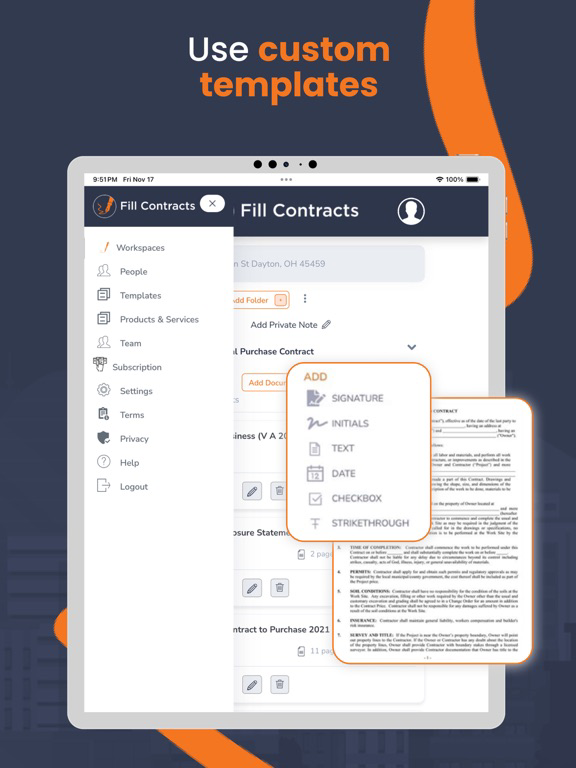
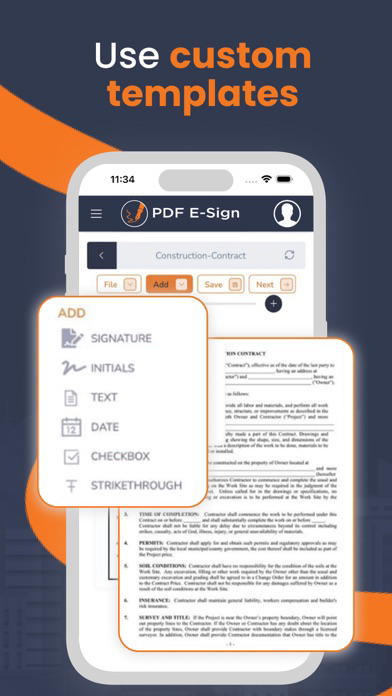
With our email-sharing contracts, you can customize an existing template by creating default values. Default values are then placed in every contract for you—with you in control.
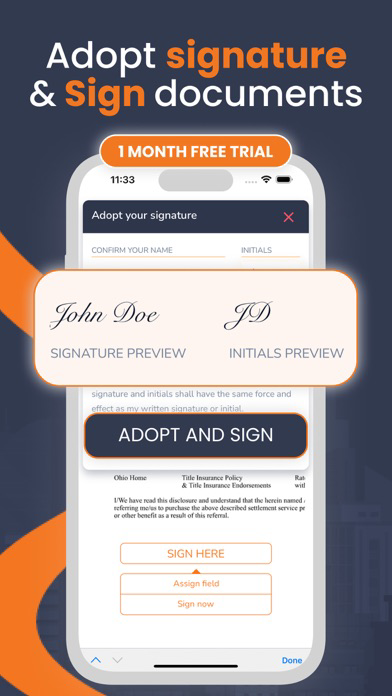
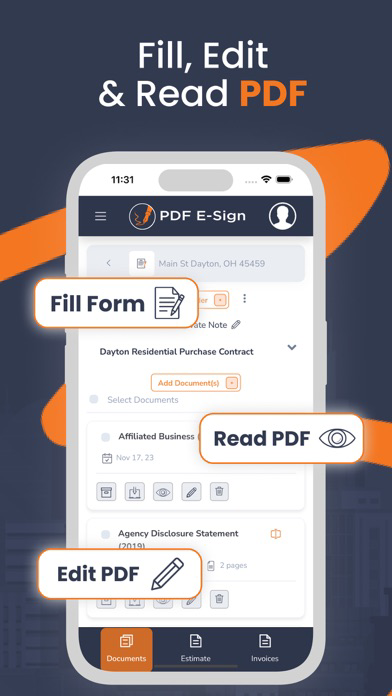
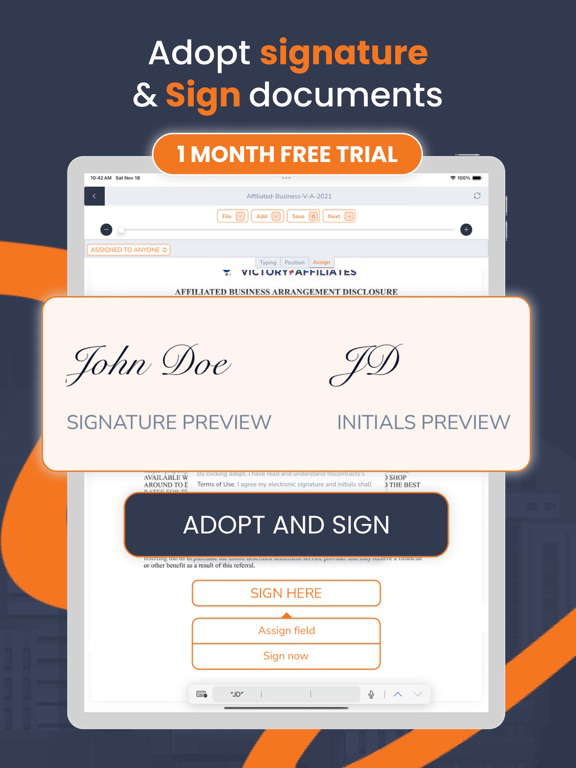
Change/delete or add fields, initials, signatures, and other contract-creating tools.
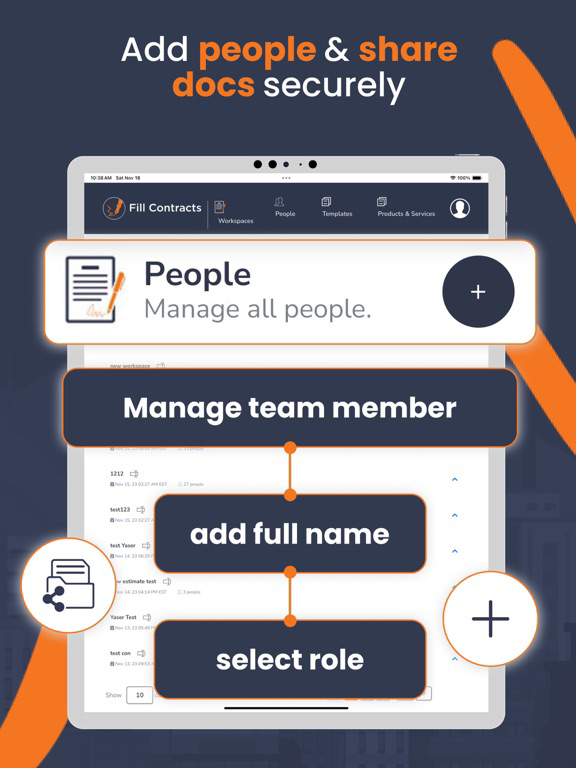
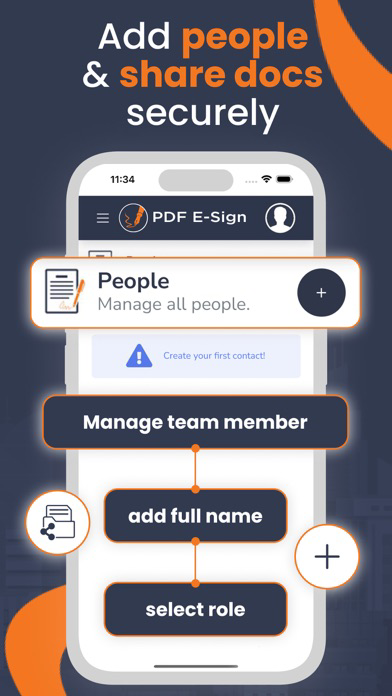
Are you working in a team or an office? Collaborate and control who can see documents or controls. Our software can be scaled to be used by one person or a corporation.
Simplicity and power are considered with every feature. Contact us today to learn more.

There is no need to go to the office or access a computer to create your PDF E-Sign document. With our minimal entry forms, you can send contracts to your client/customer within a few minutes to sign and forward them to the office or the seller/another agent.
With our email-sharing contracts, you can customize an existing template by creating default values. Default values are then placed in every contract for you—with you in control.
Change/delete or add fields, initials, signatures, and other contract-creating tools.
Are you working in a team or an office? Collaborate and control who can see documents or controls. Our software can be scaled to be used by one person or a corporation.
Simplicity and power are considered with every feature. Contact us today to learn more.
Show More
تحديث لأحدث إصدار 106.26
Last updated on 19/01/2026
الإصدارات القديمة
1) Refreshed and improved user interface for a more intuitive experience.
2) Introduced a new Document Library feature, allowing users to store documents and reuse them in contracts.
3) Enhanced document viewing and editing functionality for better usability and performance.
4) Added a new section to preview Invoices and Estimates.
5) Implemented a restriction so that only the designated invoice client can sign invoices.
6) Added new settings to configure invoice and estimate details, including logo, address, phone number, and related information.
2) Introduced a new Document Library feature, allowing users to store documents and reuse them in contracts.
3) Enhanced document viewing and editing functionality for better usability and performance.
4) Added a new section to preview Invoices and Estimates.
5) Implemented a restriction so that only the designated invoice client can sign invoices.
6) Added new settings to configure invoice and estimate details, including logo, address, phone number, and related information.
Show More
Version History
106.26
19/01/2026
1) Refreshed and improved user interface for a more intuitive experience.
2) Introduced a new Document Library feature, allowing users to store documents and reuse them in contracts.
3) Enhanced document viewing and editing functionality for better usability and performance.
4) Added a new section to preview Invoices and Estimates.
5) Implemented a restriction so that only the designated invoice client can sign invoices.
6) Added new settings to configure invoice and estimate details, including logo, address, phone number, and related information.
2) Introduced a new Document Library feature, allowing users to store documents and reuse them in contracts.
3) Enhanced document viewing and editing functionality for better usability and performance.
4) Added a new section to preview Invoices and Estimates.
5) Implemented a restriction so that only the designated invoice client can sign invoices.
6) Added new settings to configure invoice and estimate details, including logo, address, phone number, and related information.
Firmar y Editar Documentos PDF FAQ
انقر هنا لمعرفة كيفية تنزيل Firmar y Editar Documentos PDF في بلد أو منطقة محظورة.
تحقق من القائمة التالية لمعرفة الحد الأدنى من المتطلبات Firmar y Editar Documentos PDF.
iPhone
iPad