PDF Dokumente bearbeiten

PDF Dokumente bearbeiten


Gratis

106.26for iPhone, iPad
Age Rating
4+
Apps in this category do not contain restricted content.
9+
Apps in this category may contain mild or occasional cartoon, fantasy or real-life violence, as well as occasional or mild adult, sexually suggestive or horrifying content and may not be suitable for children under 9 years of age.
12+
Apps in this category may contain occasional mild indecent language, frequent or intense cartoon or real-life violence, minor or occasional adult or sexually suggestive material, and simulated gambling, and may be for children under 12 years of age.
17+
You must be at least 17 years old to access this App.
Apps in this category may contain frequent and intense offensive language; Frequent and intense cartoon, fantasy or realistic violence: frequent and intense adult, scary and sexually suggestive subjects: as well as sexual content, nudity, tobacco, alcohol and drugs, may not be suitable for children under 17 years of age.
PDF Dokumente bearbeiten Screenshots
PDF Dokumente bearbeiten PlakatPDF Dokumente bearbeiten PlakatPDF Dokumente bearbeiten PlakatPDF Dokumente bearbeiten PlakatPDF Dokumente bearbeiten PlakatPDF Dokumente bearbeiten Plakat

About PDF Dokumente bearbeiten

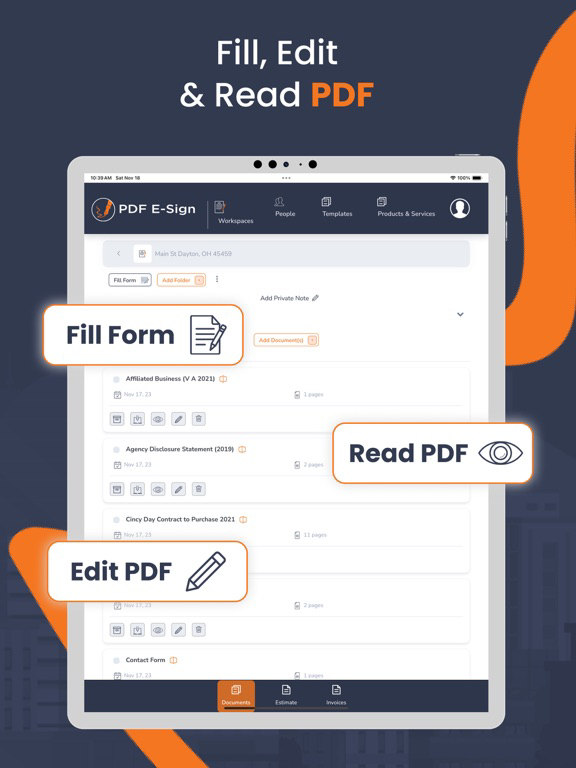
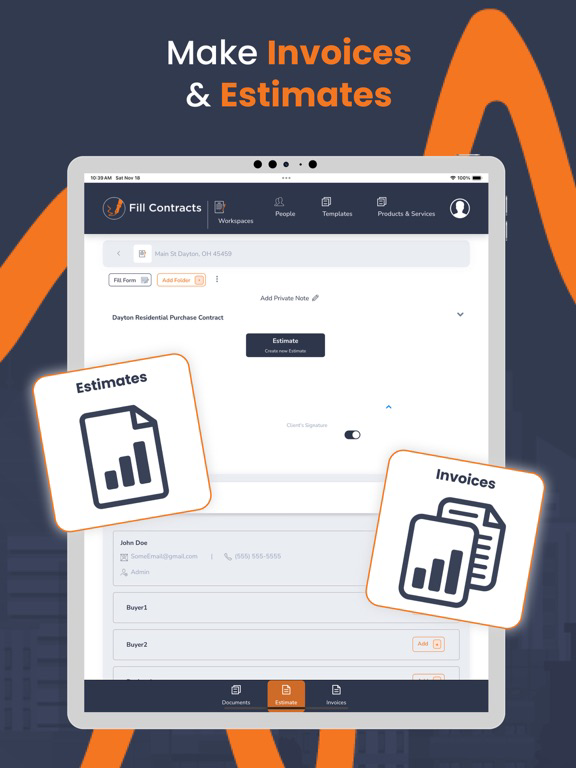
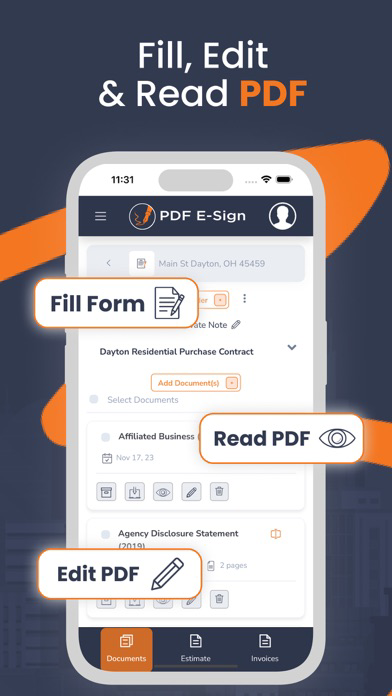
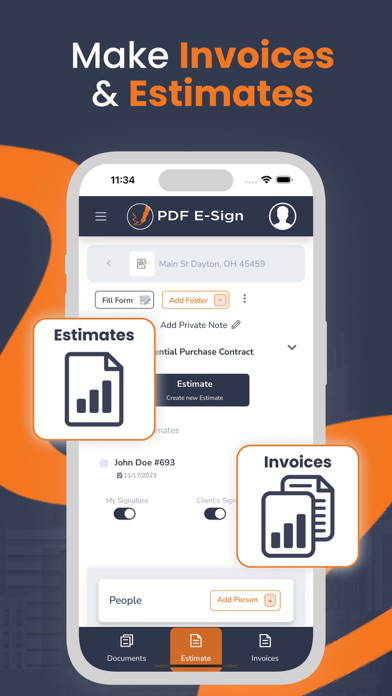
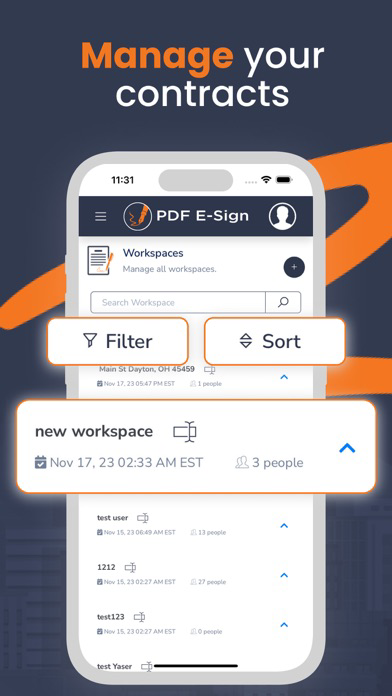
PDF E-Sign contracts, estimates, and invoices. Unlike other e-signing tools, PDF E-Sign allows you to create contract templates, products, and services and then send contracts, estimates, and invoices from your mobile devices with minimal entry. While using PDF E-Sign, you can easily create new contracts, estimates, and invoices or enter changes from previous ones.

There is no need to go to the office or access a computer to create your PDF E-Sign document. With our minimal entry forms, you can send contracts to your client/customer within a few minutes to sign and forward them to the office or the seller/another agent.

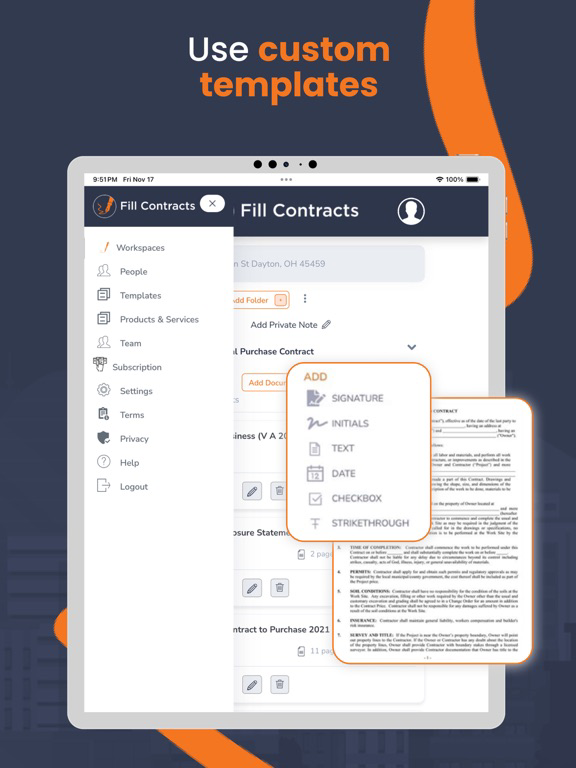
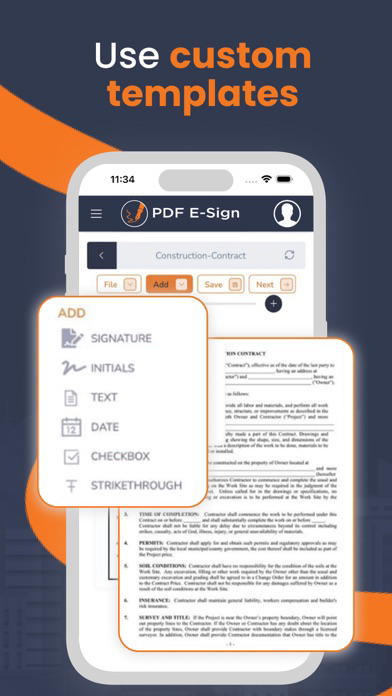
With our email-sharing contracts, you can customize an existing template by creating default values. Default values are then placed in every contract for you—with you in control.

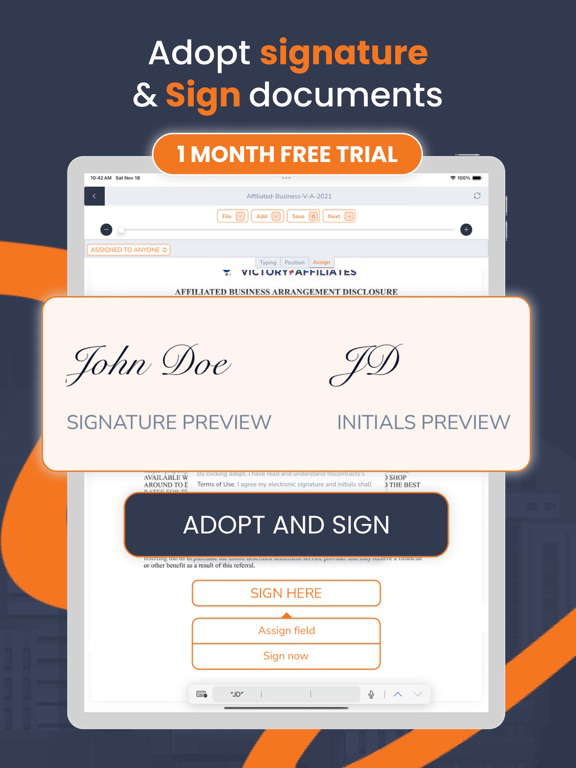
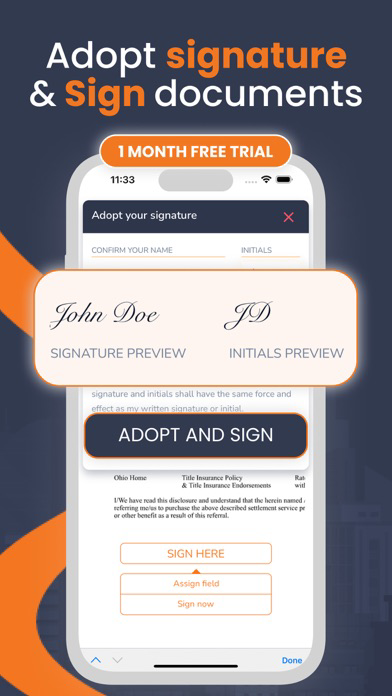
Change/delete or add fields, initials, signatures, and other contract-creating tools.
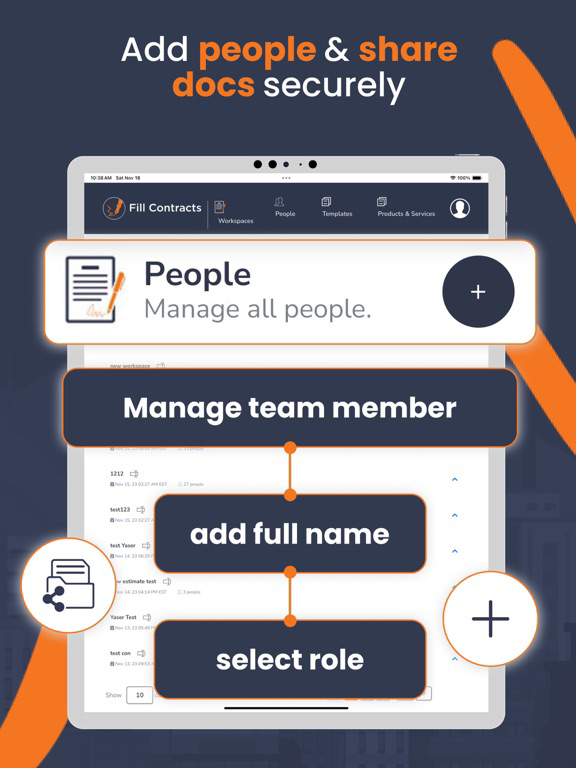
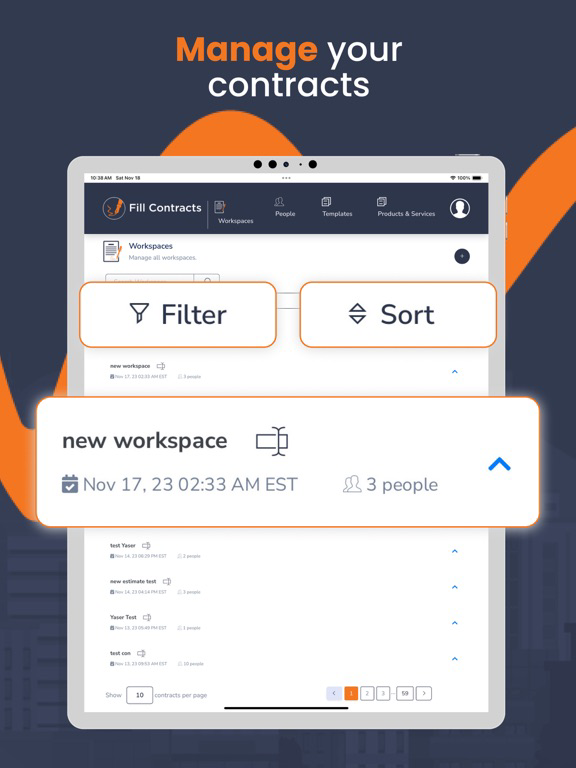
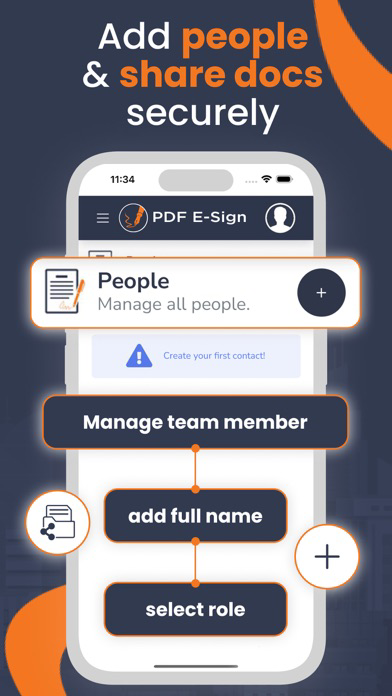
Are you working in a team or an office? Collaborate and control who can see documents or controls. Our software can be scaled to be used by one person or a corporation.

Simplicity and power are considered with every feature. Contact us today to learn more.

Show More

Was ist neu in der neuesten Version 106.26

Last updated on Jan 19, 2026
Alte Versionen
1) Refreshed and improved user interface for a more intuitive experience.
2) Introduced a new Document Library feature, allowing users to store documents and reuse them in contracts.
3) Enhanced document viewing and editing functionality for better usability and performance.
4) Added a new section to preview Invoices and Estimates.
5) Implemented a restriction so that only the designated invoice client can sign invoices.
6) Added new settings to configure invoice and estimate details, including logo, address, phone number, and related information.
Show More
Version History
106.26
Jan 19, 2026
1) Refreshed and improved user interface for a more intuitive experience.
2) Introduced a new Document Library feature, allowing users to store documents and reuse them in contracts.
3) Enhanced document viewing and editing functionality for better usability and performance.
4) Added a new section to preview Invoices and Estimates.
5) Implemented a restriction so that only the designated invoice client can sign invoices.
6) Added new settings to configure invoice and estimate details, including logo, address, phone number, and related information.

PDF Dokumente bearbeiten FAQ

Klicken Sie hier, um zu erfahren, wie Sie PDF Dokumente bearbeiten in eingeschränkten Ländern oder Regionen herunterladen können.
Überprüfen Sie die folgende Liste, um die Mindestanforderungen von PDF Dokumente bearbeiten zu sehen.
iPhone
iPad

PDF Dokumente bearbeiten Alternative

Das könnte Ihnen auch gefallen

Erhalte mehr von Fuzzy Logic Solutions, LLC