PDF Contract Reader & Viewer
무료
106.26for iPhone, iPad
Age Rating
PDF Contract Reader & Viewer 스크린 샷
About PDF Contract Reader & Viewer
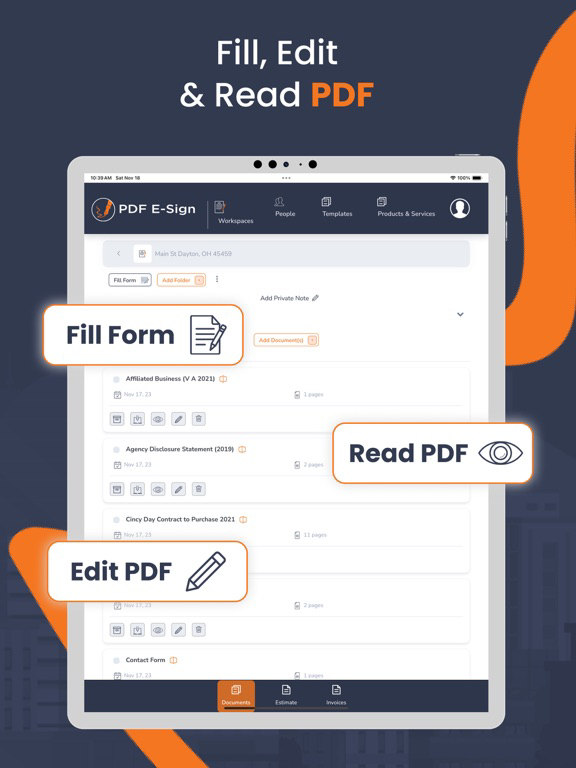
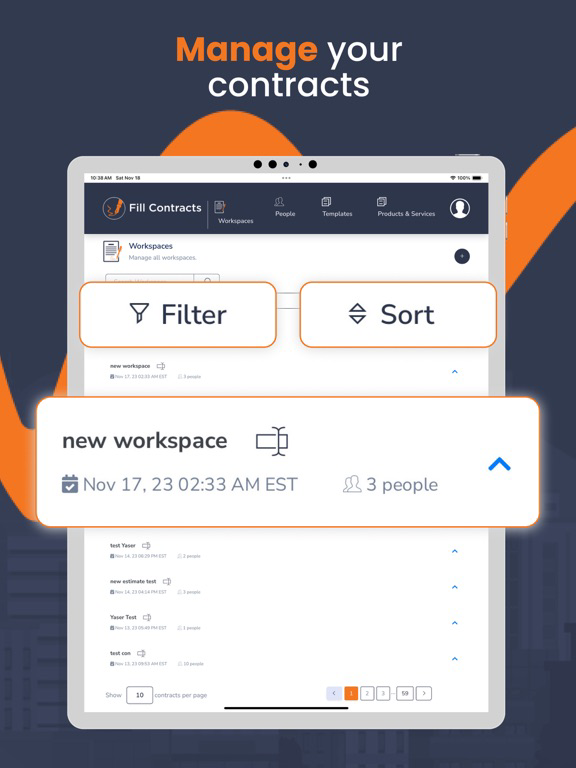
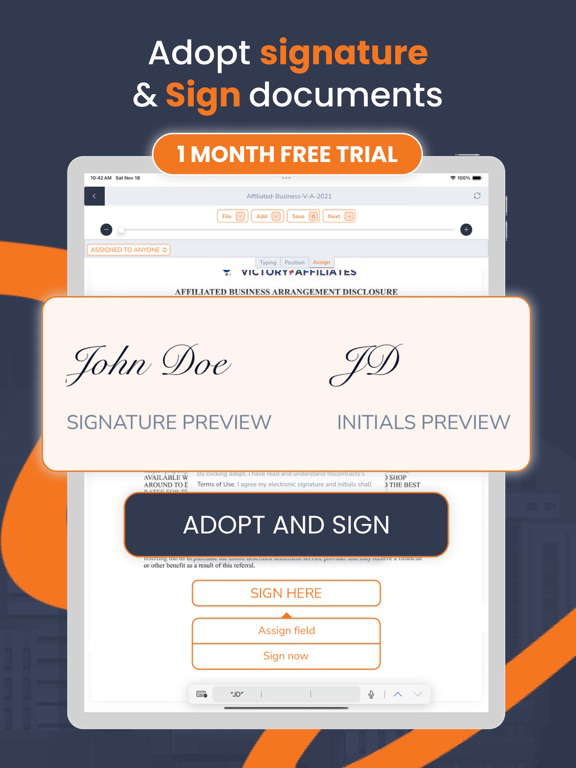
Try it for FREE! Unlike other e-signing tools, Fill Contracts allows you to create contract templates and send them from your mobile devices with minimal entry. While using Fill Contracts, you can easily create new contracts or enter changes from a previous contract.
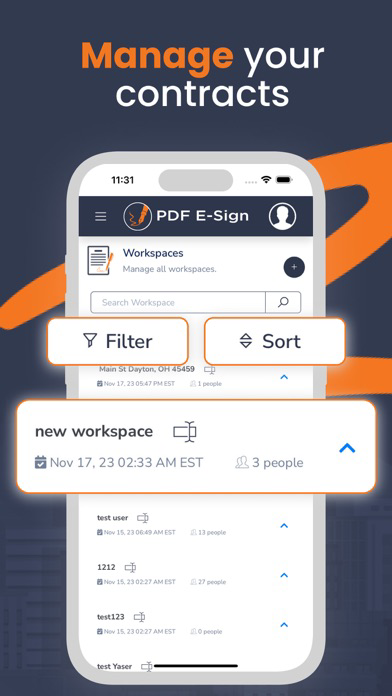
There is no need to go to the office or access a computer to create your contracts. With our minimal entry forms, you can send contracts to your client/customer within a few minutes to sign and forward them to the office or the seller/another agent.
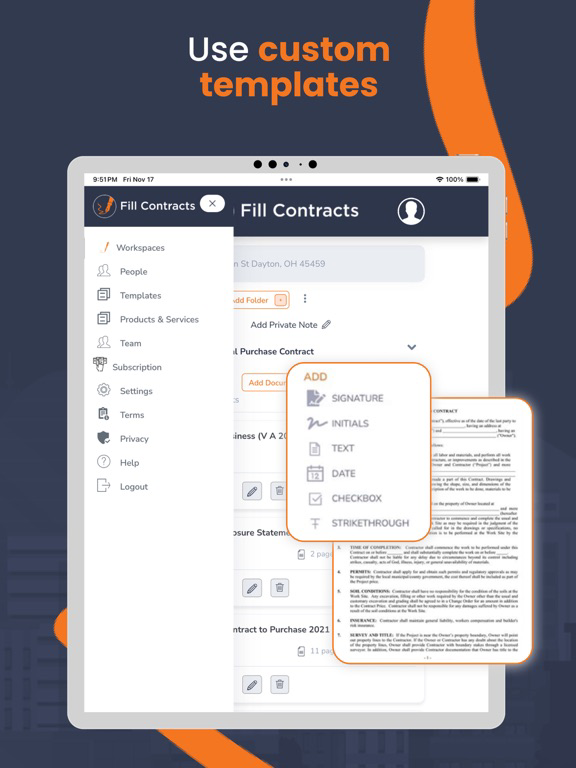
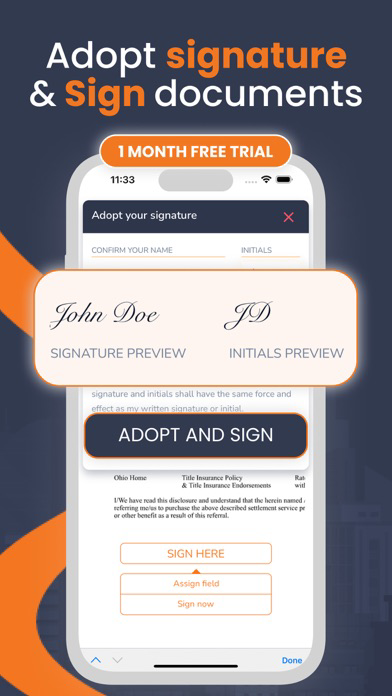
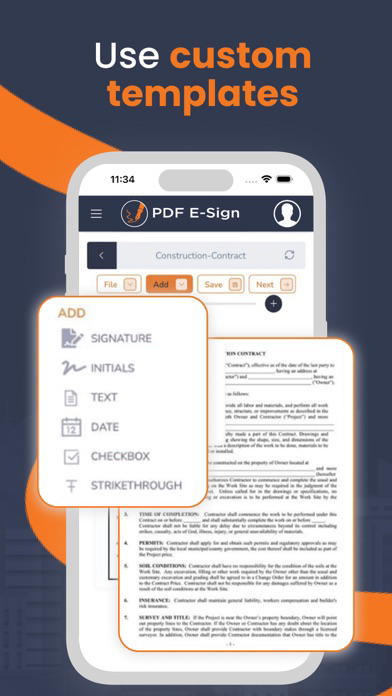
With our sharing contracts, you can customize an existing template by creating default values. Default values are then placed in every contract for you—with you in control. Change/delete or add fields, initials, signatures, and other contract-creating tools.
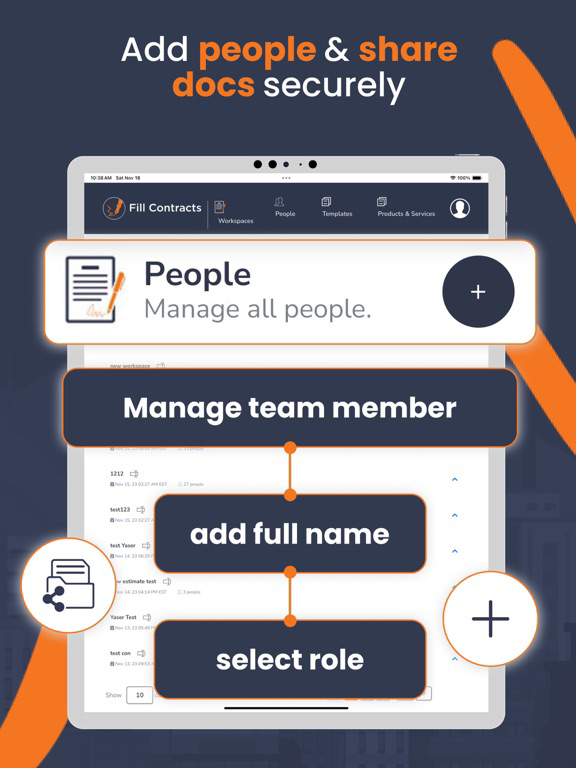
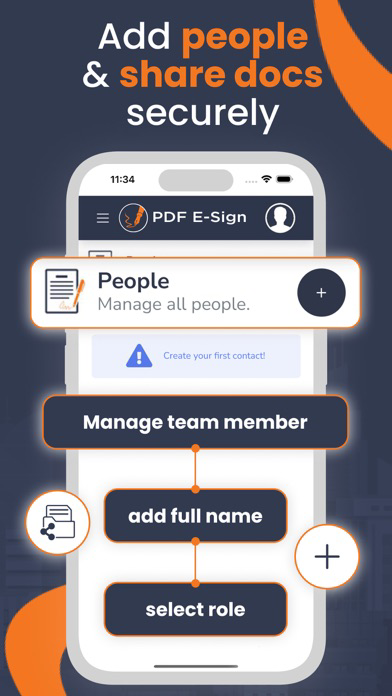
Are you working in a team or an office? Collaborate and control who can see documents or controls. Our software can be scaled to be used by one person or a corporation.
Are you afraid of hackers? Our data is encrypted and secure—no one can access your contracts and customers’ database. We designed this to make sure security and confidentiality are guaranteed.
Simplicity and power are considered with every feature. Contact us today to learn more.

There is no need to go to the office or access a computer to create your contracts. With our minimal entry forms, you can send contracts to your client/customer within a few minutes to sign and forward them to the office or the seller/another agent.
With our sharing contracts, you can customize an existing template by creating default values. Default values are then placed in every contract for you—with you in control. Change/delete or add fields, initials, signatures, and other contract-creating tools.
Are you working in a team or an office? Collaborate and control who can see documents or controls. Our software can be scaled to be used by one person or a corporation.
Are you afraid of hackers? Our data is encrypted and secure—no one can access your contracts and customers’ database. We designed this to make sure security and confidentiality are guaranteed.
Simplicity and power are considered with every feature. Contact us today to learn more.
Show More
최신 버전 106.26의 새로운 기능
Last updated on Jan 19, 2026
오래된 버전
1) Refreshed and improved user interface for a more intuitive experience.
2) Introduced a new Document Library feature, allowing users to store documents and reuse them in contracts.
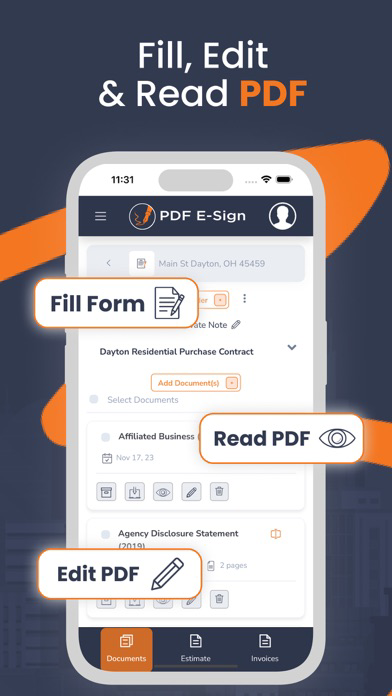
3) Enhanced document viewing and editing functionality for better usability and performance.
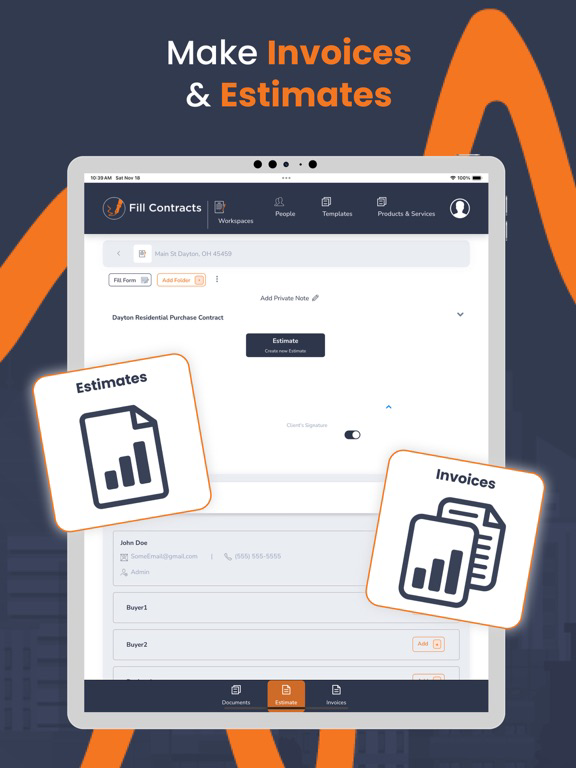
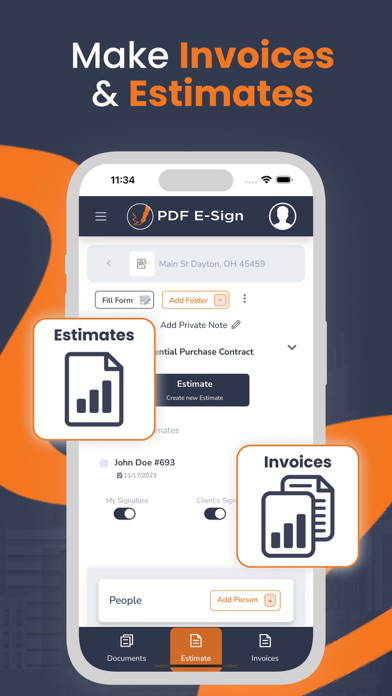
4) Added a new section to preview Invoices and Estimates.
5) Implemented a restriction so that only the designated invoice client can sign invoices.
6) Added new settings to configure invoice and estimate details, including logo, address, phone number, and related information.
2) Introduced a new Document Library feature, allowing users to store documents and reuse them in contracts.
3) Enhanced document viewing and editing functionality for better usability and performance.
4) Added a new section to preview Invoices and Estimates.
5) Implemented a restriction so that only the designated invoice client can sign invoices.
6) Added new settings to configure invoice and estimate details, including logo, address, phone number, and related information.
Show More
Version History
106.26
Jan 19, 2026
1) Refreshed and improved user interface for a more intuitive experience.
2) Introduced a new Document Library feature, allowing users to store documents and reuse them in contracts.
3) Enhanced document viewing and editing functionality for better usability and performance.
4) Added a new section to preview Invoices and Estimates.
5) Implemented a restriction so that only the designated invoice client can sign invoices.
6) Added new settings to configure invoice and estimate details, including logo, address, phone number, and related information.
2) Introduced a new Document Library feature, allowing users to store documents and reuse them in contracts.
3) Enhanced document viewing and editing functionality for better usability and performance.
4) Added a new section to preview Invoices and Estimates.
5) Implemented a restriction so that only the designated invoice client can sign invoices.
6) Added new settings to configure invoice and estimate details, including logo, address, phone number, and related information.
PDF Contract Reader & Viewer FAQ
제한된 국가 또는 지역에서 PDF Contract Reader & Viewer를 다운로드하는 방법을 알아보려면 여기를 클릭하십시오.
PDF Contract Reader & Viewer의 최소 요구 사항을 보려면 다음 목록을 확인하십시오.
iPhone
iPad