E-signature: Fill & Sign Docs
無料
106.26for iPhone, iPad
Age Rating
E-signature: Fill & Sign Docs スクリーンショット
About E-signature: Fill & Sign Docs
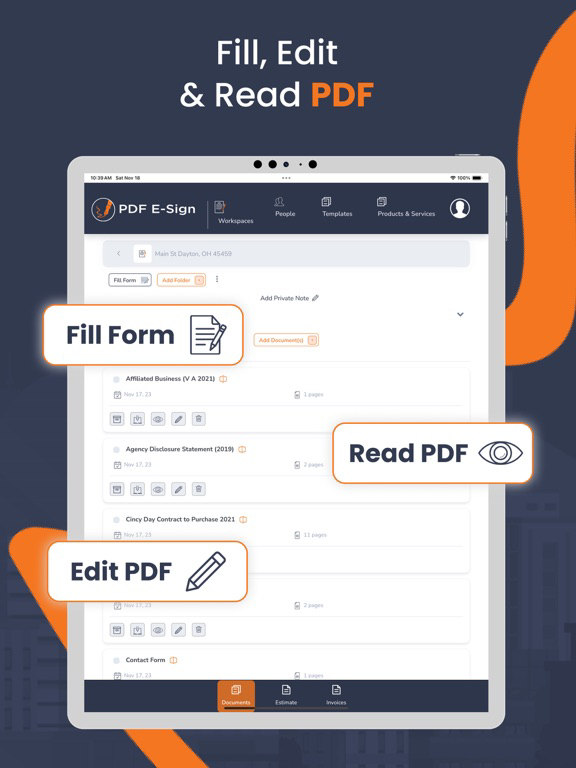
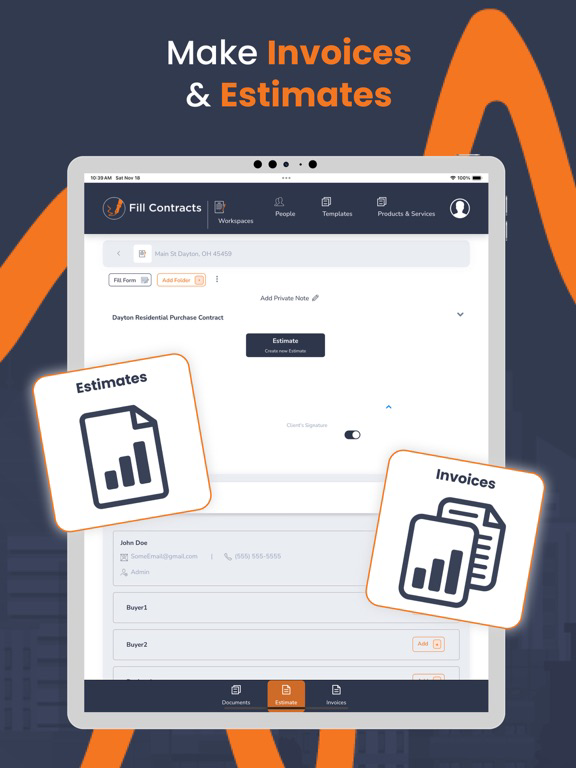
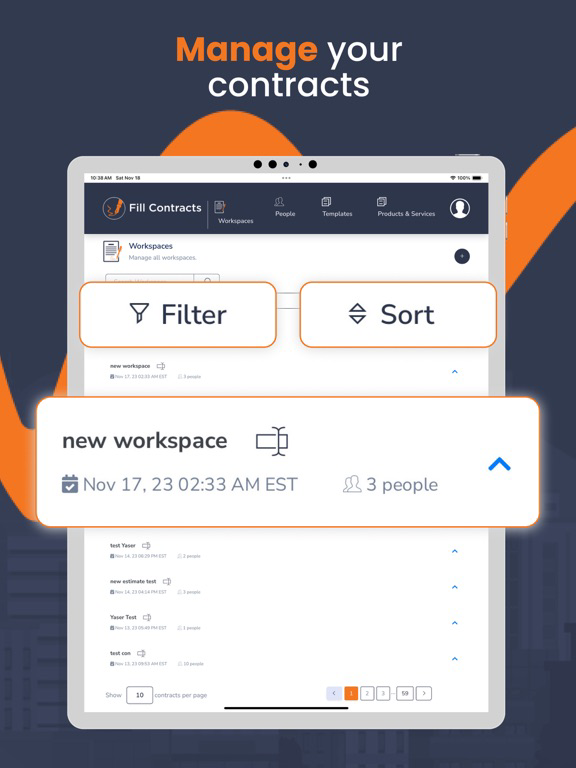
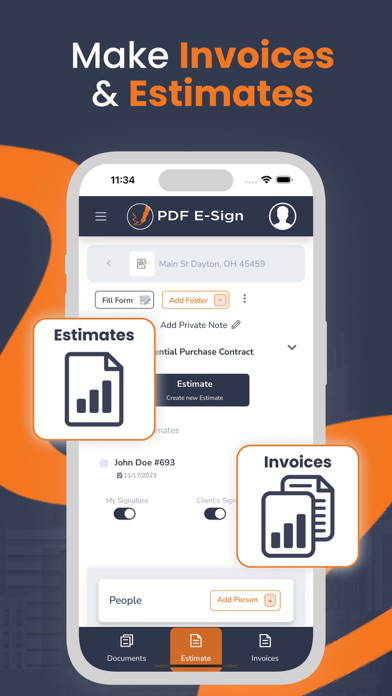
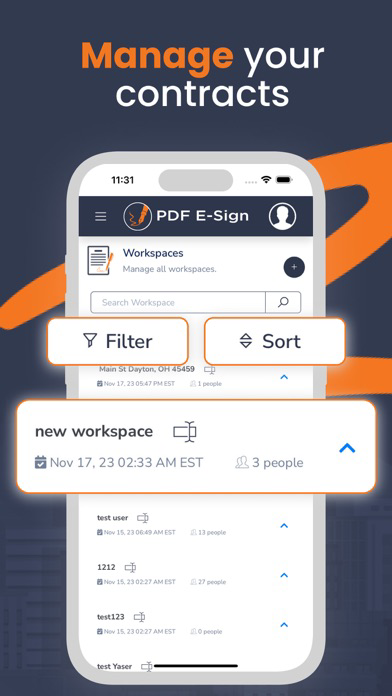
Contracts, estimates, and invoices. Unlike other e-signing tools, PDF E-Sign allows you to create contract templates, products, and services and then send contracts, estimates, and invoices from your mobile devices with minimal entry. While using PDF E-Sign, you can easily create new contracts, estimates, and invoices or enter changes from previous ones.
You don't need to go to the office or access a computer to create your PDF E-Sign document. With our minimal entry forms, you can send contracts to your client/customer for them to sign within a few minutes and forward them to the office or the seller/another agent.
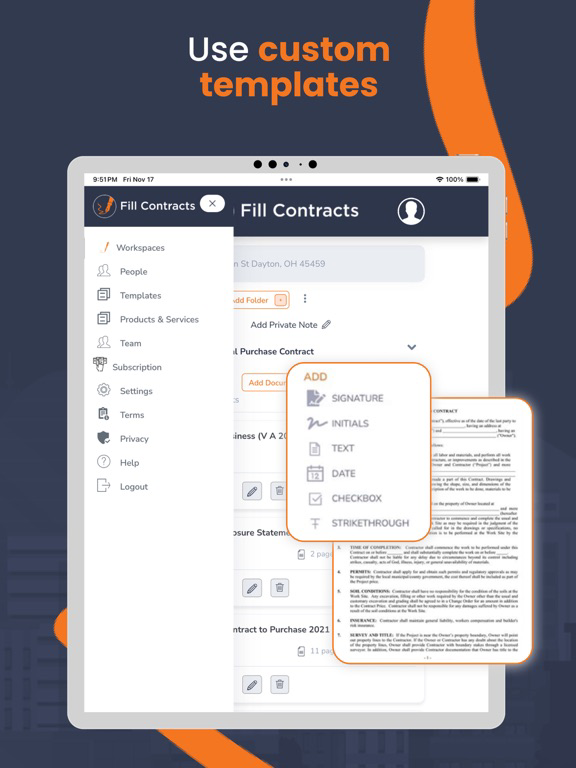
With our email-sharing contracts, you can customize an existing template by creating default values. Default values are then placed in every contract for you—with you in control.
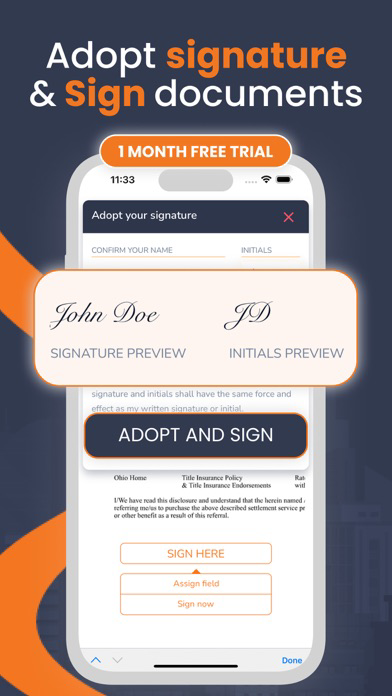
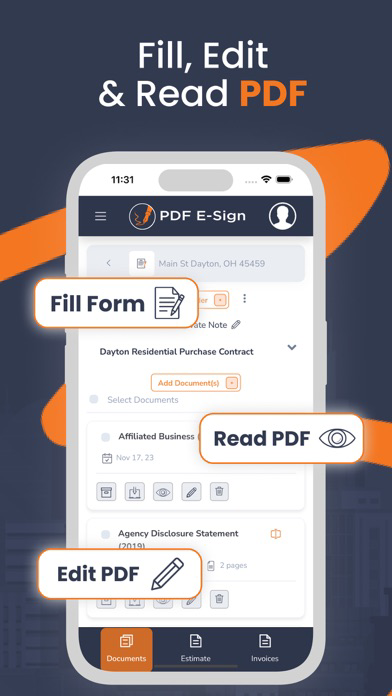
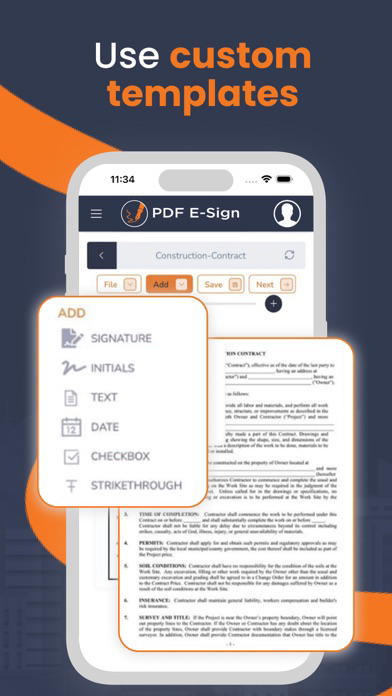
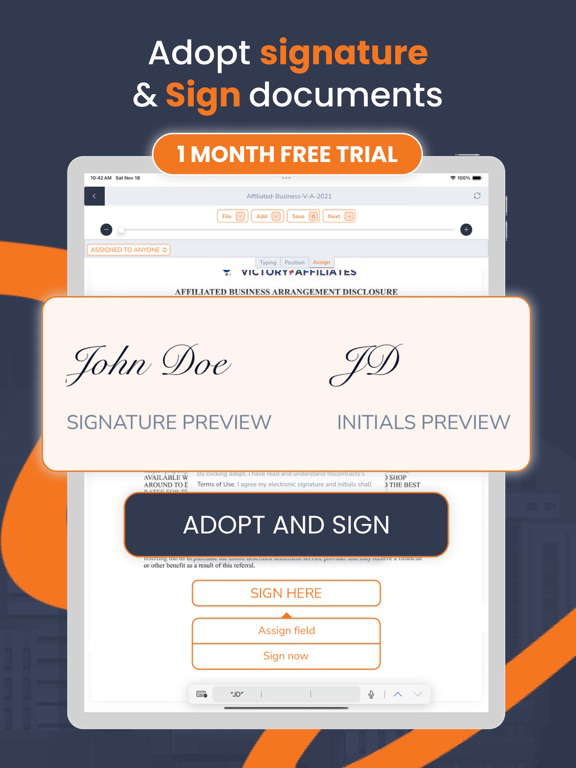
Change/delete or add fields, initials, signatures, and other contract-creating tools.
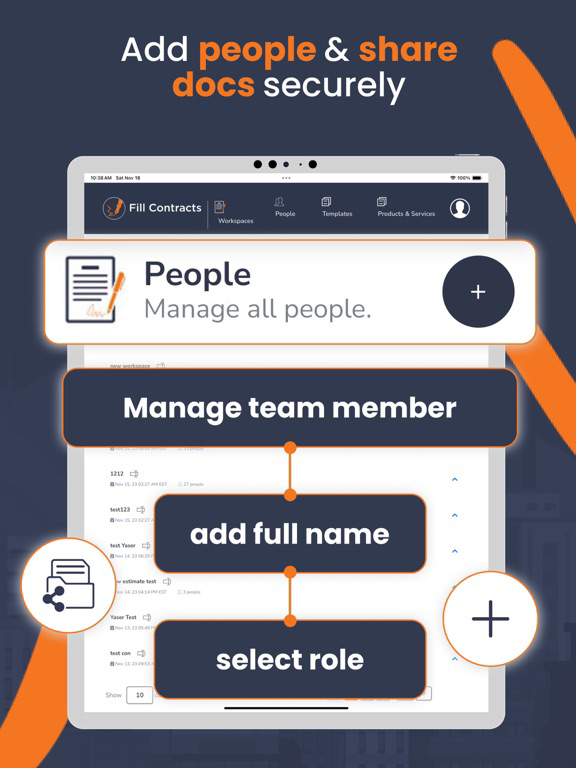
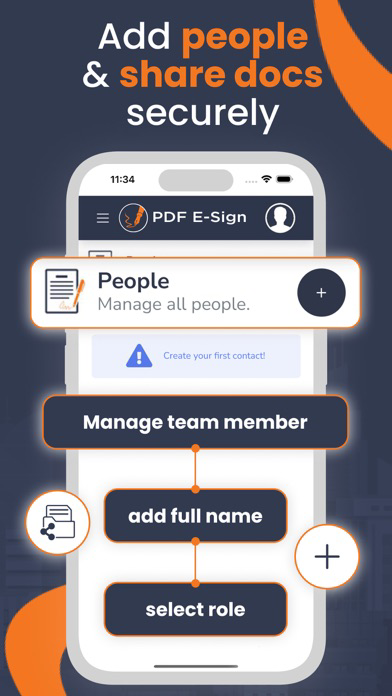
Are you working in a team or an office? Collaborate and control who can see documents or controls. Our software can be scaled to be used by one person or a corporation.
Simplicity and power are considered with every feature. Contact us today to learn more.

You don't need to go to the office or access a computer to create your PDF E-Sign document. With our minimal entry forms, you can send contracts to your client/customer for them to sign within a few minutes and forward them to the office or the seller/another agent.
With our email-sharing contracts, you can customize an existing template by creating default values. Default values are then placed in every contract for you—with you in control.
Change/delete or add fields, initials, signatures, and other contract-creating tools.
Are you working in a team or an office? Collaborate and control who can see documents or controls. Our software can be scaled to be used by one person or a corporation.
Simplicity and power are considered with every feature. Contact us today to learn more.
Show More
最新バージョン 106.26 の更新情報
Last updated on 2026年01月19日
旧バージョン
1) Refreshed and improved user interface for a more intuitive experience.
2) Introduced a new Document Library feature, allowing users to store documents and reuse them in contracts.
3) Enhanced document viewing and editing functionality for better usability and performance.
4) Added a new section to preview Invoices and Estimates.
5) Implemented a restriction so that only the designated invoice client can sign invoices.
6) Added new settings to configure invoice and estimate details, including logo, address, phone number, and related information.
2) Introduced a new Document Library feature, allowing users to store documents and reuse them in contracts.
3) Enhanced document viewing and editing functionality for better usability and performance.
4) Added a new section to preview Invoices and Estimates.
5) Implemented a restriction so that only the designated invoice client can sign invoices.
6) Added new settings to configure invoice and estimate details, including logo, address, phone number, and related information.
Show More
Version History
106.26
2026年01月19日
1) Refreshed and improved user interface for a more intuitive experience.
2) Introduced a new Document Library feature, allowing users to store documents and reuse them in contracts.
3) Enhanced document viewing and editing functionality for better usability and performance.
4) Added a new section to preview Invoices and Estimates.
5) Implemented a restriction so that only the designated invoice client can sign invoices.
6) Added new settings to configure invoice and estimate details, including logo, address, phone number, and related information.
2) Introduced a new Document Library feature, allowing users to store documents and reuse them in contracts.
3) Enhanced document viewing and editing functionality for better usability and performance.
4) Added a new section to preview Invoices and Estimates.
5) Implemented a restriction so that only the designated invoice client can sign invoices.
6) Added new settings to configure invoice and estimate details, including logo, address, phone number, and related information.
E-signature: Fill & Sign Docs FAQ
ここをクリック!地理的に制限されているアプリのダウンロード方法をご参考ください。
次のリストをチェックして、E-signature: Fill & Sign Docsの最低システム要件をご確認ください。
iPhone
iPad