ImageCapture
Gratis
2.6for iPhone, iPad
Age Rating
لقطات الشاشة لـ ImageCapture
About ImageCapture
Capture your product photograph from Alpha Software using Your Mobile
Steps:
If you are using Alpha JSoft Software
Step1 : Open Jsoft in your computer
Step2 : Open Tag Generate
Step3 : Image Capture Desktop application automatically start in your computer
Step4 : Open Image Capture iPhone app in your mobile
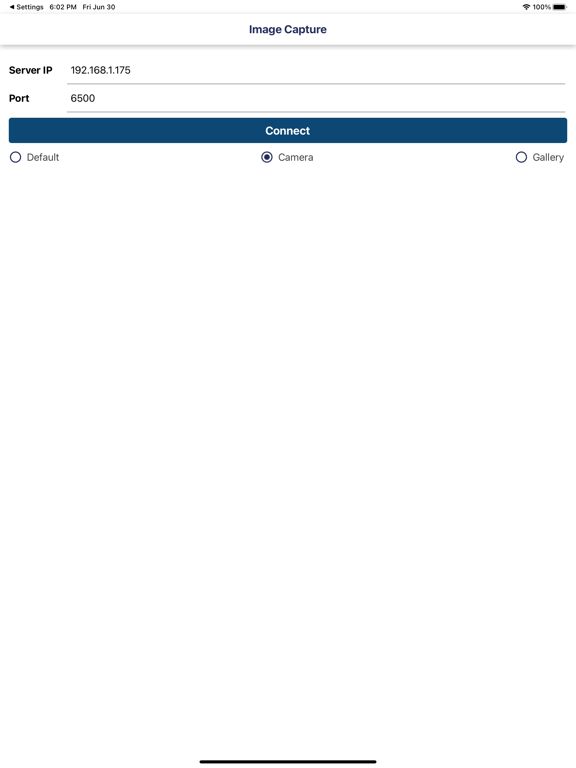
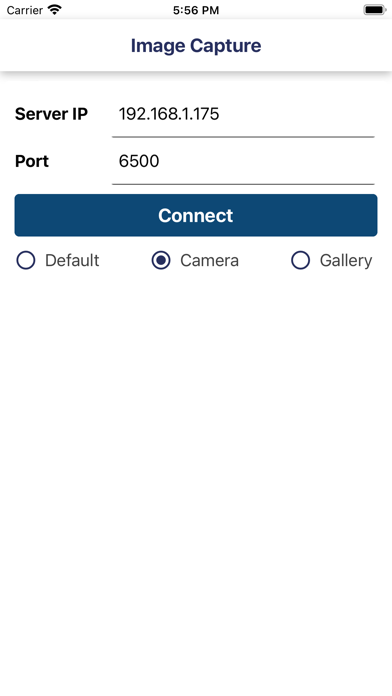
Step5 : Enter your computer IP Addres and port default is (6500) (Make sure your computer and mobile must be in same wifi network)
Step6 : Now your mobile and software in connected
Step7 : Select any tag number for example "RG001" and click on Photo Capture in JSoft
Step8 : Now tag number "RG001" show in your mobile
Step9 : Click on tag number and capture photograph
Step10 : Done.. Check in Jsoft.

Steps:
If you are using Alpha JSoft Software
Step1 : Open Jsoft in your computer
Step2 : Open Tag Generate
Step3 : Image Capture Desktop application automatically start in your computer
Step4 : Open Image Capture iPhone app in your mobile
Step5 : Enter your computer IP Addres and port default is (6500) (Make sure your computer and mobile must be in same wifi network)
Step6 : Now your mobile and software in connected
Step7 : Select any tag number for example "RG001" and click on Photo Capture in JSoft
Step8 : Now tag number "RG001" show in your mobile
Step9 : Click on tag number and capture photograph
Step10 : Done.. Check in Jsoft.

Show More
تحديث لأحدث إصدار 2.6
Last updated on 01/02/2026
الإصدارات القديمة
Bug Solve
Show More
Version History
2.6
01/02/2026
Bug Solve
ImageCapture FAQ
انقر هنا لمعرفة كيفية تنزيل ImageCapture في بلد أو منطقة محظورة.
تحقق من القائمة التالية لمعرفة الحد الأدنى من المتطلبات ImageCapture.
iPhone
iPad