SplitTabBrowser

SplitTabBrowser


Grátis

3.3.8for iPhone, iPad and more
Takashi Hidano
Developer
120,6 MB
Size
Feb 25, 2026
Update Date
Utilities
Category
Age Rating
4+
Apps in this category do not contain restricted content.
9+
Apps in this category may contain mild or occasional cartoon, fantasy or real-life violence, as well as occasional or mild adult, sexually suggestive or horrifying content and may not be suitable for children under 9 years of age.
12+
Apps in this category may contain occasional mild indecent language, frequent or intense cartoon or real-life violence, minor or occasional adult or sexually suggestive material, and simulated gambling, and may be for children under 12 years of age.
17+
You must be at least 17 years old to access this App.
Apps in this category may contain frequent and intense offensive language; Frequent and intense cartoon, fantasy or realistic violence: frequent and intense adult, scary and sexually suggestive subjects: as well as sexual content, nudity, tobacco, alcohol and drugs, may not be suitable for children under 17 years of age.
SplitTabBrowser Capturas de tela
SplitTabBrowser CartazSplitTabBrowser CartazSplitTabBrowser CartazSplitTabBrowser CartazSplitTabBrowser CartazSplitTabBrowser CartazSplitTabBrowser CartazSplitTabBrowser Cartaz

About SplitTabBrowser

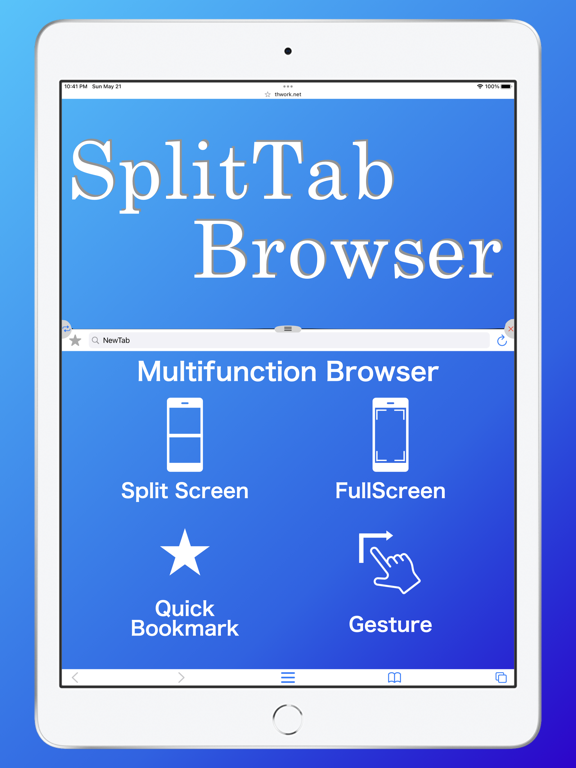
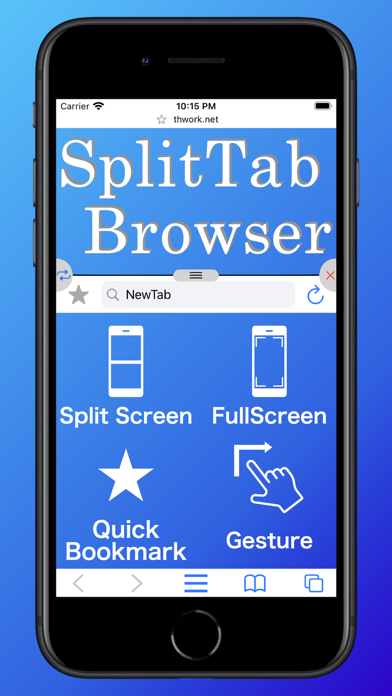
Multifunctional tab browser.
It can be customized to your favorite settings.

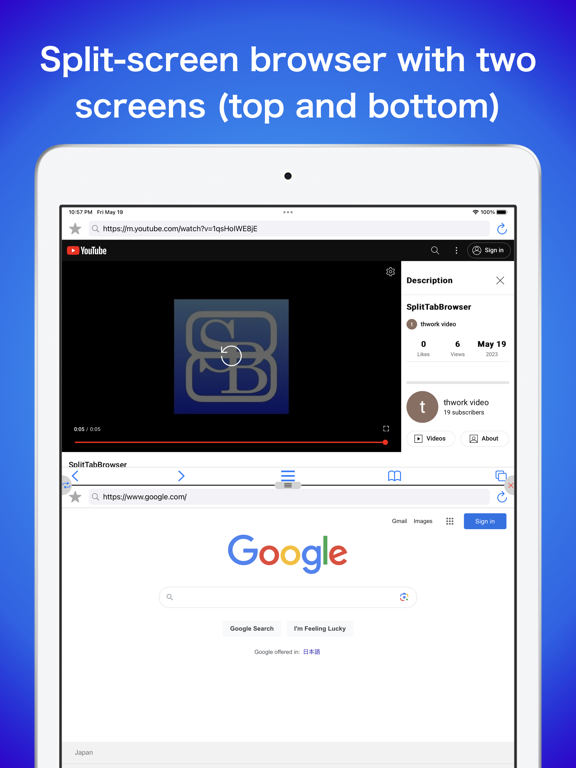
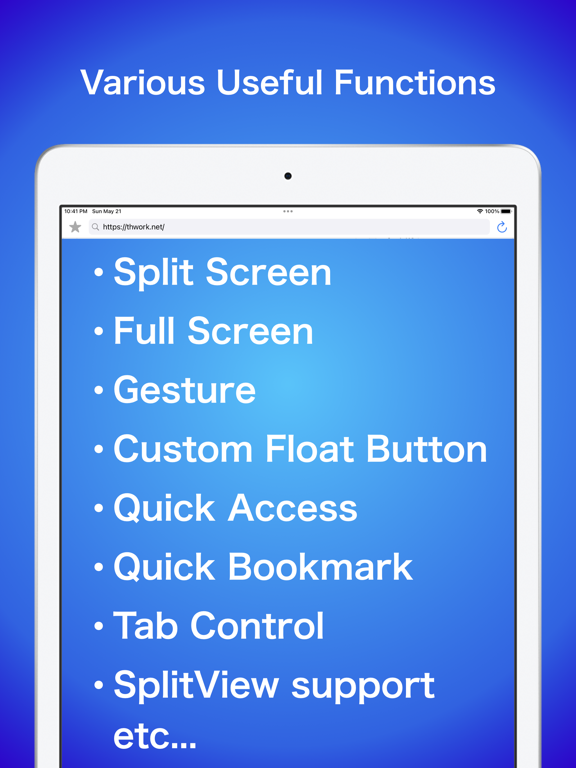
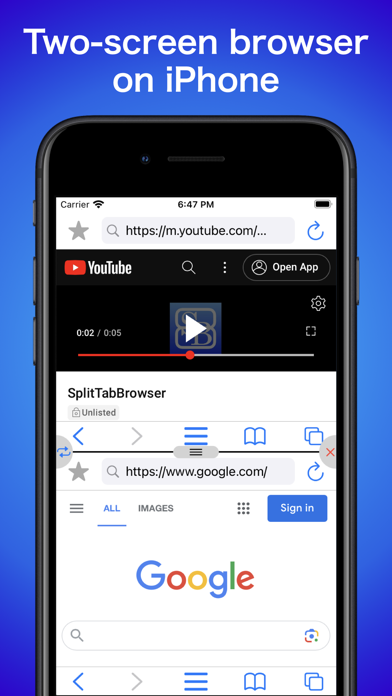
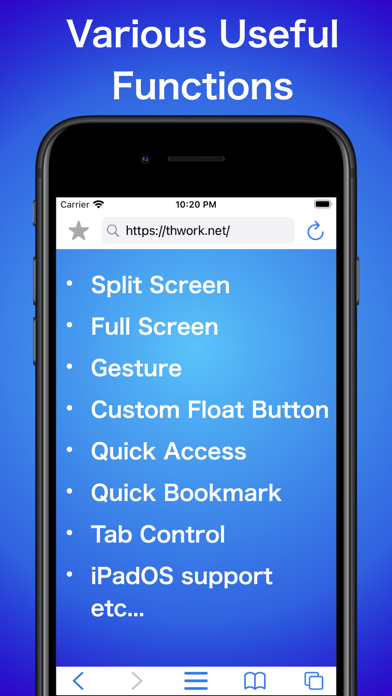
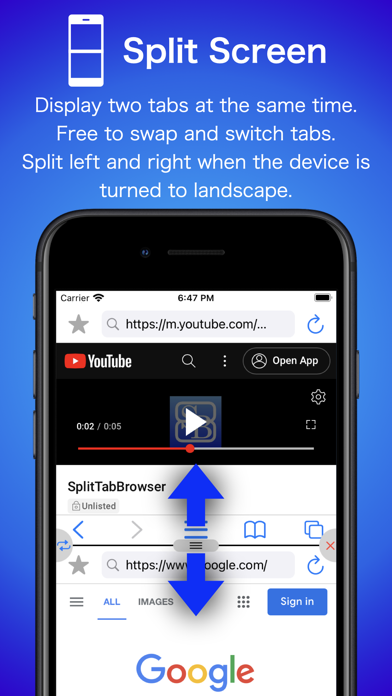
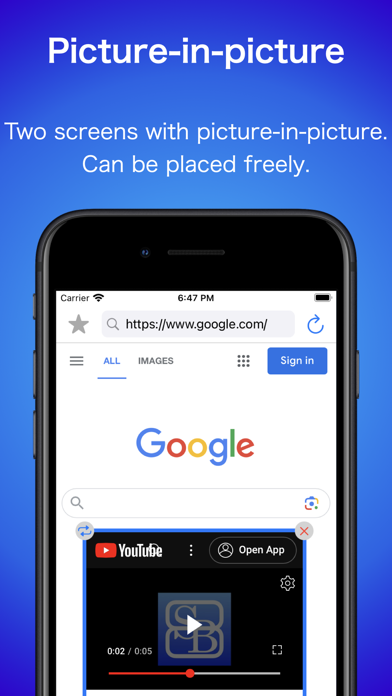
-Split screen
Two tabs can be displayed at the same time.
The ratio can also be changed.
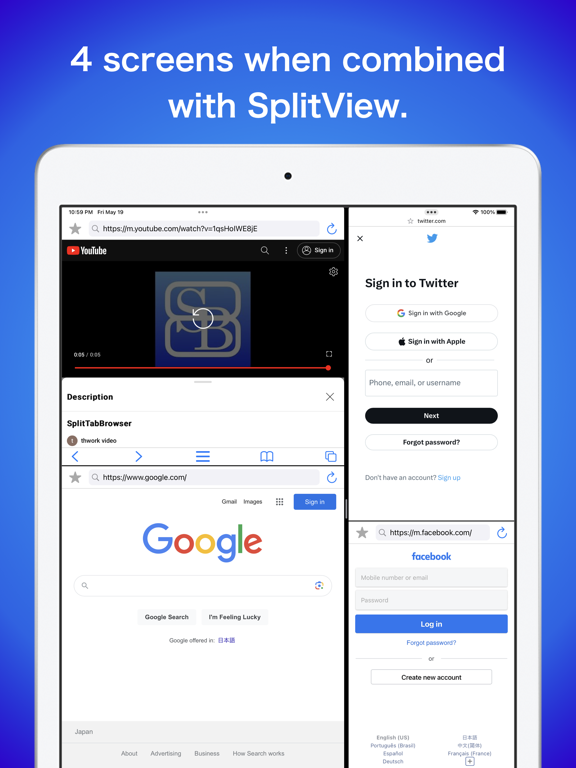
Since SplitView is also supported, more tabs can be displayed at the same time on iPadOS.

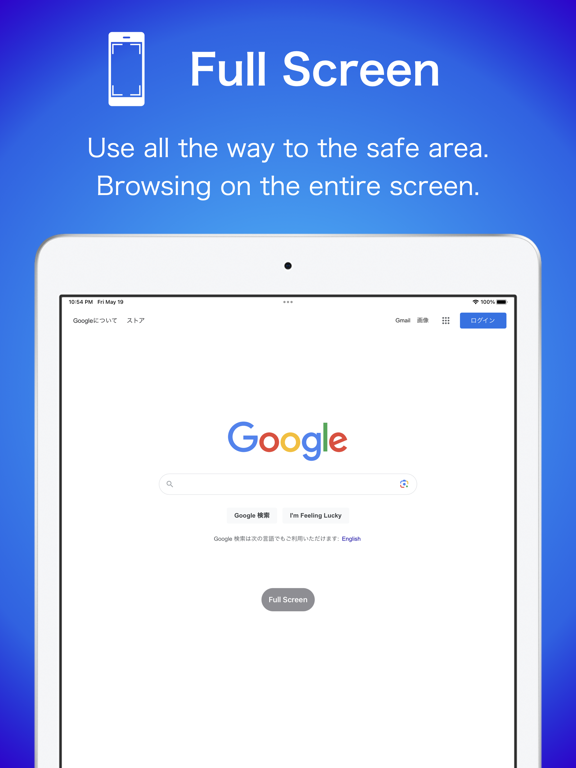
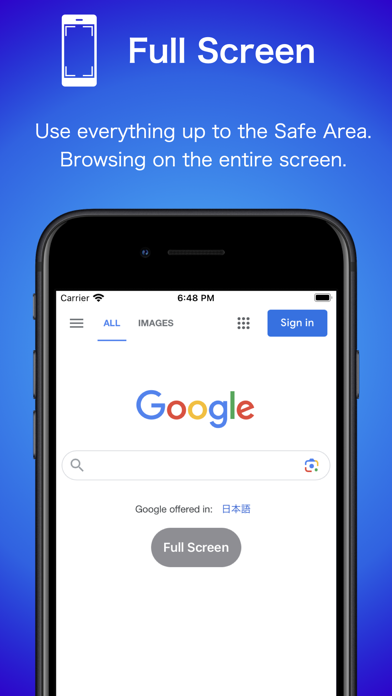
-Full Screen
Full screen display is possible.
When in full-screen mode, the home bar is hidden when not in use.

-Quick Access
Access specified URLs with a single gesture.
You can also refresh the specified URL with a gesture.

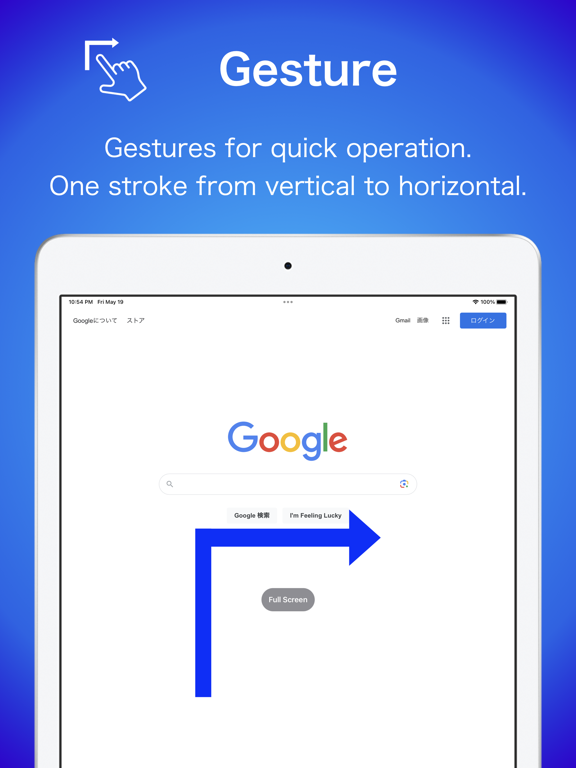
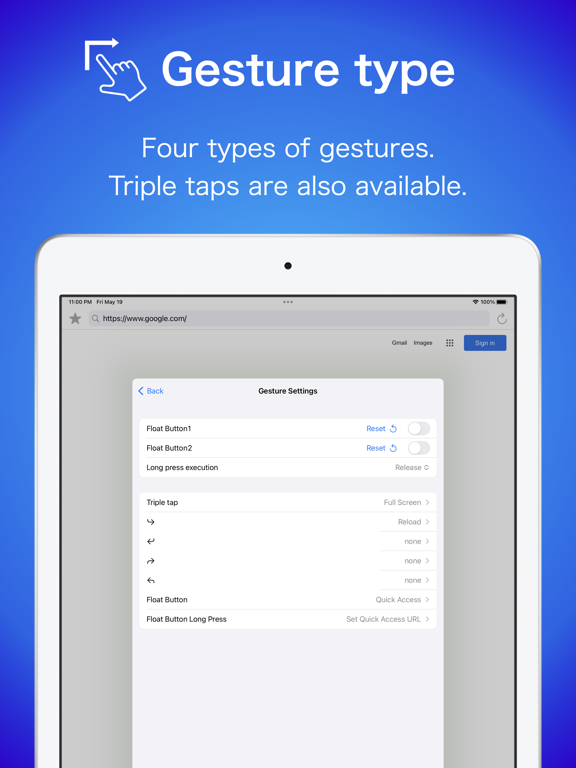
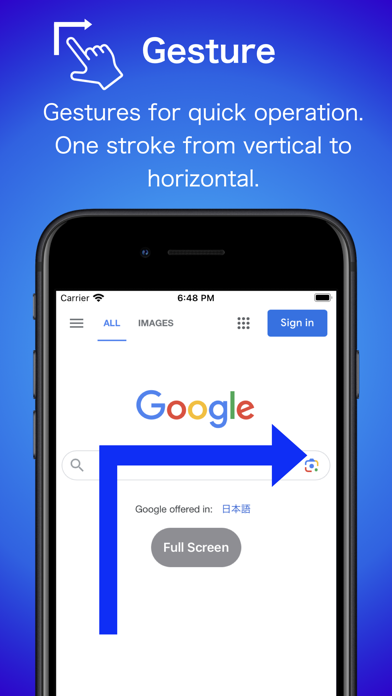
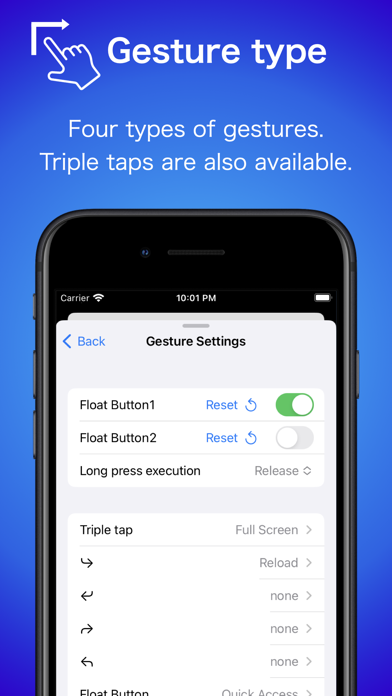
-Gesture
Multiple gestures such as triple-tap and L-shape can be used.
Various actions such as screen split, full screen, reload, etc. can be set.

-Float Button
You can display a button to which you can assign the same functions as the above gestures.
Each function can be assigned to a tap and a long press.
You can hide the button when it is not needed.

Show More

Novidades da Última Versão 3.3.8

Last updated on Feb 25, 2026
Versões Antigas
■ Ver 3.3.8
- Adjusted the tab state saving logic.
- Added `Go Back` and `Go Forward` gesture actions.
- Increased the range of float button size settings

■ Next Version
The next update will require iOS/iPadOS 16 or later.
Show More
Version History
3.3.8
Feb 25, 2026
■ Ver 3.3.8
- Adjusted the tab state saving logic.
- Added `Go Back` and `Go Forward` gesture actions.
- Increased the range of float button size settings

■ Next Version
The next update will require iOS/iPadOS 16 or later.

SplitTabBrowser FAQ

Clique aqui para saber como baixar SplitTabBrowser em um país ou região restrita.
Confira a lista a seguir para ver os requisitos mínimos de SplitTabBrowser.
iPhone
Erfordert iOS 14.5 oder neuer.
iPad
Erfordert iPadOS 14.5 oder neuer.
iPod touch
Erfordert iOS 14.5 oder neuer.
SplitTabBrowser suporta Englisch, Japanisch

Alternativa de SplitTabBrowser

Você pode gostar

Obtenha mais de Takashi Hidano