SplitTabBrowser
무료
3.3.8for iPhone, iPad and more
Age Rating
SplitTabBrowser 스크린 샷
About SplitTabBrowser
Multifunctional tab browser.
It can be customized to your favorite settings.
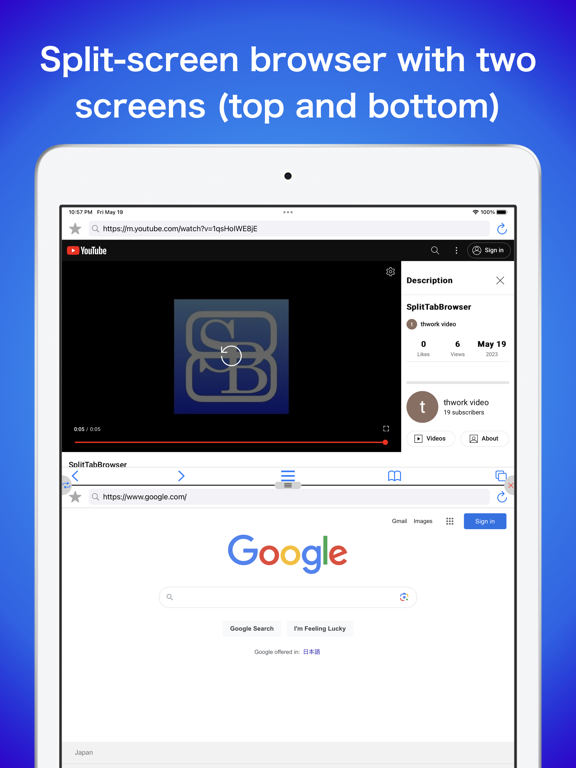
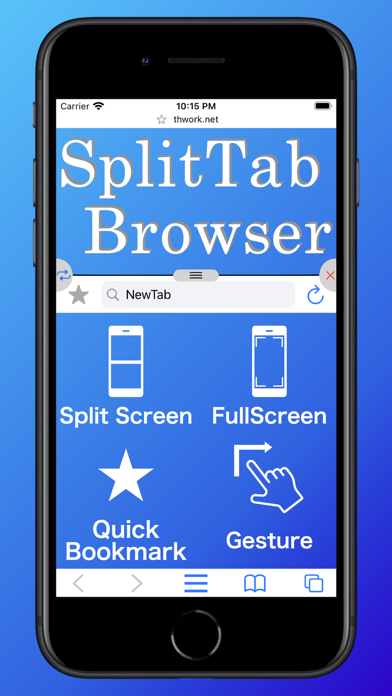
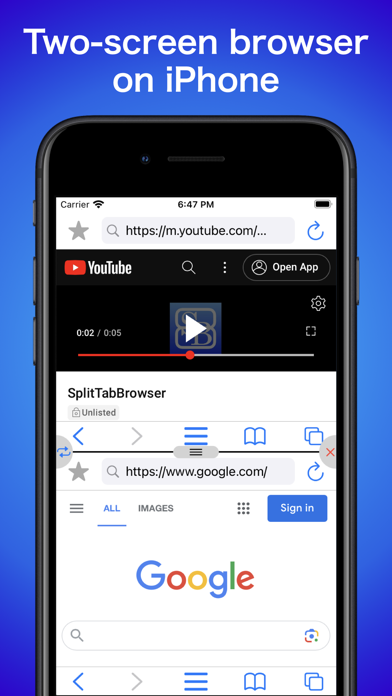
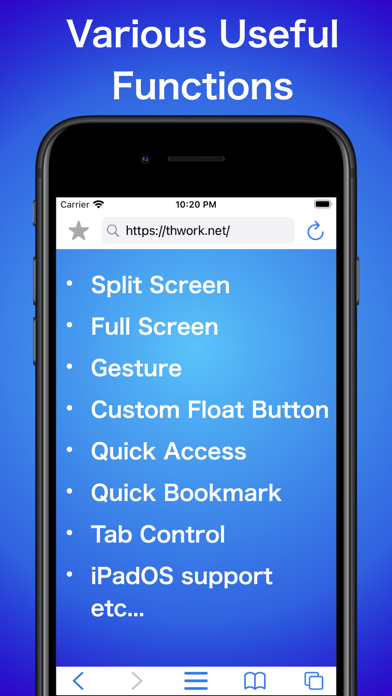
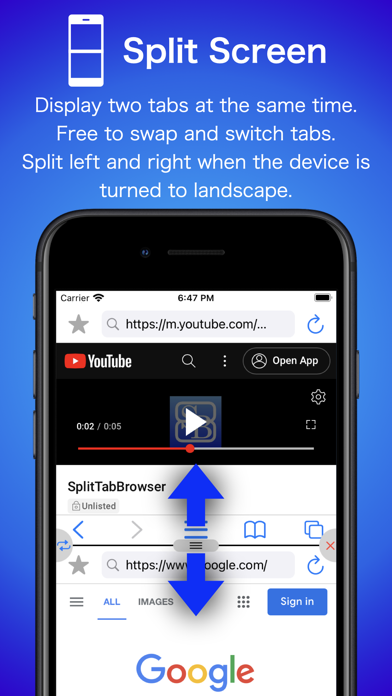
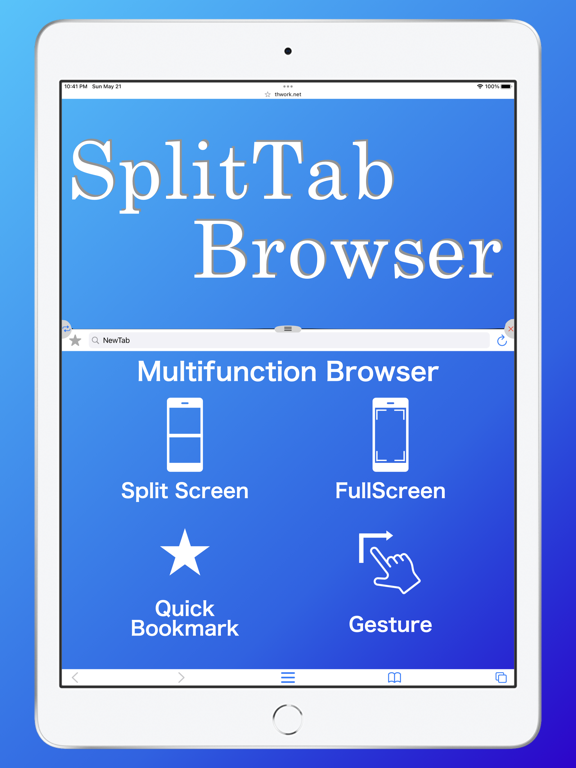
-Split screen
Two tabs can be displayed at the same time.
The ratio can also be changed.
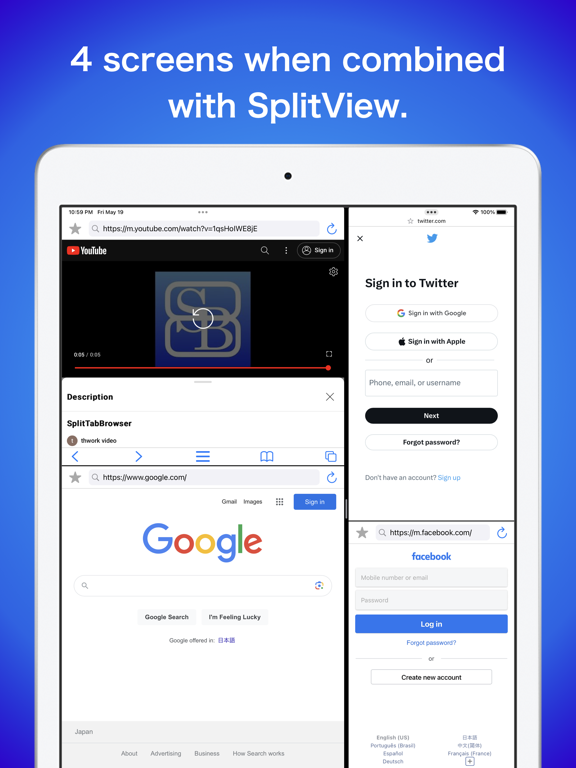
Since SplitView is also supported, more tabs can be displayed at the same time on iPadOS.
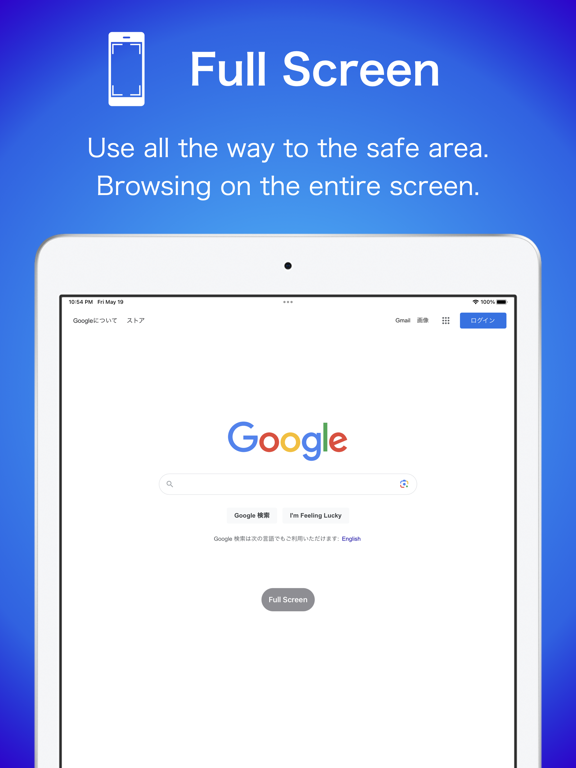
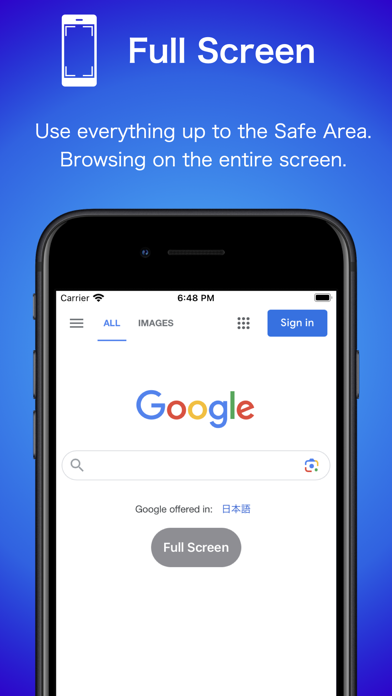
-Full Screen
Full screen display is possible.
When in full-screen mode, the home bar is hidden when not in use.
-Quick Access
Access specified URLs with a single gesture.
You can also refresh the specified URL with a gesture.
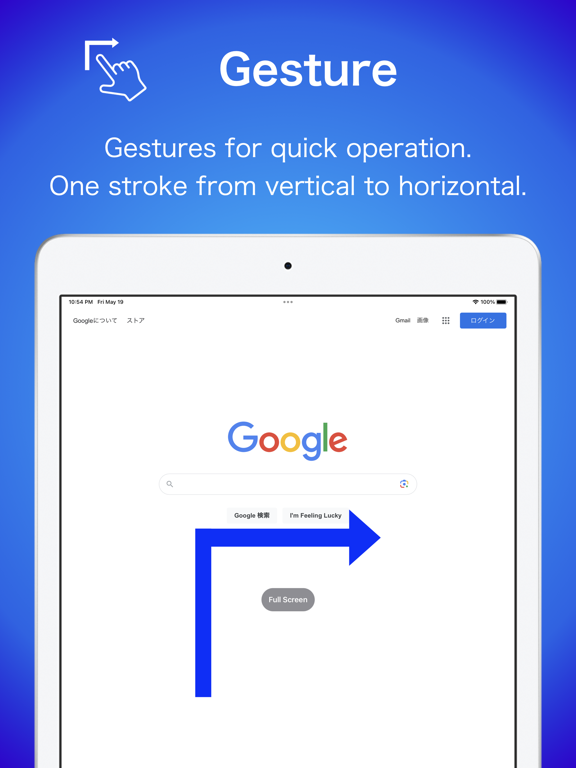
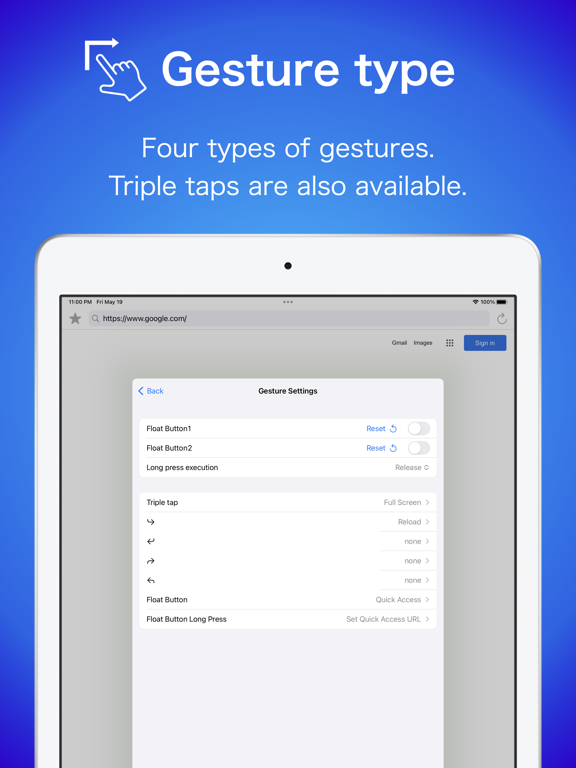
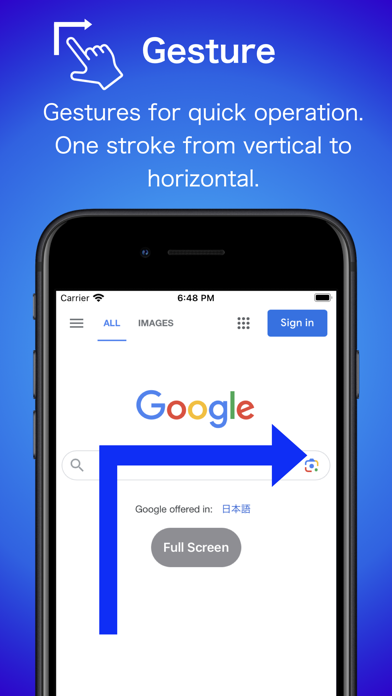
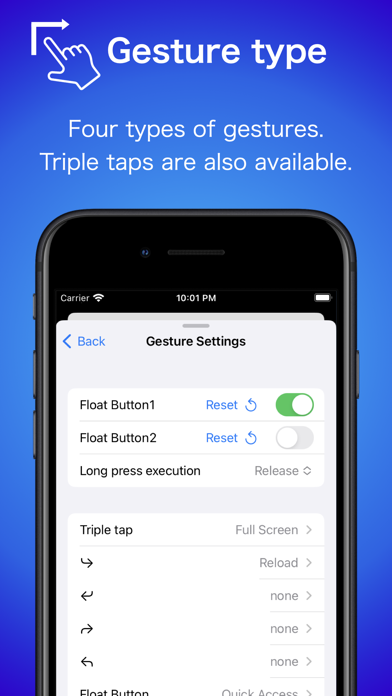
-Gesture
Multiple gestures such as triple-tap and L-shape can be used.
Various actions such as screen split, full screen, reload, etc. can be set.
-Float Button
You can display a button to which you can assign the same functions as the above gestures.
Each function can be assigned to a tap and a long press.
You can hide the button when it is not needed.

It can be customized to your favorite settings.
-Split screen
Two tabs can be displayed at the same time.
The ratio can also be changed.
Since SplitView is also supported, more tabs can be displayed at the same time on iPadOS.
-Full Screen
Full screen display is possible.
When in full-screen mode, the home bar is hidden when not in use.
-Quick Access
Access specified URLs with a single gesture.
You can also refresh the specified URL with a gesture.
-Gesture
Multiple gestures such as triple-tap and L-shape can be used.
Various actions such as screen split, full screen, reload, etc. can be set.
-Float Button
You can display a button to which you can assign the same functions as the above gestures.
Each function can be assigned to a tap and a long press.
You can hide the button when it is not needed.
Show More
최신 버전 3.3.8의 새로운 기능
Last updated on Feb 25, 2026
오래된 버전
■ Ver 3.3.8
- Adjusted the tab state saving logic.
- Added `Go Back` and `Go Forward` gesture actions.
- Increased the range of float button size settings
■ Next Version
The next update will require iOS/iPadOS 16 or later.
- Adjusted the tab state saving logic.
- Added `Go Back` and `Go Forward` gesture actions.
- Increased the range of float button size settings
■ Next Version
The next update will require iOS/iPadOS 16 or later.
Show More
Version History
3.3.8
Feb 25, 2026
■ Ver 3.3.8
- Adjusted the tab state saving logic.
- Added `Go Back` and `Go Forward` gesture actions.
- Increased the range of float button size settings
■ Next Version
The next update will require iOS/iPadOS 16 or later.
- Adjusted the tab state saving logic.
- Added `Go Back` and `Go Forward` gesture actions.
- Increased the range of float button size settings
■ Next Version
The next update will require iOS/iPadOS 16 or later.
SplitTabBrowser FAQ
제한된 국가 또는 지역에서 SplitTabBrowser를 다운로드하는 방법을 알아보려면 여기를 클릭하십시오.
SplitTabBrowser의 최소 요구 사항을 보려면 다음 목록을 확인하십시오.
iPhone
Erfordert iOS 14.5 oder neuer.
iPad
Erfordert iPadOS 14.5 oder neuer.
iPod touch
Erfordert iOS 14.5 oder neuer.
SplitTabBrowser은 다음 언어를 지원합니다. Englisch, Japanisch