■ Ver 3.3.6
The UI has been readjusted to comply with the Admob policy.
Please note that this may be changed again depending on Admob's response.
■Feature modification
-Adjusted UI around ads.
■ Ver 3.3.5
■Feature modification
-Adjusted UI around ads.
-GDPR message display support.
■ Ver 3.3.4
■Additional Premium Features
-Added Float button resizing function.
■Feature modification
-The button design for bookmark batch operation has been adjusted.
-A confirmation dialog box has been added when deleting bookmarks in batch.
■ Ver 3.3.3
■Additional Features
-Added history retention period to settings.
You can choose 7, 14, or 30 days.
-Function to scroll to the top by tapping the header area on the bookmark and history screens has been added.
■Feature modification
-History display has been sectioned.
■ Ver 3.3.2
■Feature modification
-Changed menu layout.
Half-modal is now supported on iOS 16 or later.
Useful functions are placed in a half-modal display range.
-Modified URL bar view while typing.
■ Ver 3.3.1
Adjusted various UI.
Improved accessibility to functions.
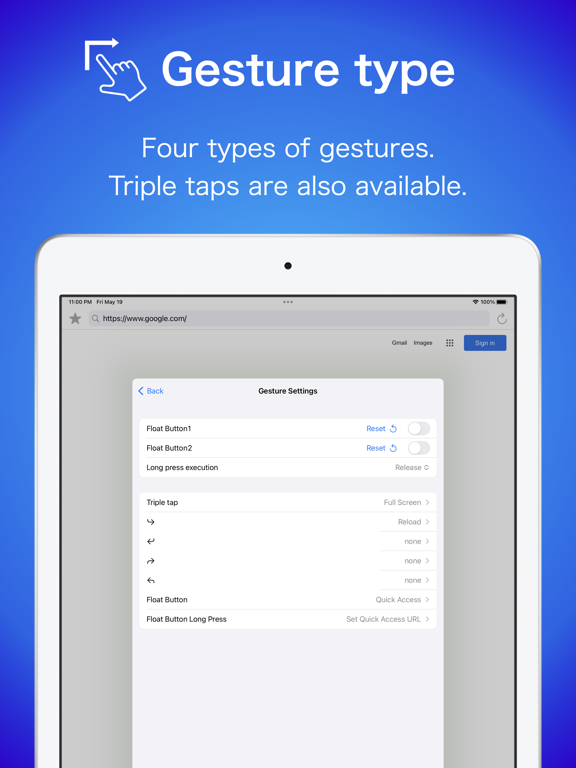
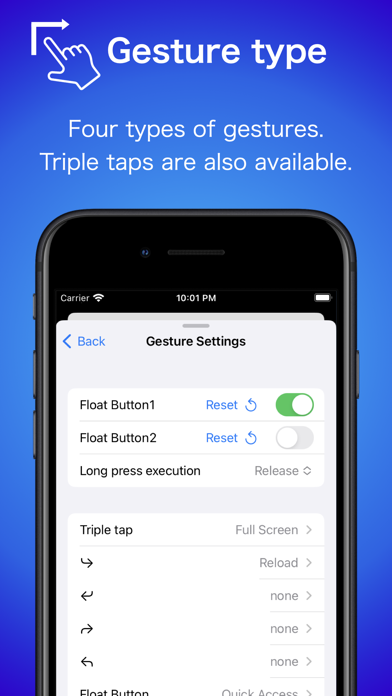
Added long-tap setting for float buttons.
You can choose the timing. (Pushing/Release)
■Additional Premium Features
-Premium feature setting button added to the start page.
-Bookmark star button added to toolbar settings.
■Additional Features
-Added long-tap setting for float buttons.
You can choose the timing. (Pushing/Release)
-Added a settings button on the start page.
-The number of bookmarks on the start page has been increased to 10.
-Open bookmark list added to the bookmark star button.
■Feature modification
-Float button icons are changed by the action.
-Adjusted the behavior of the footer URL bar when the keyboard is opened.
-Adjusted various UI.
■ Ver 3.3.0
Footer toolbar customization has been added to the premium features.
You can change it from Premium Features Settings -> Toolbar Settings.
Buttons can be rearranged and replaced with buttons for screen splits, quick access, etc.
*Menu button cannot be removed.
*The toolbar setting is only enabled when there is a reward point.
■Additional Premium Features
-The footer toolbar can now be customized.
You can change it from Premium Features Settings -> Toolbar Settings.
It can be changed by drag & drop.
*The toolbar setting is only enabled when there is a reward point.
■Additional Features
-Added functionality for long tapping of buttons on the start page.
Long-tap the Home button to open the home page settings.
Long-tap the SplitScreen button on the iPad OS to select the direction of screen splitting.
■Feature modification
-Reduced interstitial advertising.
-Adjusted menu layout.
-Changed to open the start page in a new tab so that the user can see when the reward points have expired.
-The URL bar position setting is now enabled on iOS during picture-in-picture.
■ Ver 3.2.1
■Feature modification
-Bookmark operation from the URL bar has been changed from a premium function to a normal function, and advertisements have been removed.
-The layout has been adjusted so that the screen is not too narrow when displaying banner ads.
-Banner ads have been added to some menu screens.
-Excluded StartPage bookmarks from the bookmark button in the URL bar.
-Adjusted ad display logic.
■Bug fix
-The issue where the bookmark and folder editing screens would become white and difficult to see on iOS 16 or later has been fixed.
■ Ver 3.2.0
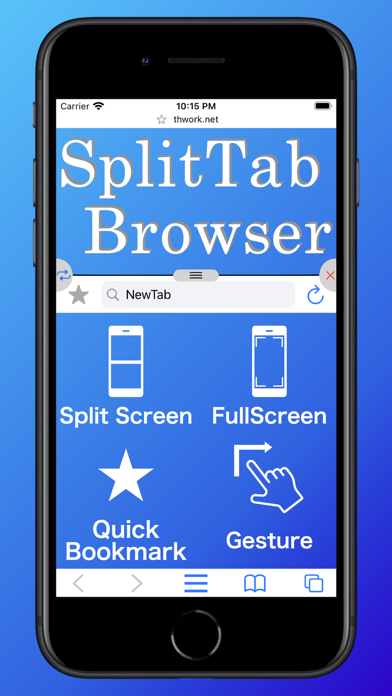
Start page added.
Access to various functions such as home page, bookmarks, split screen and full screen switching.
Open a new tap to get to the start page.
It can be changed to the home page through Advanced Settings.
■Additional Features
-Start page added.
Access to various functions.
Up to 8 bookmarks can be displayed.
Bookmarks can be changed or deleted with a long tap.
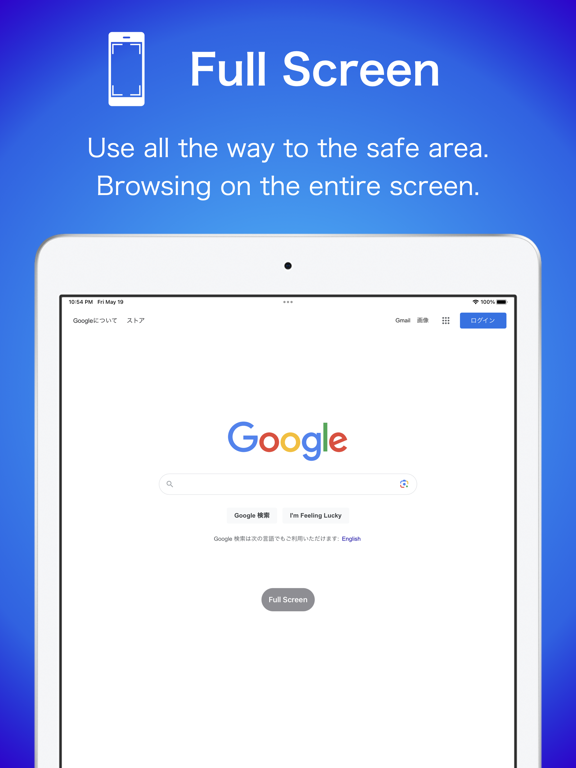
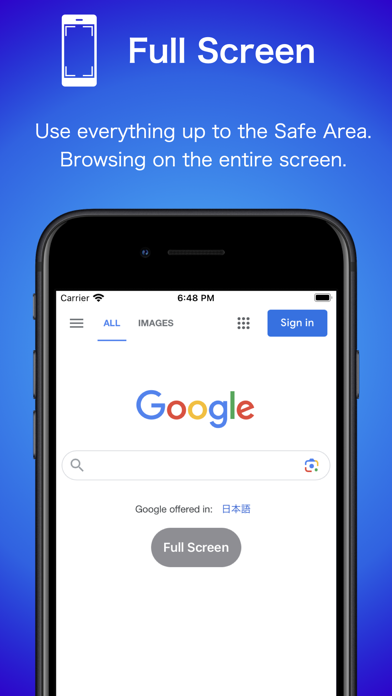
-Added full screen switching to the menu.
Depending on the settings, it may not be possible to disable full screen.
In that case, you can disable it by exiting the application.
-Added an item to the advanced settings.
New tab page setting
Default is the start page.
You can change to the home page.
Full Screen Caution Setting
You can set whether or not to display a warning when going to full screen other than by gesture.
When turned on, it will appear only once each time the application is launched.
■Feature modification
-Adjusted initial size of picture-in-picture.
-Adjusted layout of advanced settings.
-Icons are retrieved again when bookmarks are added or edited.
■Bug fix
-Bookmark deletion sometimes not working properly fixed.
■ Ver 3.1.0
Grid view of tab list added.
In grid view, a preview of the tabs is displayed, making it easier to check the contents.
You can switch to previous list view by tapping the button in the upper right corner of tab menu.
It can be conveniently switched as needed.
■Additional Features
-Grid view of tab list added.
Grid view is set by default.
You can switch to previous list view by tapping the button in the upper right corner of tab menu.
-Tab list grid view on/off added to advanced settings.
Grid view is set by default.
It is on by default.
By turning it off, image capture for the grid view will not be performed.
■Feature modification
-URL bar display modified when restoring tabs.
-UI modified so that the display area of the tab menu is wider.
-Optimization of some processes.
■Bug fix
-Fixed a bug that could cause a crash when storing tabs.
-Fixed a bug that could cause a crash when restoring tabs.
-Fixed a bug that could cause a crash when deleting bookmarks at once.
-Fixed a bug that could cause a crash when playing advertisement video.
■ Ver 3.0.0
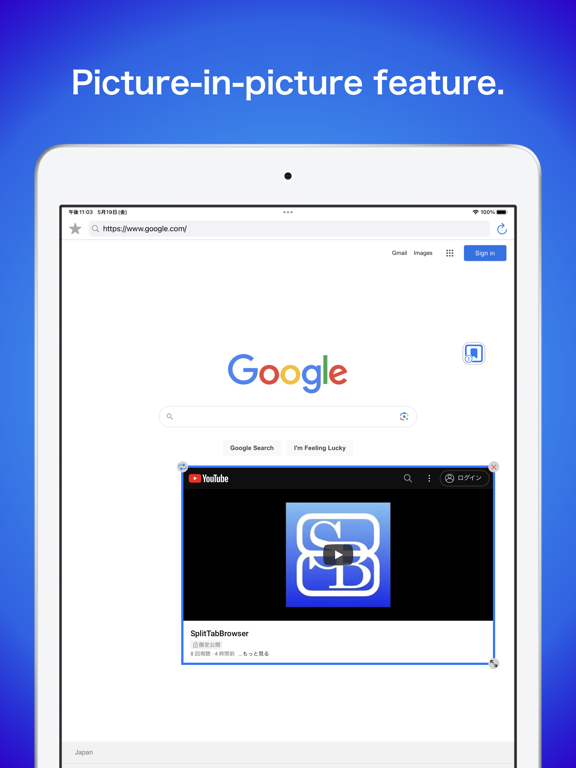
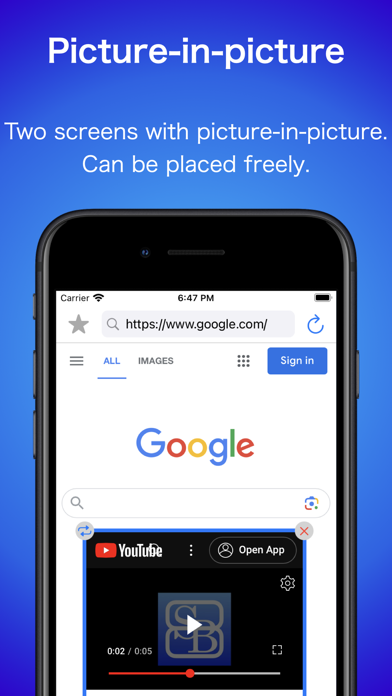
Picture-in-picture feature added.
Tab is displayed overlaid on top of the screen.
You can freely change the size and position.
Please try it out.
■Additional Premium Features
-Picture-in-picture feature added.
Switch to picture-in-picture from the menu.
Drag the scaling icon to change the size.
Move the frame by dragging it.
Tap the frame to hide the button.
The position and size can be reset from the menu.
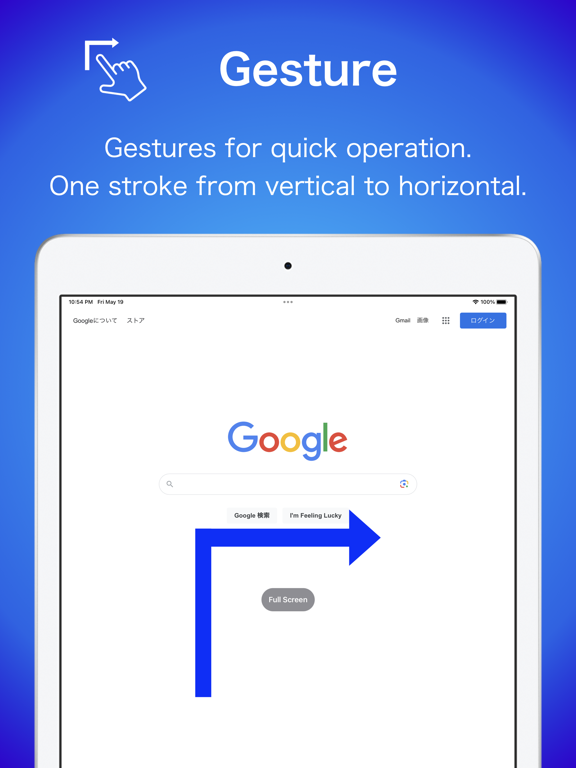
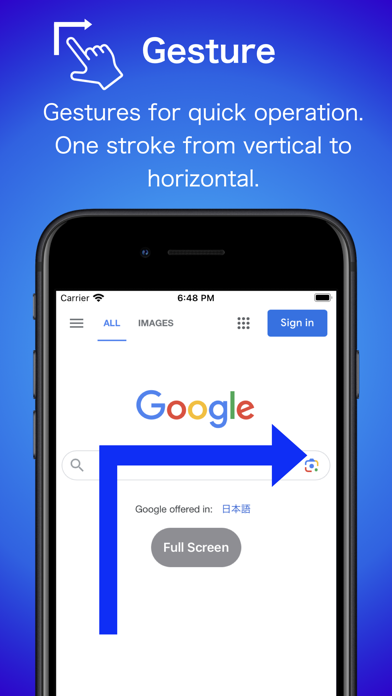
-Added picture-in-picture switching to gestures.
■Feature modification
-The layout of the tab list has been modified to make the tab close button more difficult to press in iOS15.
-Changed the timing of ad display when using full screen when no reward points are available.
■Bug fix
-Fixed a bug that could cause a crash when splitting the screen.
-Delete function of the bookmark button in the URL bar causing deletion even if canceled in the middle of the bookmark function has been fixed.
-Fixed Japanese display of half-modal detail settings.
Changed primary locale to English from 2.6.1
If you want to return to Japanese, you can change it from SplitTabBrowser->Language in the Settings application.
*SplitBrowser for device settings in Japanese, SplitTabBrowser in others.
■ Ver 2.6.2
■Additional Features
-Added half-modal. (iOS16)
Some menus now open in half screen size on iOS16.
Swipe up to go full modal.
You can also turn it off in the advanced settings.
■Additional Premium Features
-Added advanced settings for half modal.
You can set the size between half modal and full modal.
■Bug fix
-Fixed a bug where a single-tap gesture works with a long tap of the Float button.
■ Ver 2.6.1
Changed primary locale to English.
If you want to return to Japanese, you can change it from SplitTabBrowser->Language in the Settings application.
*SplitBrowser for device settings in Japanese, SplitTabBrowser in others.
■Additional function
-Language settings have been added.
Open SplitTabBrowser language settings in the Settings app.
■Bug fix
-Fixed a bug that could cause a crash when using the toolbar in landscape mode.
■ Ver 2.6.0
English is supported.
If you want to return to Japanese, you can change it from SplitTabBrowser->Language in the Settings application.
*SplitBrowser for device settings in Japanese, SplitTabBrowser in others.
英語対応しました。
日本語に戻したい場合は設定アプリのSplitTabBrowser->Languageから変更できます。
■Additional function
English is supported.
■functional modification
-The tap range of the cross button on the URL bar has been enlarged.