SplitTabBrowser
Free
3.3.8for iPhone, iPad and more
Age Rating
SplitTabBrowser Captures d'écran
About SplitTabBrowser
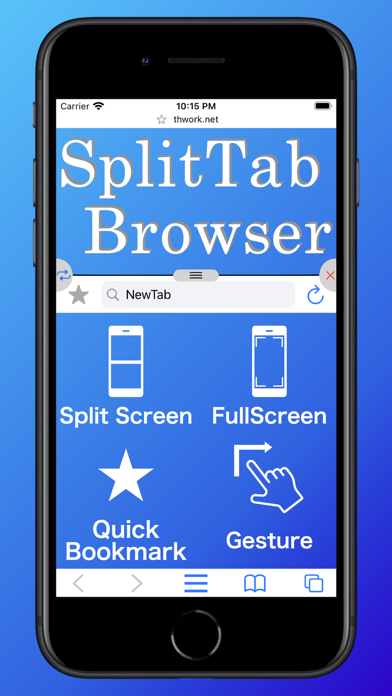
Multifunctional tab browser.
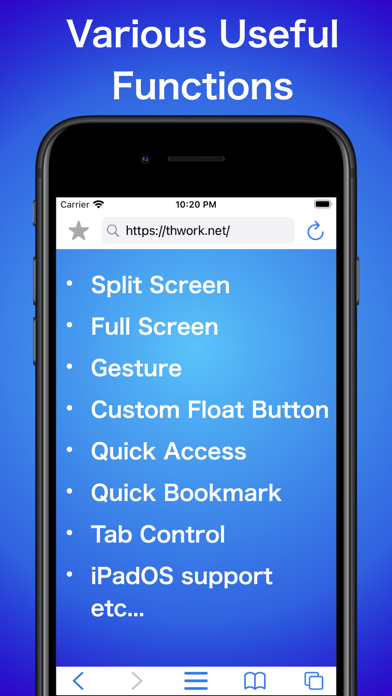
It can be customized to your favorite settings.
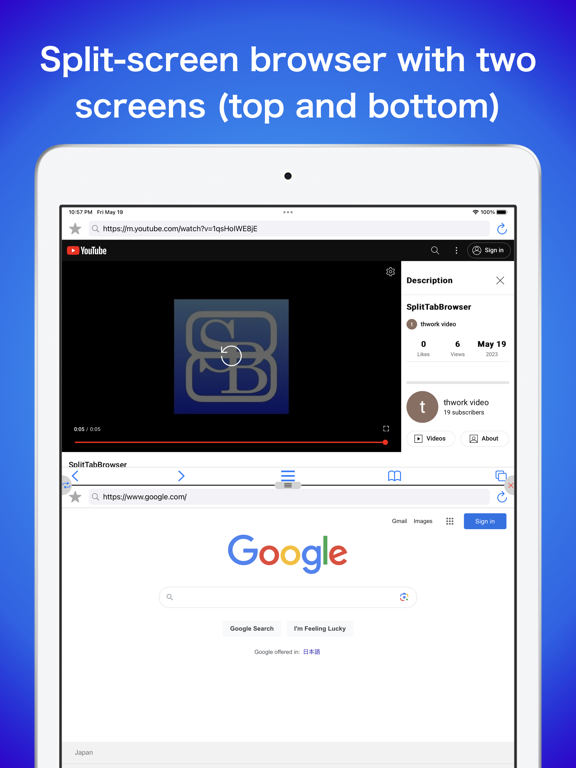
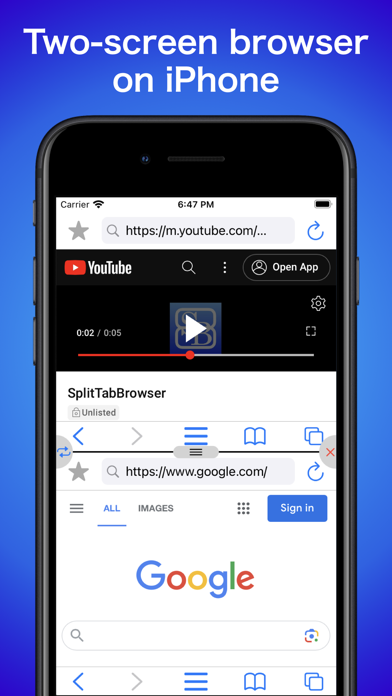
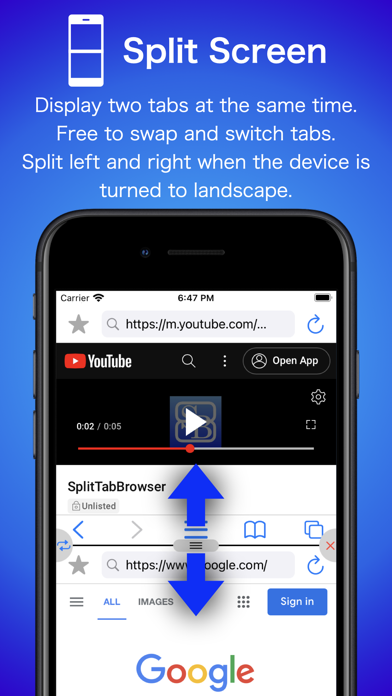
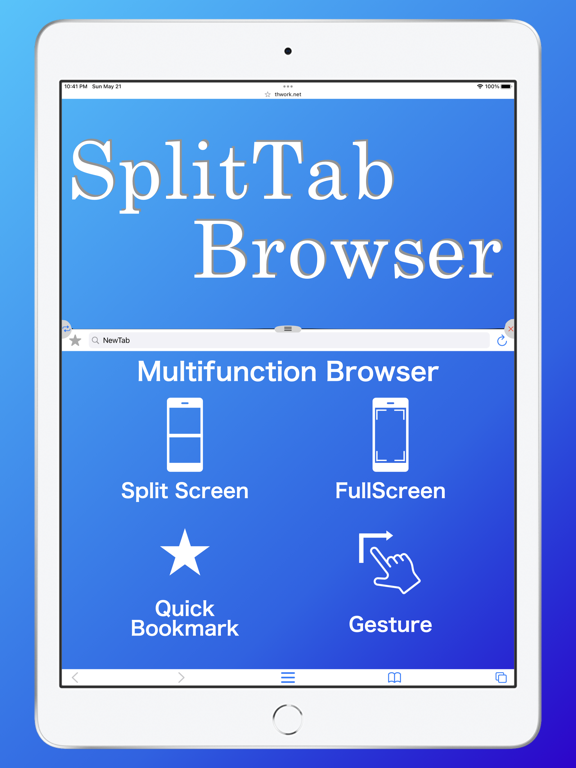
-Split screen
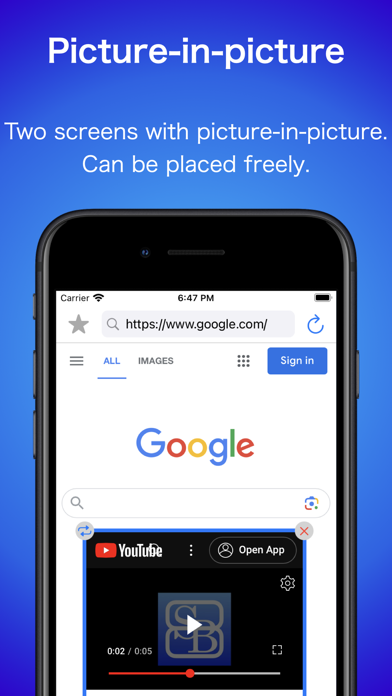
Two tabs can be displayed at the same time.
The ratio can also be changed.
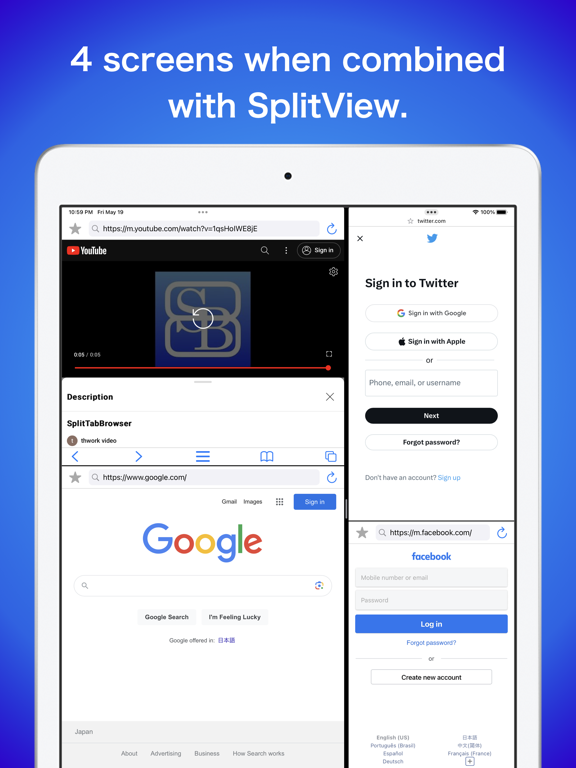
Since SplitView is also supported, more tabs can be displayed at the same time on iPadOS.
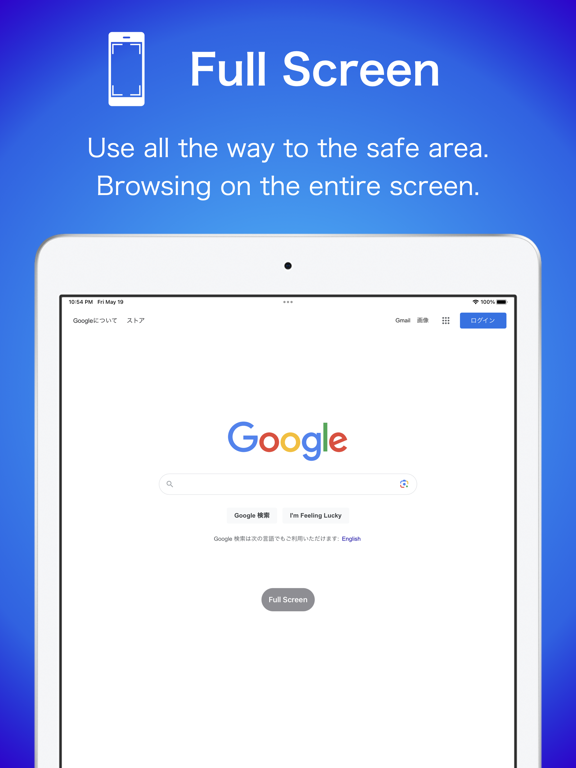
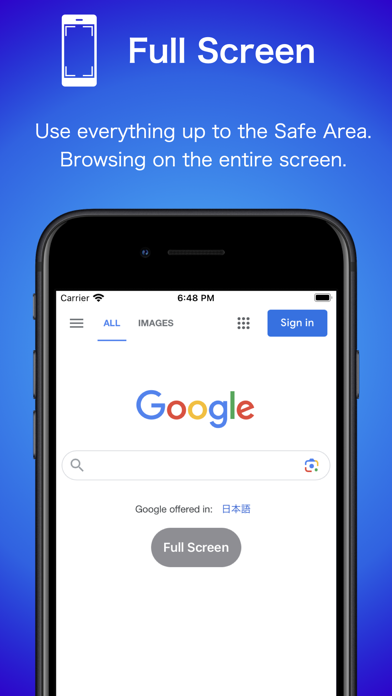
-Full Screen
Full screen display is possible.
When in full-screen mode, the home bar is hidden when not in use.
-Quick Access
Access specified URLs with a single gesture.
You can also refresh the specified URL with a gesture.
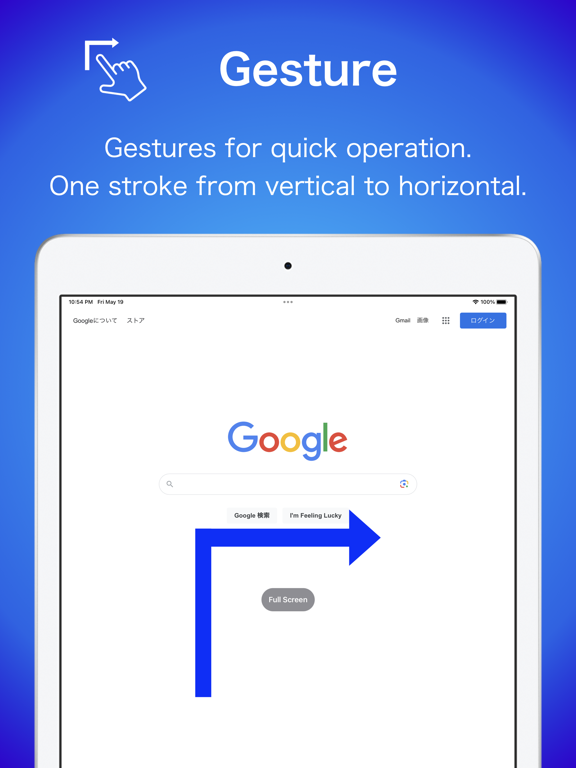
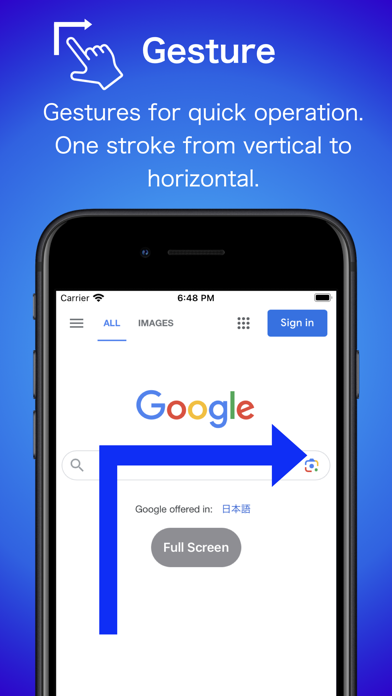
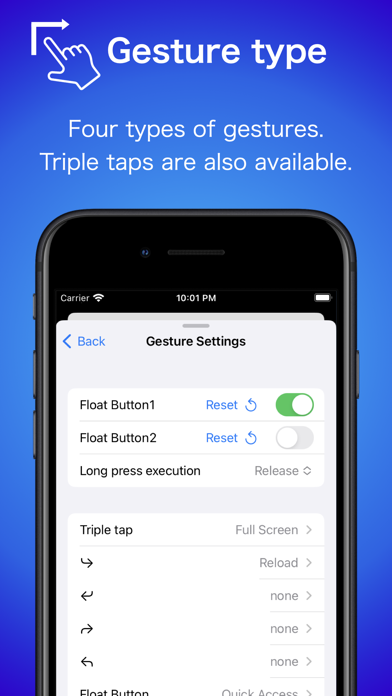
-Gesture
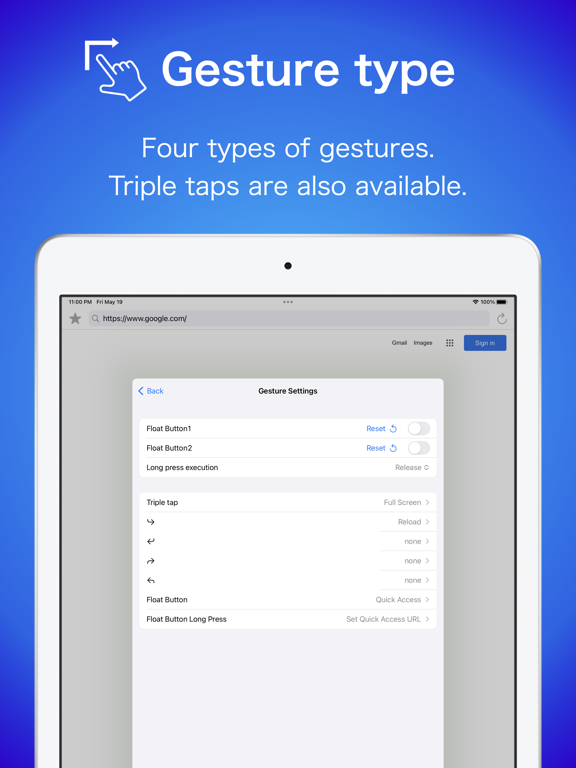
Multiple gestures such as triple-tap and L-shape can be used.
Various actions such as screen split, full screen, reload, etc. can be set.
-Float Button
You can display a button to which you can assign the same functions as the above gestures.
Each function can be assigned to a tap and a long press.
You can hide the button when it is not needed.

It can be customized to your favorite settings.
-Split screen
Two tabs can be displayed at the same time.
The ratio can also be changed.
Since SplitView is also supported, more tabs can be displayed at the same time on iPadOS.
-Full Screen
Full screen display is possible.
When in full-screen mode, the home bar is hidden when not in use.
-Quick Access
Access specified URLs with a single gesture.
You can also refresh the specified URL with a gesture.
-Gesture
Multiple gestures such as triple-tap and L-shape can be used.
Various actions such as screen split, full screen, reload, etc. can be set.
-Float Button
You can display a button to which you can assign the same functions as the above gestures.
Each function can be assigned to a tap and a long press.
You can hide the button when it is not needed.
Show More
Quoi de neuf dans la dernière version 3.3.8
Last updated on Feb 25, 2026
Vieilles Versions
■ Ver 3.3.8
- Adjusted the tab state saving logic.
- Added `Go Back` and `Go Forward` gesture actions.
- Increased the range of float button size settings
■ Next Version
The next update will require iOS/iPadOS 16 or later.
- Adjusted the tab state saving logic.
- Added `Go Back` and `Go Forward` gesture actions.
- Increased the range of float button size settings
■ Next Version
The next update will require iOS/iPadOS 16 or later.
Show More
Version History
3.3.8
Feb 25, 2026
■ Ver 3.3.8
- Adjusted the tab state saving logic.
- Added `Go Back` and `Go Forward` gesture actions.
- Increased the range of float button size settings
■ Next Version
The next update will require iOS/iPadOS 16 or later.
- Adjusted the tab state saving logic.
- Added `Go Back` and `Go Forward` gesture actions.
- Increased the range of float button size settings
■ Next Version
The next update will require iOS/iPadOS 16 or later.
SplitTabBrowser FAQ
Cliquez ici pour savoir comment télécharger SplitTabBrowser dans un pays ou une région restreints.
Consultez la liste suivante pour voir les exigences minimales de SplitTabBrowser.
iPhone
Erfordert iOS 14.5 oder neuer.
iPad
Erfordert iPadOS 14.5 oder neuer.
iPod touch
Erfordert iOS 14.5 oder neuer.
SplitTabBrowser prend en charge Englisch, Japanisch