Powerful notes app and organizer that helps you gather and organize your information — all in one place. There’s no need to spend time searching for your notes anymore. Create text notes, scan documents and make to-do lists. Synchronize it all with Nimbus Note for future viewing and editing on other devices.
Conveniently manage your notes
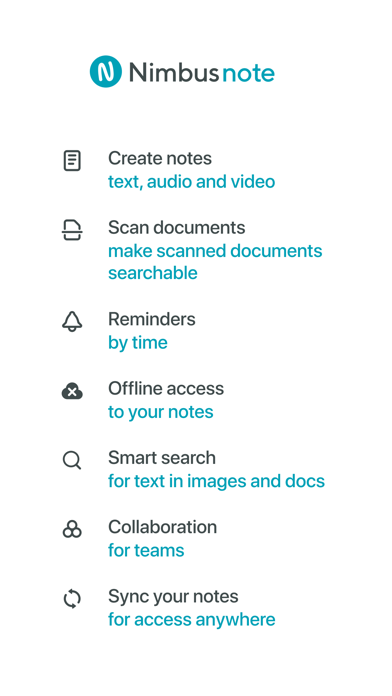
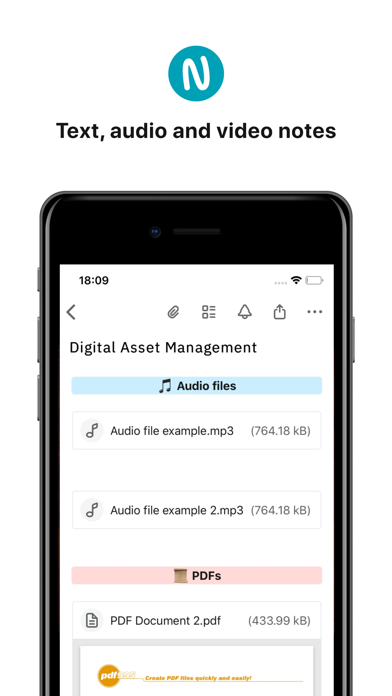
- Create notes in the editor with formatting support — bold, strike, underline, etc.
- Add pictures, audio, video, documents, and other types of files.
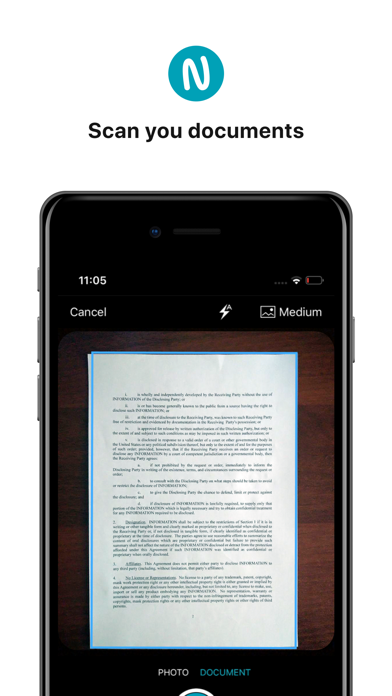
- Scan and digitise any paper documents and pictures using the camera device. The text recognition feature will let you work with scanned files as well as regular notes.
Organize your notes
- Workspaces - separate personal information from the work-related kind. Create separate databases of notes (with own folders and tags) for different purposes within a single account;
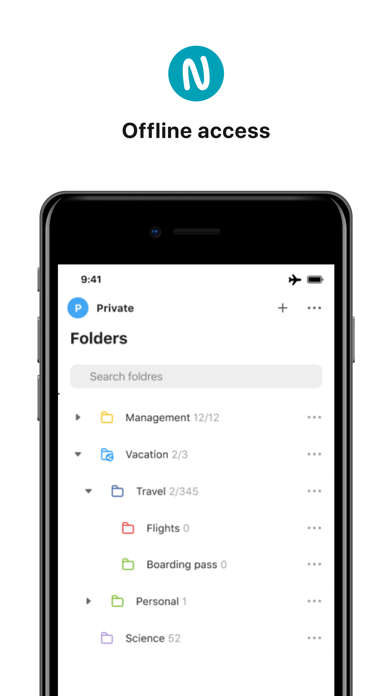
- Create folders and subfolders;
- Add context to notes using tags;
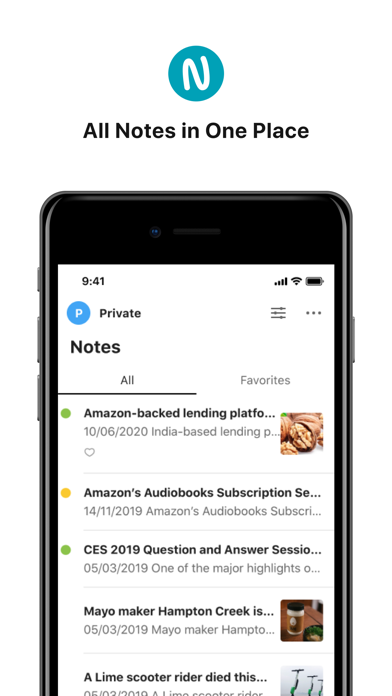
- Use special color labels to make most relevant notes and folders stand out from the list;
- Add most important notes to Favorites;
Group collaboration on notes
- Invite other people to collaborate on notes;
- Assign editing rights to each participant (admin, can edit, or reading only);
Get complete control over your workflow and daily errands
- Add to-do lists to your notes;
- Set time reminders for your tasks;
Your notes available anywhere, anytime
- All of your notes are available on any of your devices — anytime, anywhere;
- Create a note on your iPhone, add to that note on your Mac, and finish it later in a browser;
- Offline access to your notes.
Document scanner in your phone
- Scan documents, pictures, handwritten notes;
- Auto-define document borders;
- Special filters allow making the document black and white or enhance the colors;
Security
- Nimbus Note is optionally protected with an additional passcode;
Powerful search
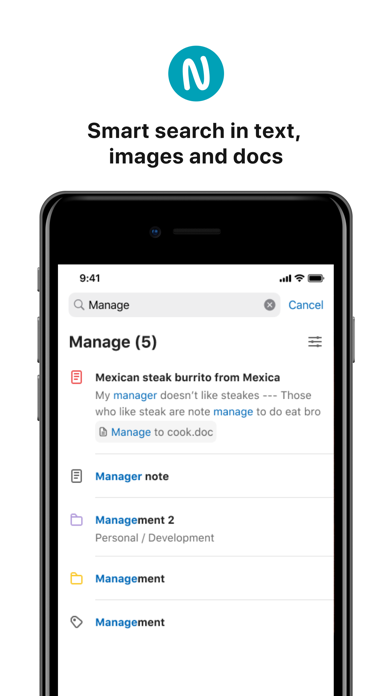
- Nimbus Note can search through not only text but also images;
- Search for text in docs/xls/html/ppt and pdf files;
- The unique search snippets will let you see the required text fragment without opening the note itself;
- You can find entire words as well as word fragments (for example, the search will find "conscious" in "consciousness");
Continued use of GPS running in the background can dramatically decrease battery life.
Also Available Nimbus Pro:
- 1 GB of new uploads each month;
- Large attached files;
- Premium support;
- More information in every note;
- Searching for text in images;
- More workspaces;
- Advanced encryption;
- OCR - getting text from images;
- Search in images and documents;
$3.99 monthly, $39.99 annually
Price may vary by location. Subscriptions will be charged to your credit card through your iTunes account. Your subscription will automatically renew unless canceled at least 24 hours before the end of the current period. You will not be able to cancel the subscription once activated. Manage your subscriptions in Account Settings after purchase.
Privacy Policy - https://nimbus.everhelper.me/privacy.php
Terms and Conditions - https://nimbus.everhelper.me/terms-and-conditions.php