Note Anytime

Note Anytime


Gratis

2.0.0for iPhone, iPad and more
1.9
1 Ratings
Kuo Yang Chang
Developer
21.1 MB
Size
16/11/2016
Update Date
Productivity
Category
4+
Age Rating
Age Rating
4+
Apps in this category do not contain restricted content.
9+
Apps in this category may contain mild or occasional cartoon, fantasy or real-life violence, as well as occasional or mild adult, sexually suggestive or horrifying content and may not be suitable for children under 9 years of age.
12+
Apps in this category may contain occasional mild indecent language, frequent or intense cartoon or real-life violence, minor or occasional adult or sexually suggestive material, and simulated gambling, and may be for children under 12 years of age.
17+
You must be at least 17 years old to access this App.
Apps in this category may contain frequent and intense offensive language; Frequent and intense cartoon, fantasy or realistic violence: frequent and intense adult, scary and sexually suggestive subjects: as well as sexual content, nudity, tobacco, alcohol and drugs, may not be suitable for children under 17 years of age.
لقطات الشاشة لـ Note Anytime
Note Anytime الملصقNote Anytime الملصقNote Anytime الملصقNote Anytime الملصقNote Anytime الملصق

About Note Anytime

Con Note Anytime, puedes llevar cuenta de cosas maravillosas en cualquier momento y lugar.

Conserva tus ideas en cualquier momento y lugar
Añade notas, define recordatorios, toma fotos/vídeos para anotar tus pensamientos en tiempo real.Recupera la ubicación y guarda números telefónicos para marcar luego.Comparte notas en cualquier lugar

Agrupa tus notas
Marca tus notas con colores, etiquetas y categorías diferentes, para que las notas en las mismas siempre se muestren juntas

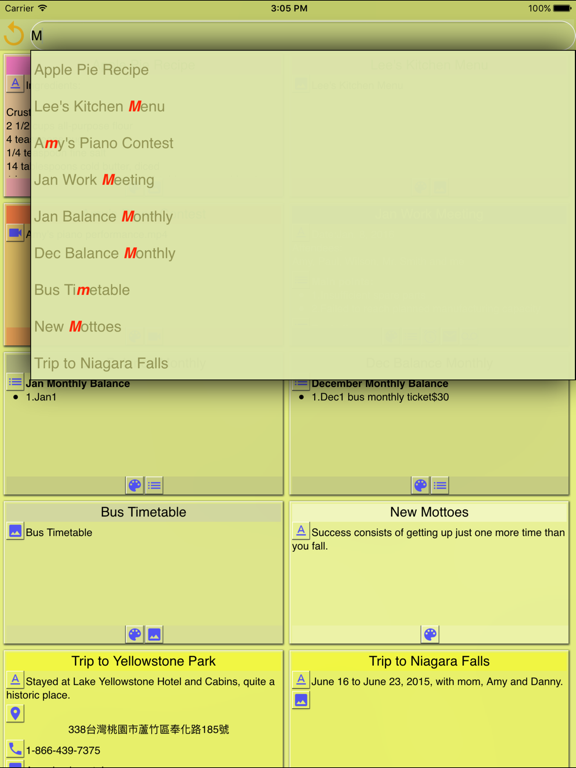
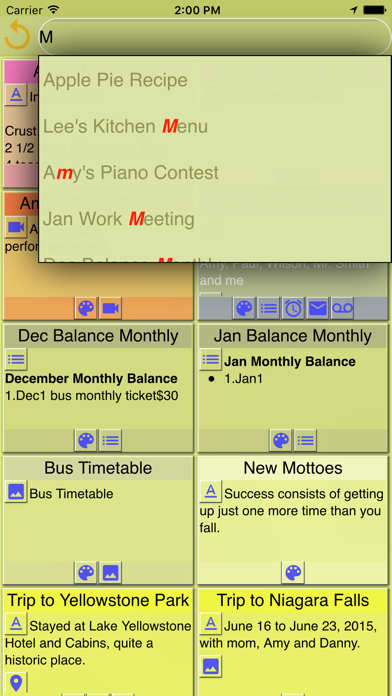
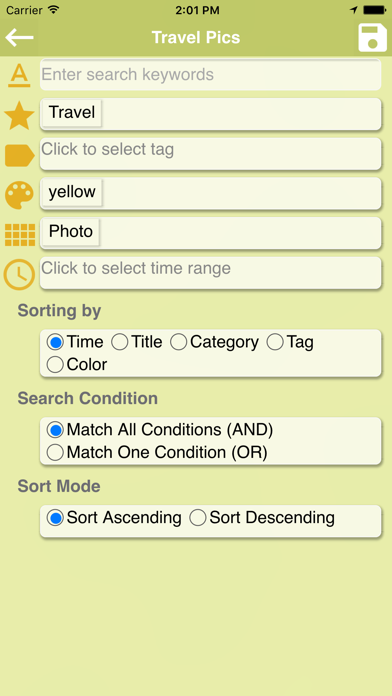
Búsqueda inteligente
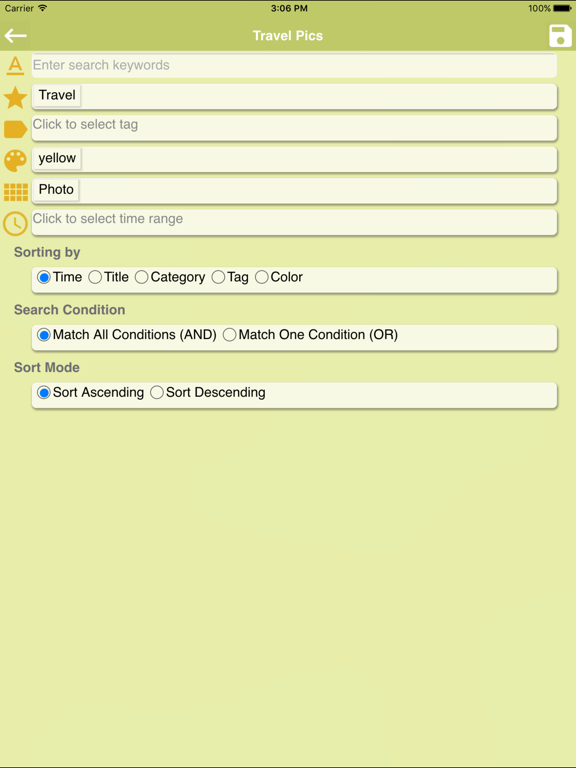
Puedes hacer búsquedas rápidas o ir a la búsqueda inteligente para hacer búsquedas con varias condiciones y administrar la entrada después

Aplica a la vida
‧ Guarda tu ubicación si estás en un lugar que no conoces, para que puedas regresar después
‧ En un comedero/restaurante, puedes tomar fotos de los platos y el menú, escribir el número telefónico u obtener la ubicación y guardar esto en una sola nota para compartir con los demás, hacer reservaciones, etc.

Características principales
‧ Proporciona un editor de texto enriquecido.Al editar una nota, puedes:
- Cambiar el tamaño de letra, color, estilo y color de fondo
- Usar negritas, itálicas, subrayado, tachado, superíndice y subíndice
- Insertar emoticones, fechas, hora, enlaces, divisores y páginas
- Insertar listas numeradas o con viñetas
- Sangría, anular sangría y alinear a la izquierda/centro/derecha
- Insertar o configurar una tabla, añadir filas o columnas y modificar sus propiedades
- Usar deshacer y rehacer para restaurar registros en cualquier momento

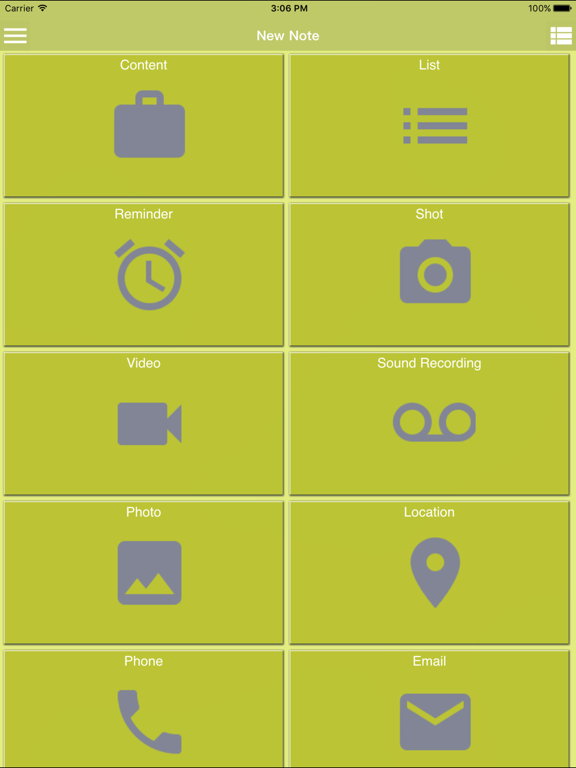
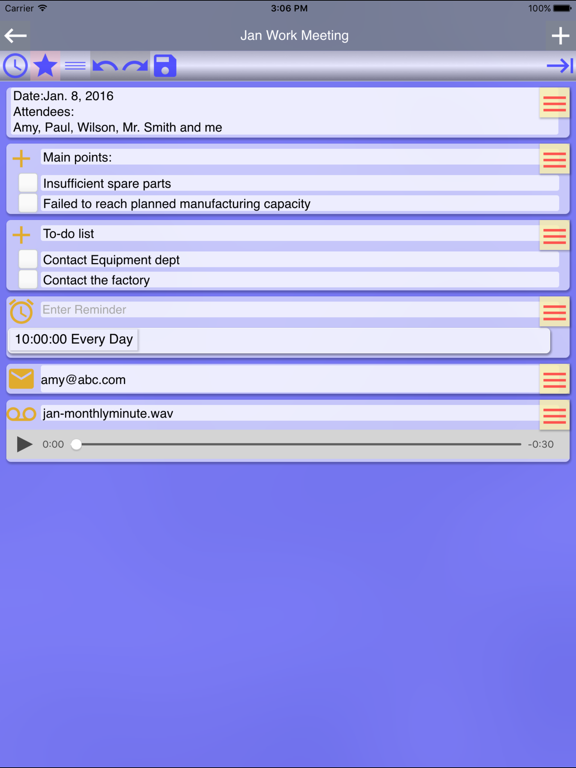
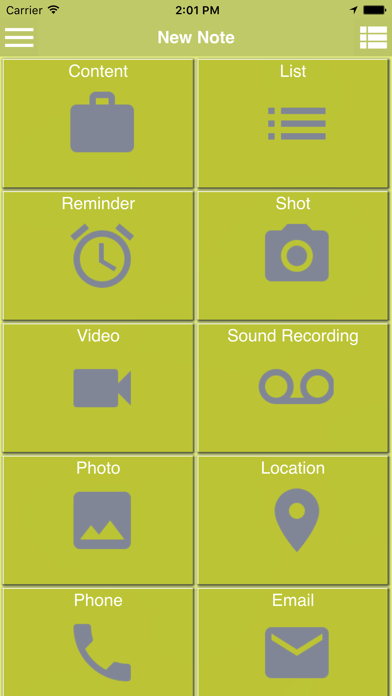
‧ Puedes crear una nota con los siguientes tipos de componentes diferentes, o añadirlos a una nota:
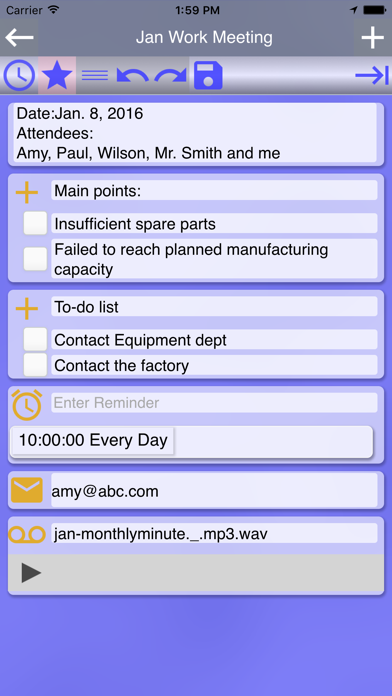
- Crear recordatorios únicos o recurrentes
- Usar la cámara para tomar una foto y anotarle lo que tengas en mente
- Usar la cámara para tomar un vídeo y anotarle tus sentimientos
- Por medio de la grabación de voz, puedes crear un componente de voz y añadir anotaciones
- Por medio de la entrada de voz, puedes crear un componente de texto
- Selecciona una foto, vídeo o grabación de voz que encuentres en la multimedia de tu teléfono para crear un componente
- Por medio del componente de ubicación, se recupera automáticamente la ubicación actual.Puedes mover y restablecer los delimitadores libremente, buscar ubicaciones y las que son cercanas.Además, puedes planificar el itinerario de un tour e iniciar el mapa para navegar al siguiente destino
- Crear un componente de teléfono, para que puedas hacer clic en el número para marcar
- Crear un componente de correo electrónico y hacer clic en el para compartir una nota con un destinatario

‧ Te proporciona una herramienta flexible para:
- Compartir el contenido de tu nota con cualquier otra app
- Enviarlo por correo electrónico
- Enviarlo por SMS
- Exportarlo como PDF
- Seleccionar una barra deslizante de una sola fila o una barra de menú fija para editar
- Administrar los iconos que se muestran en la barra de menú de edición

‧ El modo Mover te permite arrastrar un componente y dejarlo en otro lugar
‧ Con la herramienta compartir, puedes compartir fotos, vídeos, archivos de audio, enlaces y textos desde cualquier app en una nota nueva/existente en Note Anytime para recopilar o editar
‧ Con la herramienta de administración de notas, puedes hacer lo siguiente con las notas seleccionadas:
- Eliminarlas
- Añadirles etiquetas sin afectar las existentes en las notas
- Quitarles etiquetas
- Configurar la categoría, etiquetas y/o color

‧ Eliminar la categorías y etiquetas que has creado
‧ Editar el filtro de inicio en Ajustes, para filtrar las notas que deseas mostrar en el inicio.Las condiciones de filtrado pueden definirse de acuerdo a palabras clave, etiquetas, colores, tipo de componente y/o fecha de modificación
‧ La búsqueda inteligente te permite definir múltiples condiciones y administrar las búsquedas, que son reusables
‧ Se puede configurar el orden de las categorías, etiquetas o colores
‧ Importar datos exportados para restaurar las notas anteriores

Show More

تحديث لأحدث إصدار 2.0.0

Last updated on 16/11/2016
الإصدارات القديمة
Apple ha actualizado esta app para mostrar el icono de la app Apple Watch.

1. Add a feature that a note created on each category, tag or color screen is automatically set with the same category, tag or color.
2. Add a feature that a note is selected after holding it down.
3. Add three languages—Spanish, French and Japanese.
Show More
Version History
2.0.0
16/11/2016
Apple ha actualizado esta app para mostrar el icono de la app Apple Watch.

1. Add a feature that a note created on each category, tag or color screen is automatically set with the same category, tag or color.
2. Add a feature that a note is selected after holding it down.
3. Add three languages—Spanish, French and Japanese.
1.9.0
27/10/2016
1. Add a feature that a note created on each category, tag or color screen is automatically set with the same category, tag or color.
2. Add a feature that a note is selected after holding it down.
3. Fix a few issues to enhance performance.
1.8.1
30/09/2016
1.Fix an occasional issue of a flickering screen
2.Add a Help
3.Now a thumbnail for a video is displayed.
4.A link to video tutorials is added.
5.Fix the issue that text in components isn't searched in a quick search.
6.Fixed iOS 10 feature
1.8.0
28/09/2016
1.Fix an occasional issue of a flickering screen
2.Add a Help
3.Now a thumbnail for a video is displayed.
4.A link to video tutorials is added.
5.Fix the issue that text in components isn't searched in a quick search.
1.7.0
19/07/2016
1. Add a feature of multiple-selecting notes, so as to delete multiple notes, assign a category, tags, or a color to multiple notes, add/remove several tags to/from multiple notes.
2. Add a feature of configuring the display of memo icons
3. In Settings, remove Search Mode and Sort Mode and integrate both into Edit Home Filter.
4. Fix the issue that all notes are shown when no notes are found after doing a search at Home.
5. Fix the issue caused by turning off a reminder.
6. Fix the issue that items in a list memo aren't searched while doing an instant search.
1.6.1
23/05/2016
1. Fix the bug that a pop-up menu displayed incorrectly when doing instant search
2. Fix an issue with List memo to remove extra numbers
3. Fix an issue with Reminder memo to remove remaining information from last input
1.6.0
02/05/2016
1. For home search, all texts and descriptions can now be searched, and the process is improved.
2. Add a direct editing mode in the settings. Upon switching on, you can edit notes directly when entering them.
3. The feature of editing home filter is newly added to filter the notes you'd like to display on Home.
4. Fix the issue that audio files and videos play repeatedly.
5. Fix the issue that partial map memo might overlap.
6. Fix the issue that the first checkbox in a list disappear.
7. Fix the issue that the buttons above a map component might disappear.
1.5.0
15/04/2016
1. To polish the UI, the default color of the app is slightly adjusted.
2. In Search home, the title of all saved search favorites are now editable.
3. Planning a tour itinerary through Location service is newly added. Plan ahead and use the itinerary to initiate Google Map to navigate to your next destination along the way. It’s reusable.
4. The detailed features of planning a tour itinerary include retrieving current location automatically, moving and resetting the anchor freely, searching any location, and searching nearby locations.
1.1.0
17/03/2016
1. Modify an issue of language and region.
2. Improve the performance of the app.
1.0.0
11/03/2016

Note Anytime FAQ

انقر هنا لمعرفة كيفية تنزيل Note Anytime في بلد أو منطقة محظورة.
تحقق من القائمة التالية لمعرفة الحد الأدنى من المتطلبات Note Anytime.
iPhone
Requiere iOS 7.0 o posterior.
iPad
Requiere iPadOS 7.0 o posterior.
iPod touch
Requiere iOS 7.0 o posterior.
Note Anytime هي مدعومة على اللغات Inglés

بدائل لـ Note Anytime

ربما يعجبك أيضا

أكثر البرنامج من Kuo Yang Chang