Note Anytime

Note Anytime


無料

2.0.0for iPhone, iPad and more
1.9
1 Ratings
Kuo Yang Chang
Developer
21.1MB
Size
2016年11月16日
Update Date
Productivity
Category
4+
Age Rating
Age Rating
4+
Apps in this category do not contain restricted content.
9+
Apps in this category may contain mild or occasional cartoon, fantasy or real-life violence, as well as occasional or mild adult, sexually suggestive or horrifying content and may not be suitable for children under 9 years of age.
12+
Apps in this category may contain occasional mild indecent language, frequent or intense cartoon or real-life violence, minor or occasional adult or sexually suggestive material, and simulated gambling, and may be for children under 12 years of age.
17+
You must be at least 17 years old to access this App.
Apps in this category may contain frequent and intense offensive language; Frequent and intense cartoon, fantasy or realistic violence: frequent and intense adult, scary and sexually suggestive subjects: as well as sexual content, nudity, tobacco, alcohol and drugs, may not be suitable for children under 17 years of age.
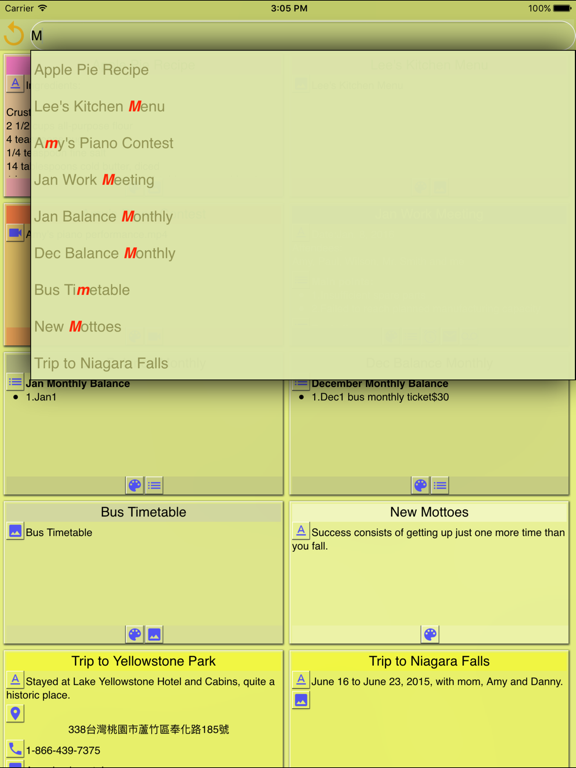
Note Anytime スクリーンショット
Note Anytime ポスターNote Anytime ポスターNote Anytime ポスターNote Anytime ポスターNote Anytime ポスター

About Note Anytime

Note Anytimeを使えば、いつでもどこでも考え事を把握し、保存する事ができます。

いつでもどこでもアイデアを把握しましょう 
ノートの追加、通知設定、リアルタイムで考えをノートに記すために、写真/動画を撮影しましょう。ロケーションを検索したり、電話番号を後で登録したりするのに役立ちます。さらに、どこからでもノートを共有していただけます。

ノートをグループ化する
異なる色やタグ、カテゴリーで整理し、後に関連性のあるノートを同時に表示させる事ができます。

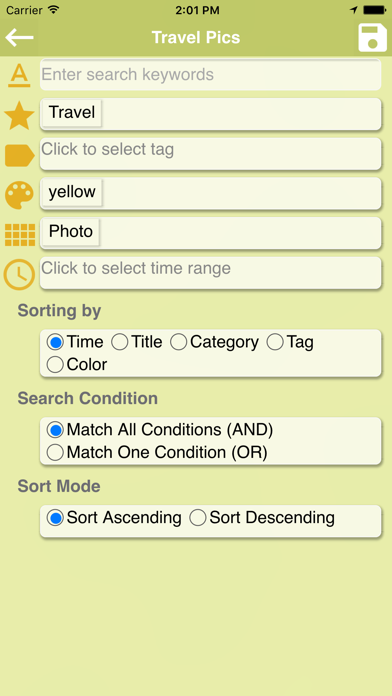
スマートサーチ
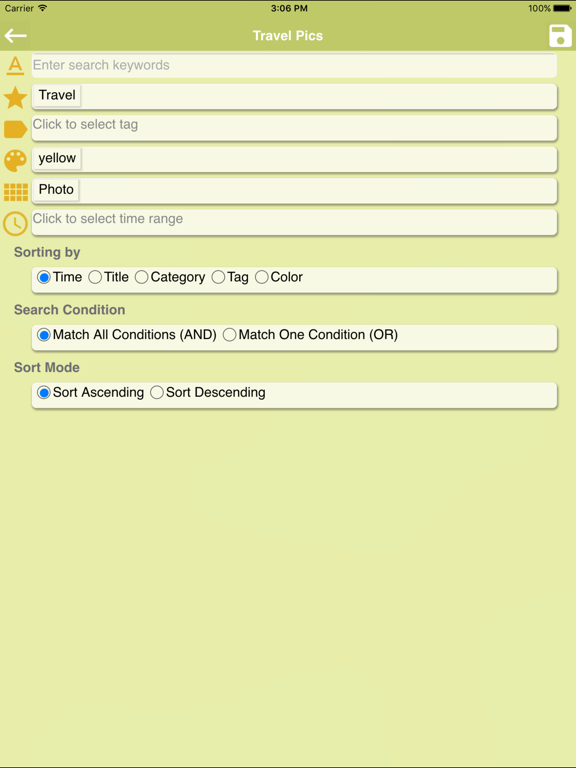
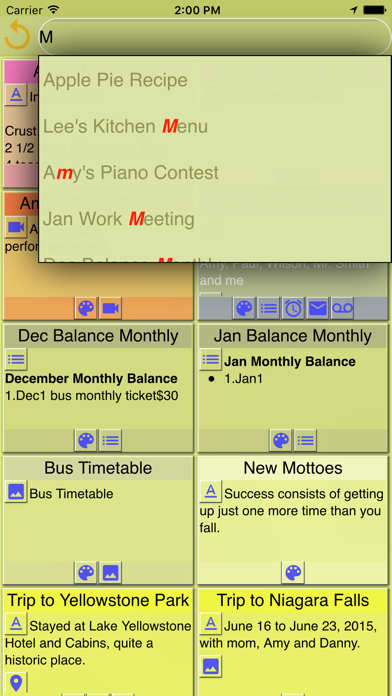
クイックサーチもしくはスマートサーチから、マルチコンディション サーチを利用したり、後から登録内容を変更することができます。

日常生活の中で活用する
‧知らない場所を訪れた時に、後からまた訪れることができるよう、位置情報を保存していただけます。
‧お食事処/レストランで、メニューや料理の写真を撮影したり、電話番号を入力したり、位置情報を取得したり、ノートとして保存して知り合いと共有したり、予約を入れたりすることができます。

主な特徴
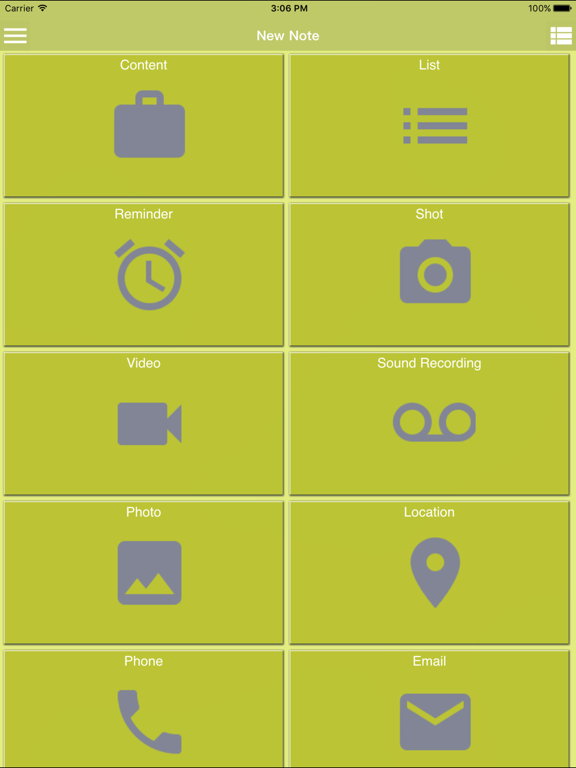
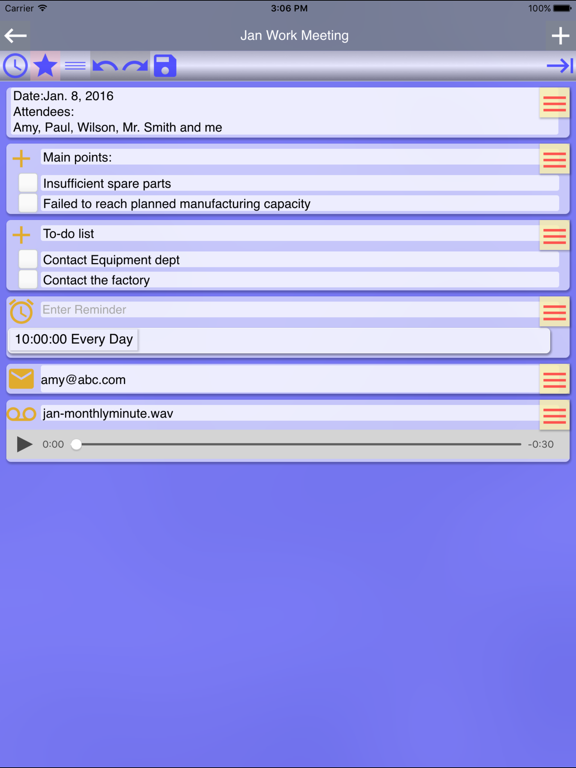
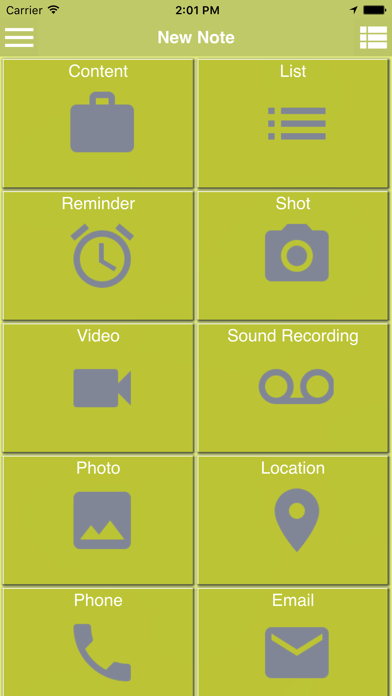
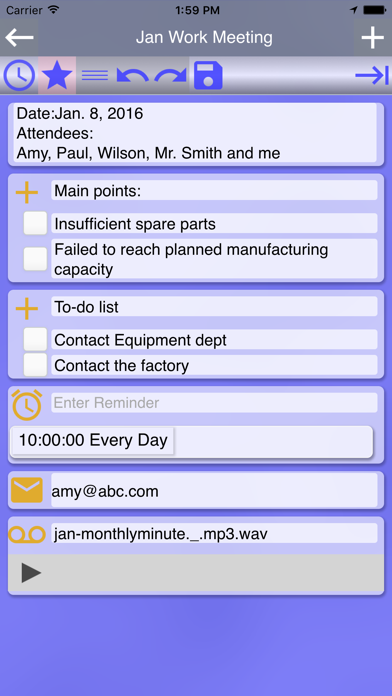
‧次のような異なる構成要素を使って、ノートを作成していただけます
-テキスト要素を作成
-一度のみもしくは繰り返してお知らせする通知を作成する
-カメラを使って撮影し、思っている事をコメント付けできます
-カメラを使って動画を録画し、感じた事をコメント付けできます
-音声録音を使って音声要素を作成し、それにコメントを付けることができます
-音声入力を使って、テキスト要素を作成できます
-お使いの携帯電話上のマルチメディアファイルから、写真、動画、音声録音を選択して構成要素を作成できます
-位置情報要素を使うと、自動的に位置情報を取得できます。現在地を取得してから、近所に何があるのか検索することができます。さらに、それぞれのツアープランを立てたり、異なるツアーを繋げたりして道案内してもらうこともできます。
-電話要素を作成すると、番号をクリックして電話を発信できます
-Eメール要素を作成すると、ノートをメール送信して共有することができます

‧便利な機能がご利用可能です
-他のアプリに、ノートの内容を共有できます
-Eメールを送信
-SMSを送信

‧ノート管理ツールを使うと、選択したノートに次のような操作を行うことができます。
-削除
-既存のノートに影響することなく、タグを追加することができます
-タグの削除
-カテゴリ、タグ、色の設定。

‧作成したタグやカテゴリーの削除
‧設定からホームエディタを編集して、ホームで表示させたいノートをフィルターします。フィルター条件には、キーワード、カテゴリー、タグ、色、要素タイプおよび/もしくは変更日時などを設定していただけます。時間順、タイトル順、カテゴリ順、タグもしくは色順に編集することも可能です。
‧スマートサーチを使うと、複数の条件や再利用できるサーチエントリーを設定することができます。
‧カテゴリー順、タグ順、色順が設定可能です。
‧作成済みのノートをリストアするために、書き出し済みデータを読み込みます。
Show More

最新バージョン 2.0.0 の更新情報

Last updated on 2016年11月16日
旧バージョン
このAppはApple Watchアプリのアイコンを表示するようAppleにより更新されました。

1. Add a feature that a note created on each category, tag or color screen is automatically set with the same category, tag or color.
2. Add a feature that a note is selected after holding it down.
3. Add three languages—Spanish, French and Japanese.

Show More
Version History
2.0.0
2016年11月16日
このAppはApple Watchアプリのアイコンを表示するようAppleにより更新されました。

1. Add a feature that a note created on each category, tag or color screen is automatically set with the same category, tag or color.
2. Add a feature that a note is selected after holding it down.
3. Add three languages—Spanish, French and Japanese.
1.9.0
2016年10月27日
1. Add a feature that a note created on each category, tag or color screen is automatically set with the same category, tag or color.
2. Add a feature that a note is selected after holding it down.
3. Fix a few issues to enhance performance.
1.8.1
2016年09月30日
1.Fix an occasional issue of a flickering screen
2.Add a Help
3.Now a thumbnail for a video is displayed.
4.A link to video tutorials is added.
5.Fix the issue that text in components isn't searched in a quick search.
6.Fixed iOS 10 feature
1.8.0
2016年09月28日
1.Fix an occasional issue of a flickering screen
2.Add a Help
3.Now a thumbnail for a video is displayed.
4.A link to video tutorials is added.
5.Fix the issue that text in components isn't searched in a quick search.
1.7.0
2016年07月19日
1. Add a feature of multiple-selecting notes, so as to delete multiple notes, assign a category, tags, or a color to multiple notes, add/remove several tags to/from multiple notes.
2. Add a feature of configuring the display of memo icons
3. In Settings, remove Search Mode and Sort Mode and integrate both into Edit Home Filter.
4. Fix the issue that all notes are shown when no notes are found after doing a search at Home.
5. Fix the issue caused by turning off a reminder.
6. Fix the issue that items in a list memo aren't searched while doing an instant search.
1.6.1
2016年05月23日
1. Fix the bug that a pop-up menu displayed incorrectly when doing instant search
2. Fix an issue with List memo to remove extra numbers
3. Fix an issue with Reminder memo to remove remaining information from last input
1.6.0
2016年05月02日
1. For home search, all texts and descriptions can now be searched, and the process is improved.
2. Add a direct editing mode in the settings. Upon switching on, you can edit notes directly when entering them.
3. The feature of editing home filter is newly added to filter the notes you'd like to display on Home.
4. Fix the issue that audio files and videos play repeatedly.
5. Fix the issue that partial map memo might overlap.
6. Fix the issue that the first checkbox in a list disappear.
7. Fix the issue that the buttons above a map component might disappear.
1.5.0
2016年04月15日
1. To polish the UI, the default color of the app is slightly adjusted.
2. In Search home, the title of all saved search favorites are now editable.
3. Planning a tour itinerary through Location service is newly added. Plan ahead and use the itinerary to initiate Google Map to navigate to your next destination along the way. It’s reusable.
4. The detailed features of planning a tour itinerary include retrieving current location automatically, moving and resetting the anchor freely, searching any location, and searching nearby locations.
1.1.0
2016年03月17日
1. Modify an issue of language and region.
2. Improve the performance of the app.
1.0.0
2016年03月11日

Note Anytime FAQ

ここをクリック!地理的に制限されているアプリのダウンロード方法をご参考ください。
次のリストをチェックして、Note Anytimeの最低システム要件をご確認ください。
iPhone
iOS 7.0以降が必要です。
iPad
iPadOS 7.0以降が必要です。
iPod touch
iOS 7.0以降が必要です。
Note Anytimeは次の言語がサポートされています。 英語

Note Anytimeの類似アプリ

あなたも好きかも

Kuo Yang Chang からもっと手に入れる